Starting and operating Chapter 5
08.05.2019 Working Instructions WIDOS SPA 600 Page 24 of 42
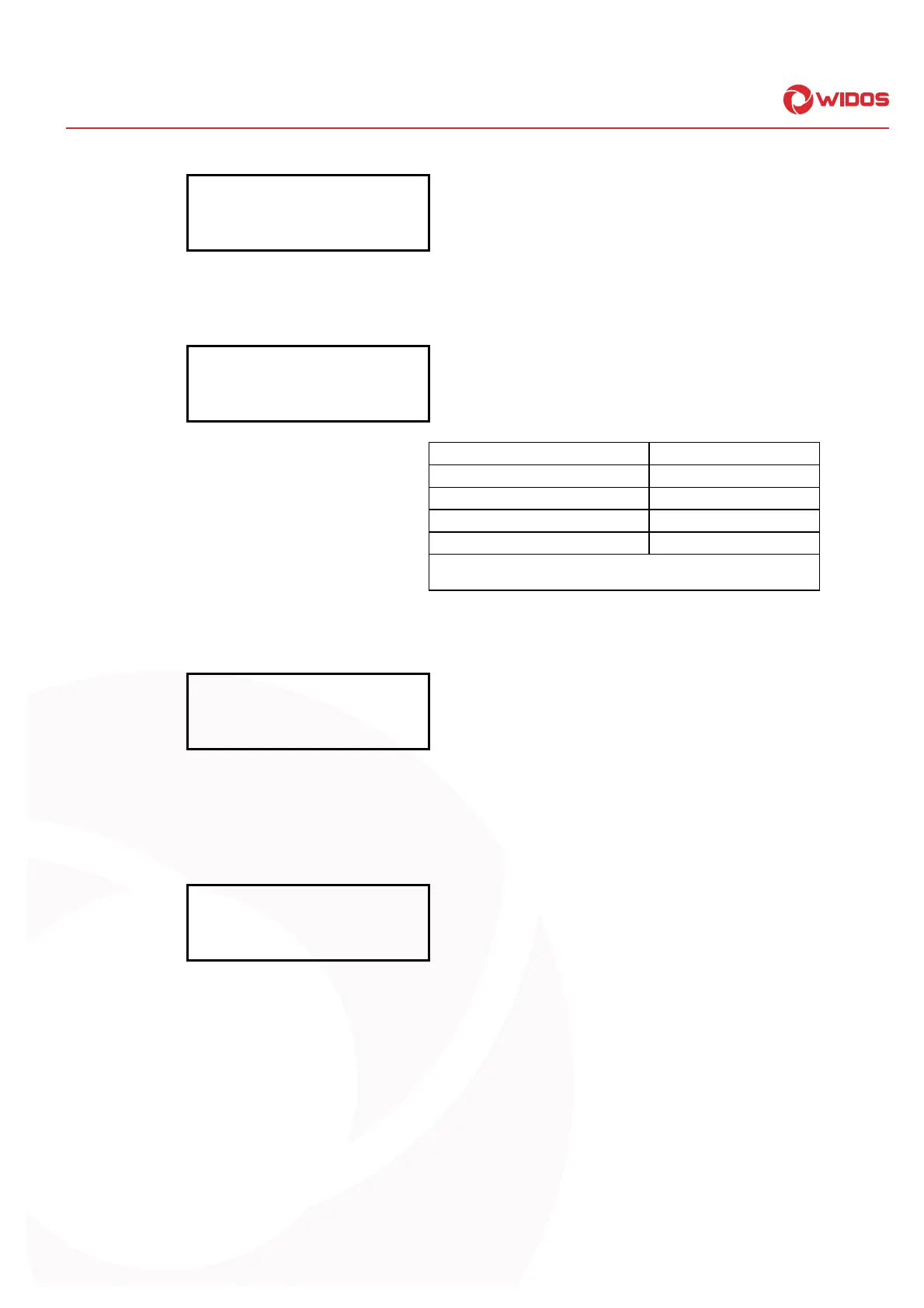
Display:
2. line:
attension:
shortened cooling
Welding with shortened cooling is displayed
5.7.3. Weather / protection (except for workshop machines)
Display:
2. line:
weather protect
34 24
Weather character and protective measures
to be taken (according to DVS prescriptions).
Weather character Protective measures
1 = sunny 1 = none
2 = dry 2 = umbrella
3 = rain or snow fall 3 = tent
4 = wind 4 = heater
In case of multiple statement respect the above mentioned order of
the numbers (e.g.: 34 = rain and wind)
Set the weather data by pressing buttons <+> and <->;
confirm the weather data by pressing button <Enter>
Display:
2. line:
atten! shortened
cooling time
Display of shortened cooling time
5.7.4. Planing
Insert the planer in the basic machine and switch it on.
Display:
2. line:
planer OK?
P0=0 Pi=14
Display of:
Drag pressure and actual pressure
Move the pipe ends onto each other by means of the valve lever and cut them
plane until a circular cutting running 2-3 times around the pipe ends is formed
and the pipe ends are plane.
The planing pressure should be at appr. 15 - 20 bar + drag pressure.
Move the pipes away from each other.
Switch off and remove the planer, then remove the produced cuttings.
When planing is finished, necessarily press button <Enter>.
Abort and back to basic menu by pressing button <C>.
1 step back by pressing buttons <Enter> (keeping pressed) and <->.



 To Next Page