Starting and operating Chapter 5
08.05.2019 Working Instructions WIDOS SPA 600 Page 32 of 42
5.9. Bar code (Optional)
For reading the bar code, glide smoothly over the bar code with the bar code reading pen
(maintained vertically).
The reading pen is ready as soon as the red light at its end is on.
5.10. Read out WICON with USB card reader (Optional)
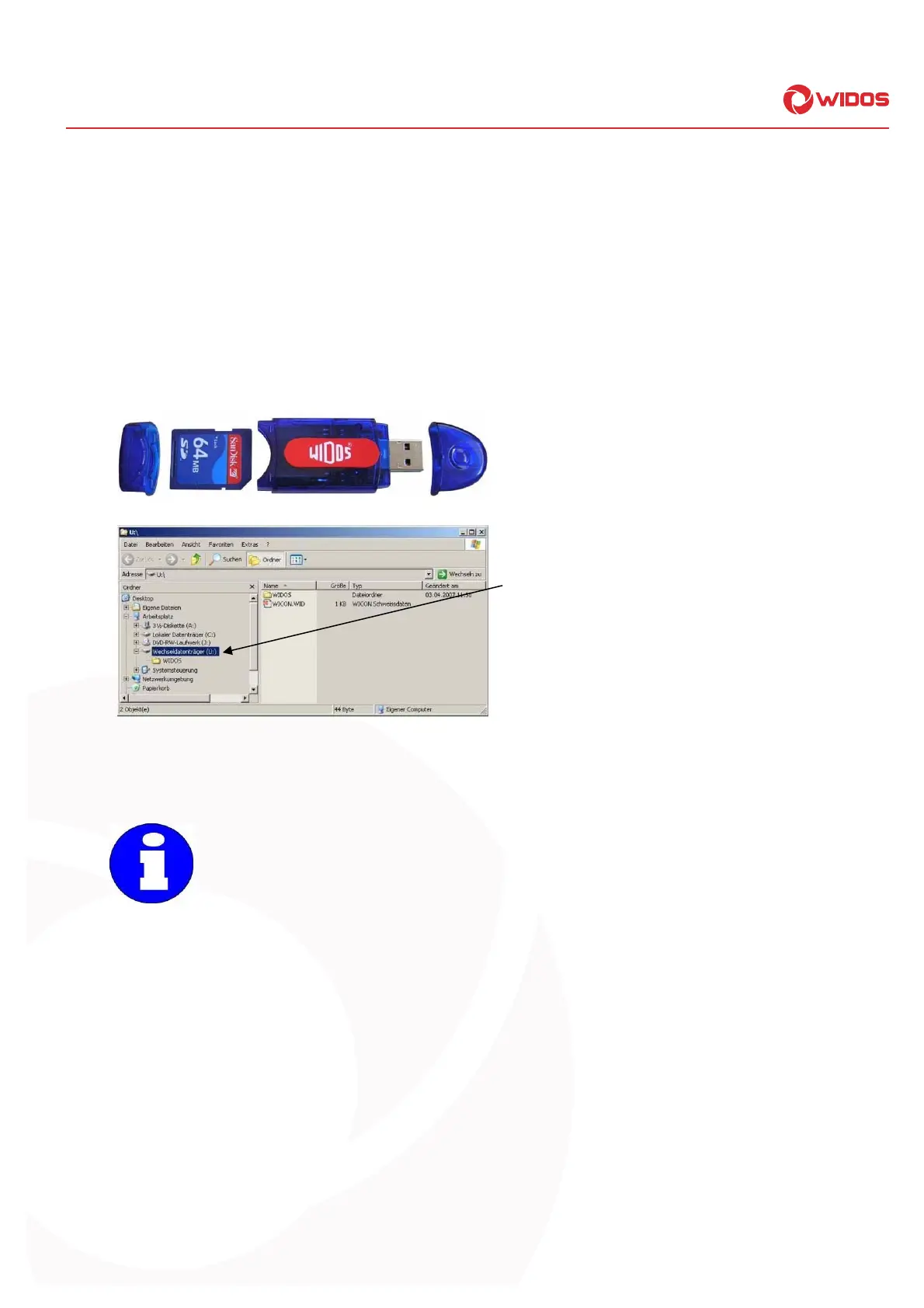
You may read out the welding data onto a PC by the USB card reader.
Remove the card from the SD card drive of the ESI 4000.
Remove the rear cap and plug card
according to the image into the USB card
reader.
Remove the front cap and plug USB card
reader into the USB interface in your PC.
As soon as the USB card reader has been
plugged, it appears as removable medium in
the drive list.
Open the WIDOS folder, there you will find:
- WICON2000 viewer for considering and
printing the welding data,
- working instructions for WICON2000 viewer
as PDF file.
5.11. Reading the welding data
The battery-buffered memory (RAM) can store about 400 weldings.
Make sure not to go over this quantity (in the display the error message "memory full“
appears) because otherwise the first stored welding (001) will be overwritten (if
necessary, read the welding data on the SD card out in time).



 To Next Page