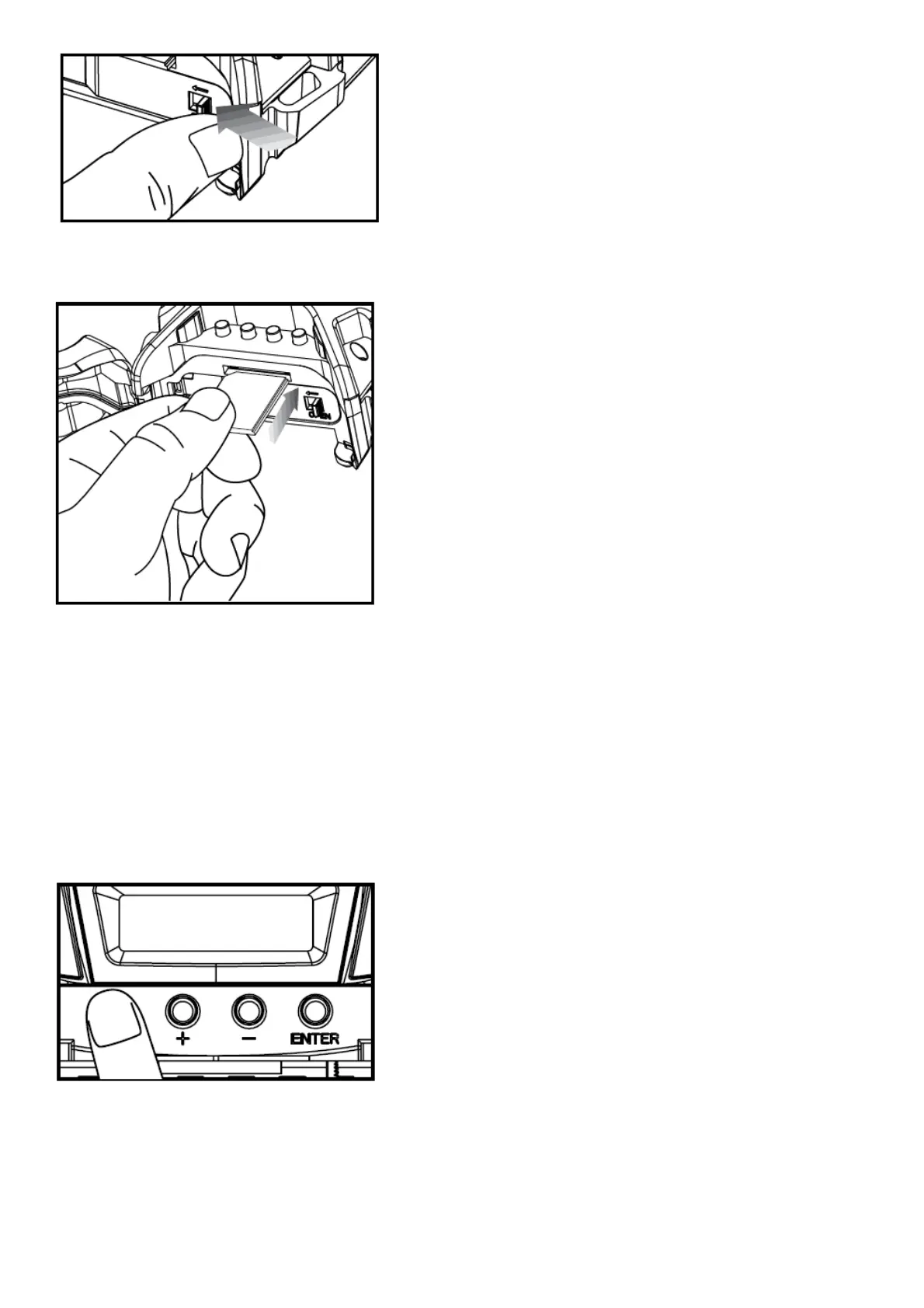
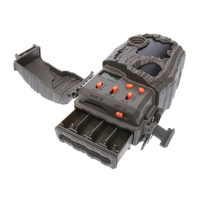
5. Load SD memory card (up to 32GB) into the SD card slot with the connectors facing up.
IMPORTANT:
Make sure the camera is powered off before removing or installing an SD card.
If you are using an SD card from other cameras, please make sure to format the SD card in your computer prior to
use in your camera. New cards are ok to use straight from the package.
Power
ON:
1. To turn the unit ON press and release the power button.
2. Check the battery level icon to ensure the batteries just installed contain the proper charge level. If so, you are ok
to proceed with camera use.


 To Next Page