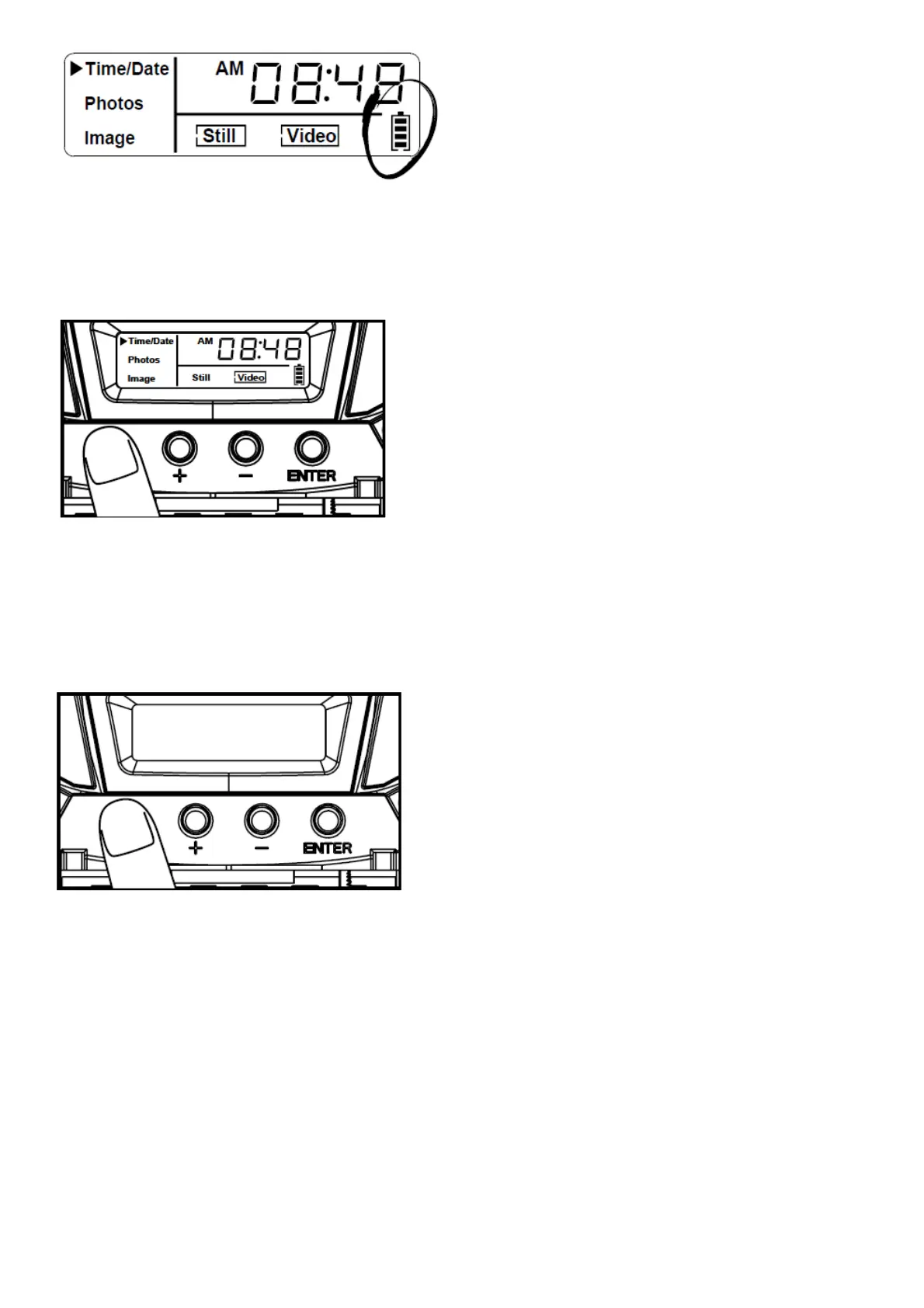
OFF:
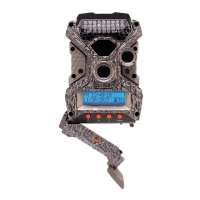
1. To turn the unit off, first wake up the LCD screen and then depress and hold the power button until the LCD turns
off.
Power Save
1. After 30 seconds without any buttons being pushed, the LCD will turn off and camera enters into Power Save or
Ready Mode.
2. The LCD screen can be awakened by pressing the Power button briefly.
NOTE:
The LCD will not “wake up” when camera is writing to memory.
Test Mode
1. LCD Ready Mode: The camera will automatically enter Ready Mode if a button is not pressed for greater than 30
seconds.
2. LED Status Light: During the first 30 seconds of the LCD Ready Mode, the red light will illuminate when a PIR
event is triggered. After the LCD turns off, the red light will blink 2-3 seconds when photo is taken. After 2 minutes, all
indicator lights will turn off until a button is pressed.


 To Next Page