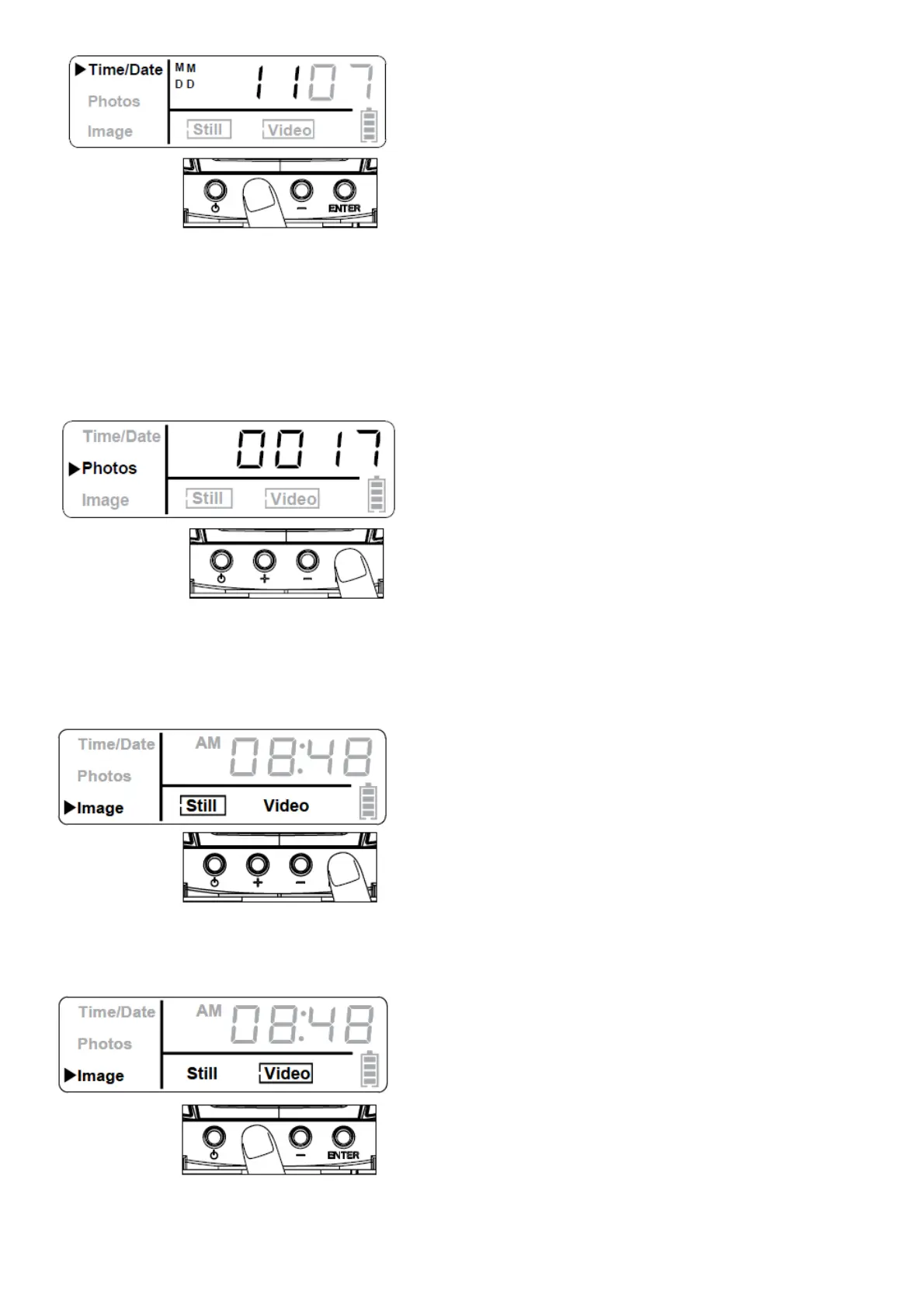
3. When the Month is set, repeat steps 1 and 2 to set the Day and Year.
Photos
1. Press and release the Enter navigation button to choose Photos. The number displayed is the number of photos on
your SD card. This is not a programmable mode for the camera.
Image
1. Press the enter navigation button while Image is selected. The highlighted option will be blinking.
2. Press the + or – navigation button to move to different options. Press the enter navigation button to save the
setting.
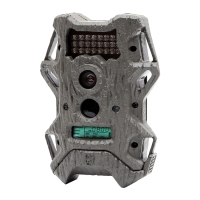
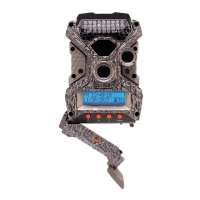
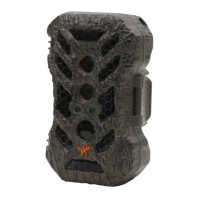
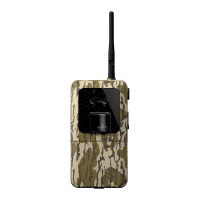
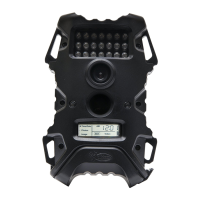
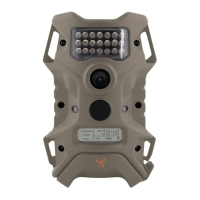
PICTURES DISPLAY:


 To Next Page