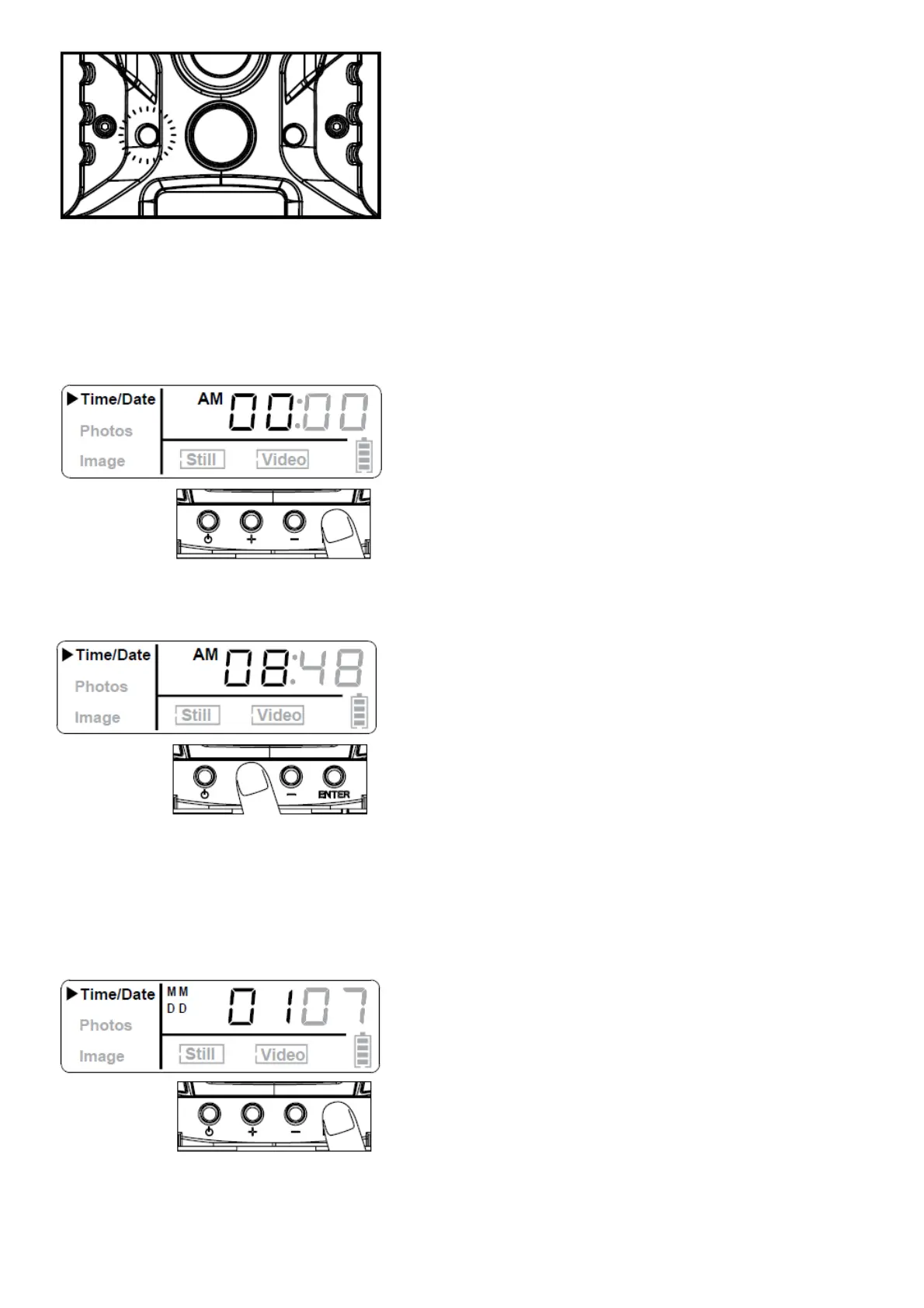
Settings
TIME:
1. To change date and time, start by pressing and releasing the Enter navigation button to set the hour
2. Press the + or – navigation button to go up or down in sequence.
3. When the hour is set, repeat steps 1 and 2 to set the minutes.
DATE:
1. Press the Enter navigation button after setting the minute to change the Date.
2. Press the + or – navigation button to go up or down in sequence.











 To Next Page