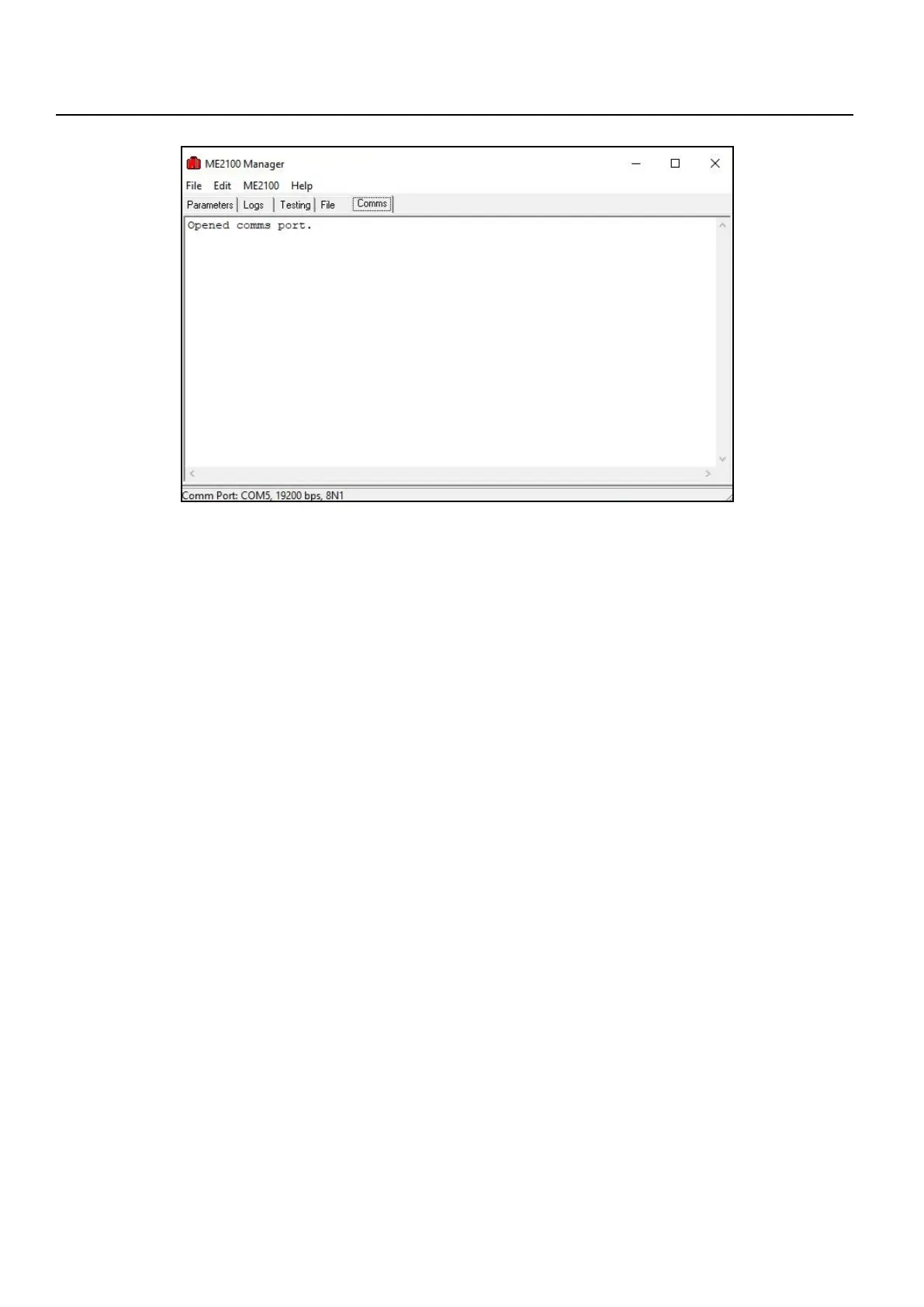
Figure D.3: Comms tabbed page of ME2100 Manager when checking the communications link.
Wiltronics Research Pty Ltd 27
APPENDIX D2. (cont)
The time stamp displayed will differ but the lines following show that the meter and the PC are now “talking”.
Once the settings have been correctly made, ME2100 Manager will remember the correct settings between
sessions and the COM port does not have to be selected again.
If the COM designator is changed for some reason or communication later fails after starting ME2000 Manager
at a later time, then check the setting as described in section D.1.2 and correct it in ME2100 Manager, setting
it as described above, ensuring first that communications has been disabled.
Select “File → Close Comms Port” from the menu if the port has already been opened.
When a new COM designator has been selected, select “File → Open Comms Port” to re-enable the
communications link.
NOTE: Do not open the communications port in ME2100 Manager when the ME2000A is switched off.
If this was done, click “File → Close Comms Port”, then switch on power to the ME2000A, ensure the USB
cable is connected to both the meter and the PC and then select “File → Open Comms Port”.


 To Next Page