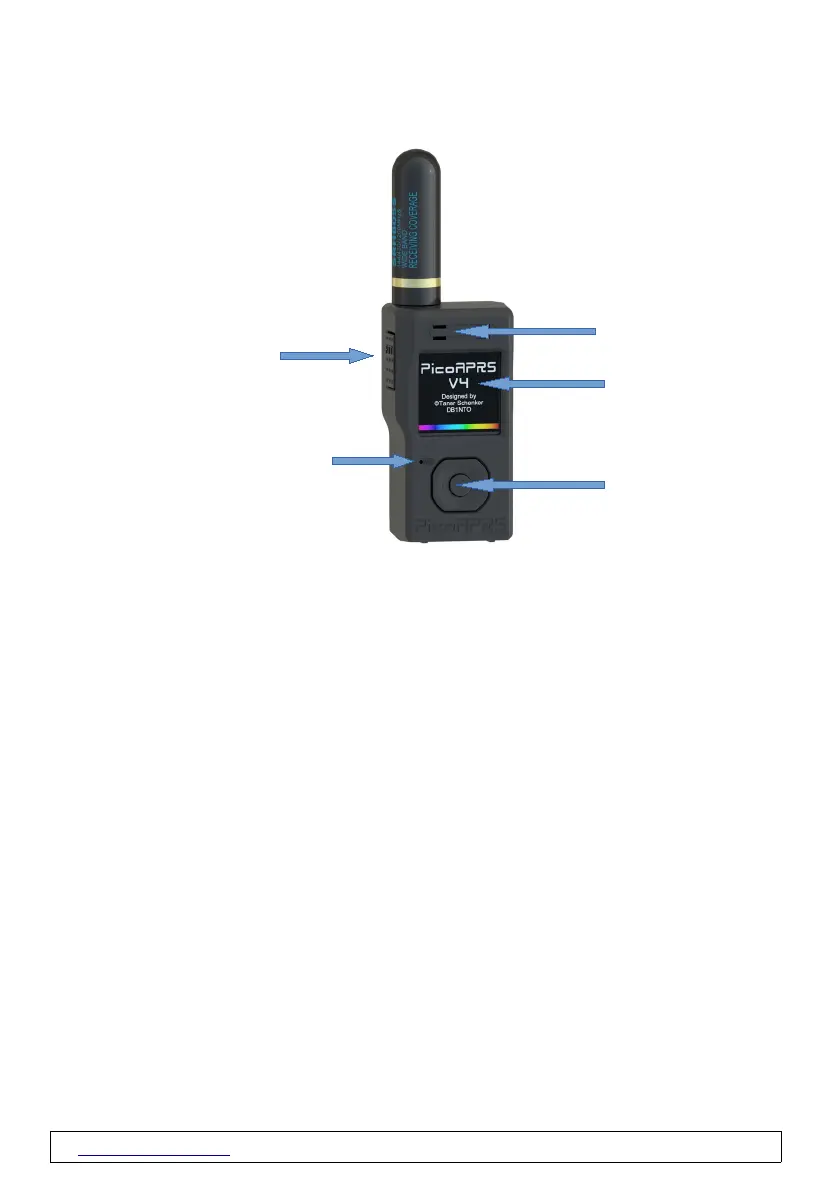
2.2 Device overview
2.3 General information
- PicoAPRS V4 can only be operated with an inserted battery.
- A charging process is only displayed when the device is switched on. However, the battery is also
charged when the device is switched off.
Turn ON
- To turn on, please press the PTT for at least 3 seconds until you hear a tone.
Software updates
Since the PicoAPRS software is constantly being developed and improved, we
recommend checking for updates regularly!
To do this, the WLAN connection must be configured once. Available software
updates can then be regularly checked and updated directly in the device
menu. No computer is required for this!
www.wimo.com - 8- ©Taner Schenker, 13. December 2022


 To Next Page