28
Values
Restart temperature
Burnout
Language
Actuator test
Choose Back
For the Service Technician
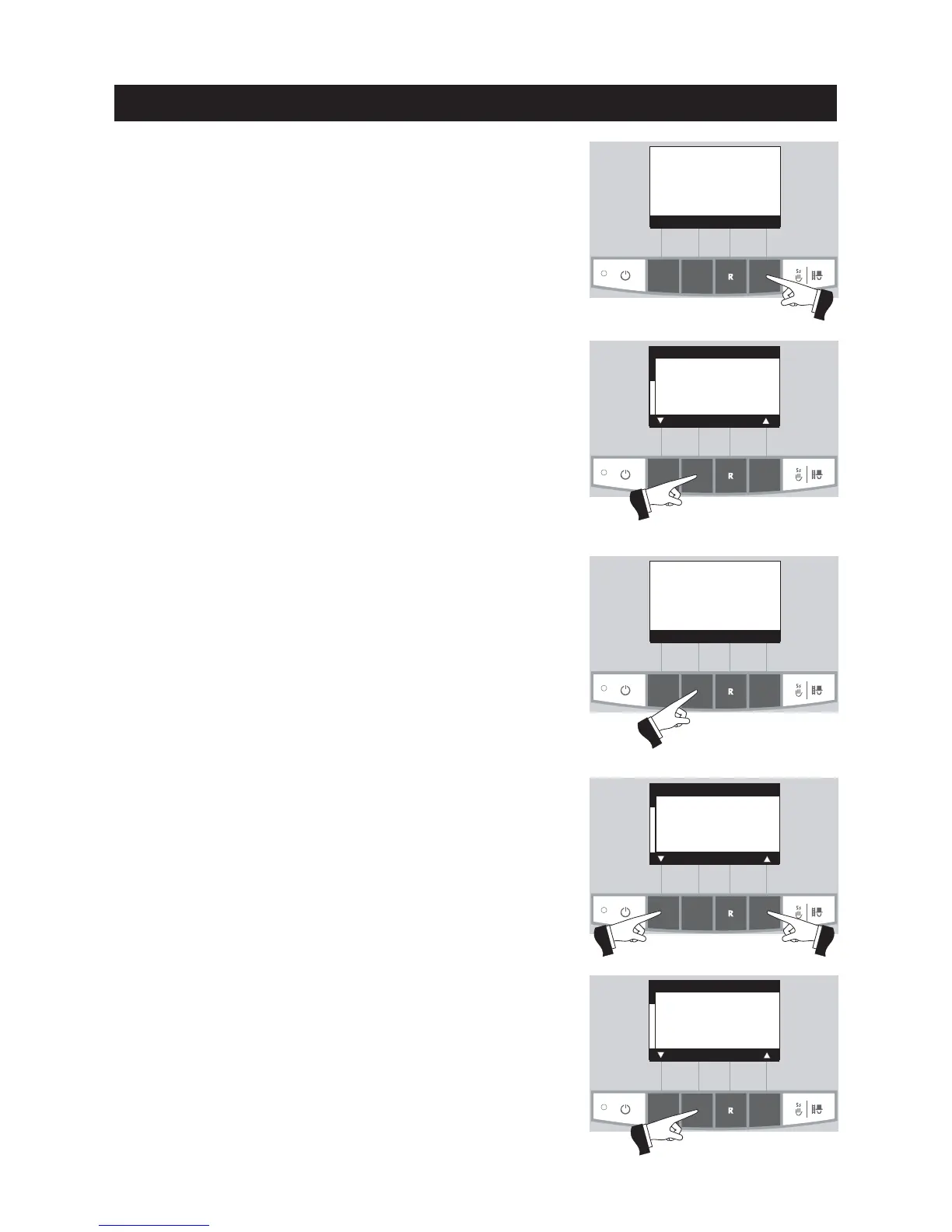
Fig. 58
Fig. 59
Service level
Press the
Menu
button (Fig. 58), the display shows “Service level”
– Fig. 59.
Fig. 60
Fig. 62
Confirm “Service level” by pressing the
Choose
button – Fig. 59.
Press the
5sec
. button for longer than 5 seconds – Fig. 60.
The menu item or sub-menu item is exited by pressing the
Back
button or after a delay of 45 seconds.
Use the
arrow
buttons to select the “Values”, “Restart temperature”
or “Actuator test” parameters (Fig. 61) and confirm with the
Choose
button – Fig. 62.
Fig. 61
Press for 5
seconds
Boiler temperature
(Operating phases)
Info Menu
42
°C
Service level only
for trained
service personnel
5 s
Service level
Choose Back
Values
Restart temperature
Burnout
Language
Actuator test
Choose Back



 To Next Page