24
Example of an error message
”7 blinks – 1sec. pause – 2 blinks – 1 sec. pause – 1 blinks”.
1. There is an error on a local input
2. The error is on input X10.5, to which a rain sensor might be connected
3. The error is due to no connection to the sensor.
If there are more errors on the panel simultaneously, they are shown with priority, i.e. the error message for the most critical error is
shown first and repeated until rectified. Then the error message number 2 is shown and repeated as well until the error is rectified
etc.
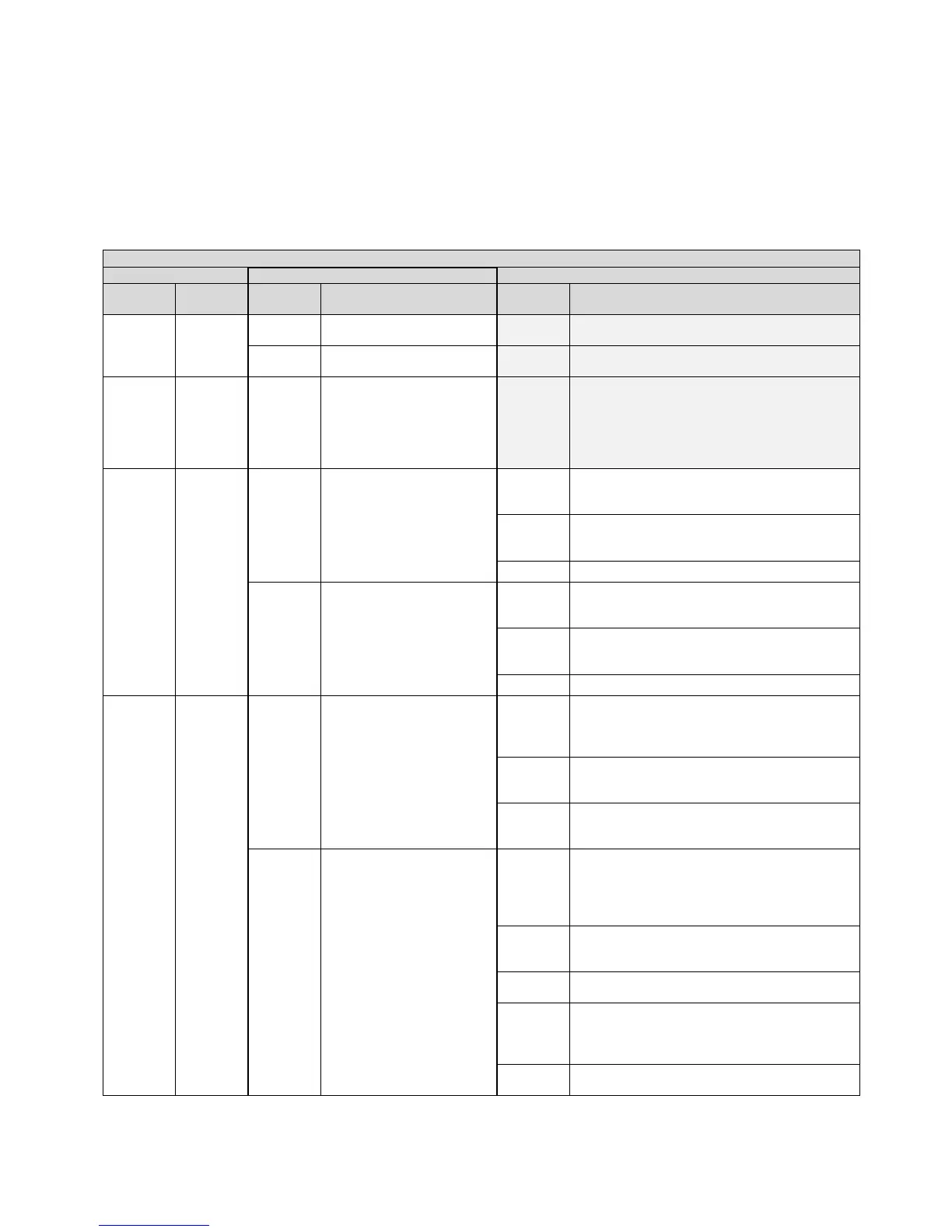
Below table, list the most common errors.
Internal error (Watchdog
reset)
Internal error (Program
CRC)
Max temp. in the panel has
been exceeded – re-
configure and check the
panel, see section 13 for
re-configuration of the
smoke panel
Actuator configuration – check the actuators,
check the configuration, when using ±24V
standard actuators check the termination
Expected number of actuators, the found and
expected number of MotorLink
®
actuators does
not match – check actuator connections
Actuator configuration – check the actuators,
check the configuration, when using ±24V
standard actuators check the termination
Expected number of actuators, the found and
expected number of MotorLink
®
actuators does
not match – check actuator connections
Closed ring – the standard version does not
allow break glass units connected in a closed
ring, check connection of break glass units and
disconnect the ring and re-configure
Problem on X5 (break glass unit) –
communication with the break glass unit
cannot be established
Problem on X6 (break glass unit) –
communication with the break glass unit
cannot be established
Problem (short circuit, cable problem or
termination) with break glass unit #2
connected to a break glass unit– check
connection of break glass unit and termination
smoke detector input
Slave panel – the standard version does not
allow connection of a slave panel. Remove the
slave panel and re-configure
Offline break glass unit, one or more break
glass are offline – check and re-configure
Break glass unit sensor (smoke detector
connected to break glass unit) – check
connection between break glass unit, sensor
and end-module (termination)
The break glass unit version is too old – break
glass units must be renewed



 To Next Page