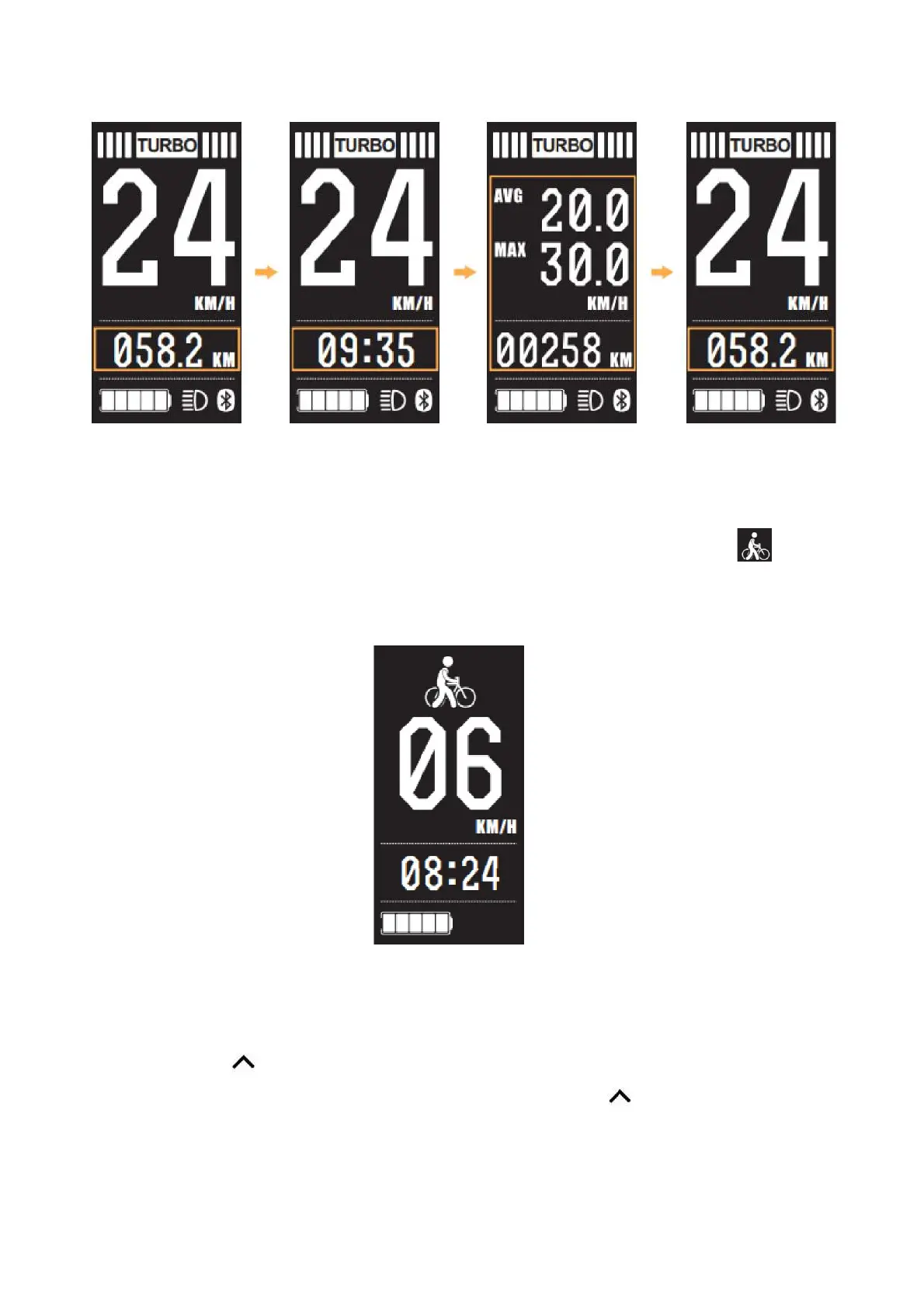
6.4 Walk assist mode
Hold the down arrow for 2 seconds, the bike will enter the walk assist mode. When is shown
The bike is in walk assist mode. Walk assist mode icon as below.
6.5 Headlight on/off
Long press of the button for 1 second, this will activate the operation of the headlight. Headlight
icon will be displayed when in operation. Another long press of the button for 1 second will
de-activate the headlight function.


 To Next Page