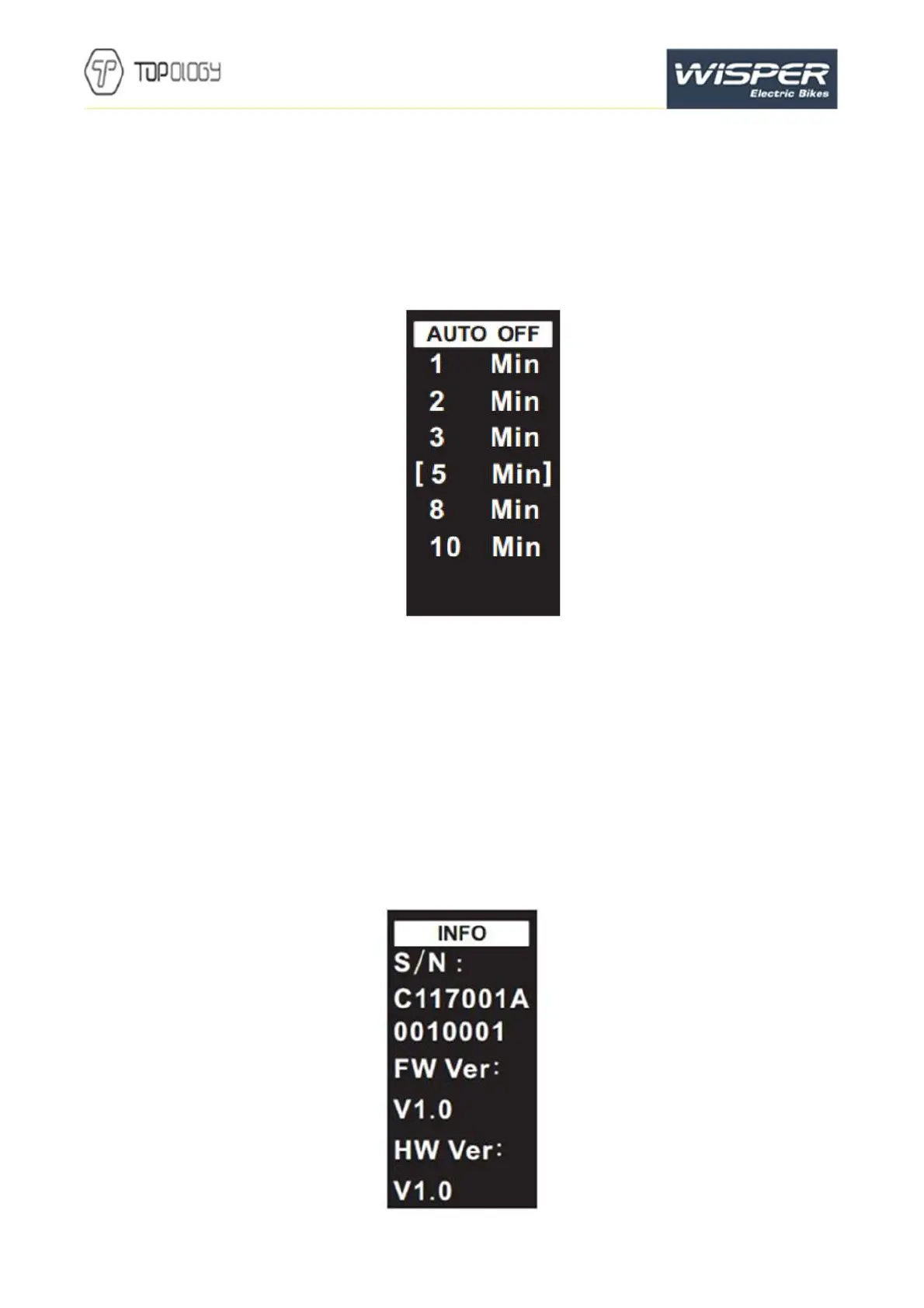
7.7Automatic shutdown time
Press the up and down arrow to choose the automatic shutdown time, the default setting is 5 mins, in auto
Off interface. Press M to save and return to the setting interface.
Interface shown below
7.8 System information
Press
to return to setting screen in system information interface.
S/N: device ID
FW Ver: Firmware version number;
HW Ver: Hardware version number;
Interface shown as below:


 To Next Page
 Loading...