3
Installation
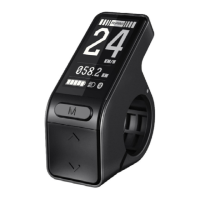
① Open the display lock clip and set the display in the left handlebar (standard handlebar
size: Φ22.2). Adjust to a required position, tighten and fix the screw with an M3 hex key. Tightening
torque: 0.8N.m.*Note: Damage caused by excessive torque is not covered by the
warranty
.
4 Inter
face
4.1 Boot
interface can
be customized as required
① The above will show for 2 seconds when you turn on the display


 To Next Page