EN-17
Withings Aura
v2.0 | July, 2015
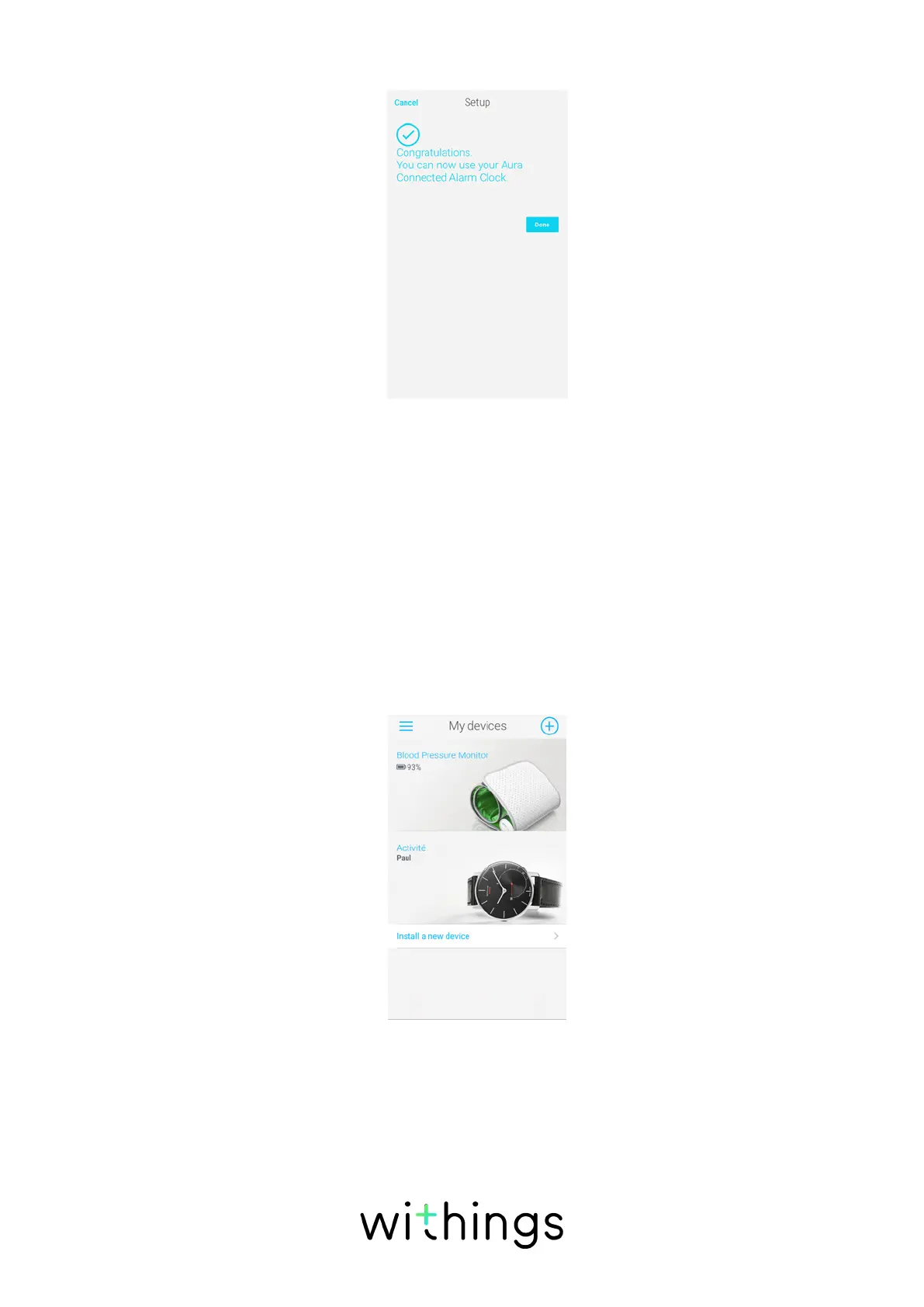
20. Tap Done.
A tutorial on how to use your Connected Alarm Clock. is displayed.
Installing your Connected Alarm Clock with an existing
account
If you already have a Withings account, you can get started on the installation
process.
To do so, perform the following steps:
1. Go to My devices in the Withings Health Mate app.
2. Tap Install a new device.
3. Tap +.


 To Next Page