EN-42
Withings Aura
v2.0 | July, 2015
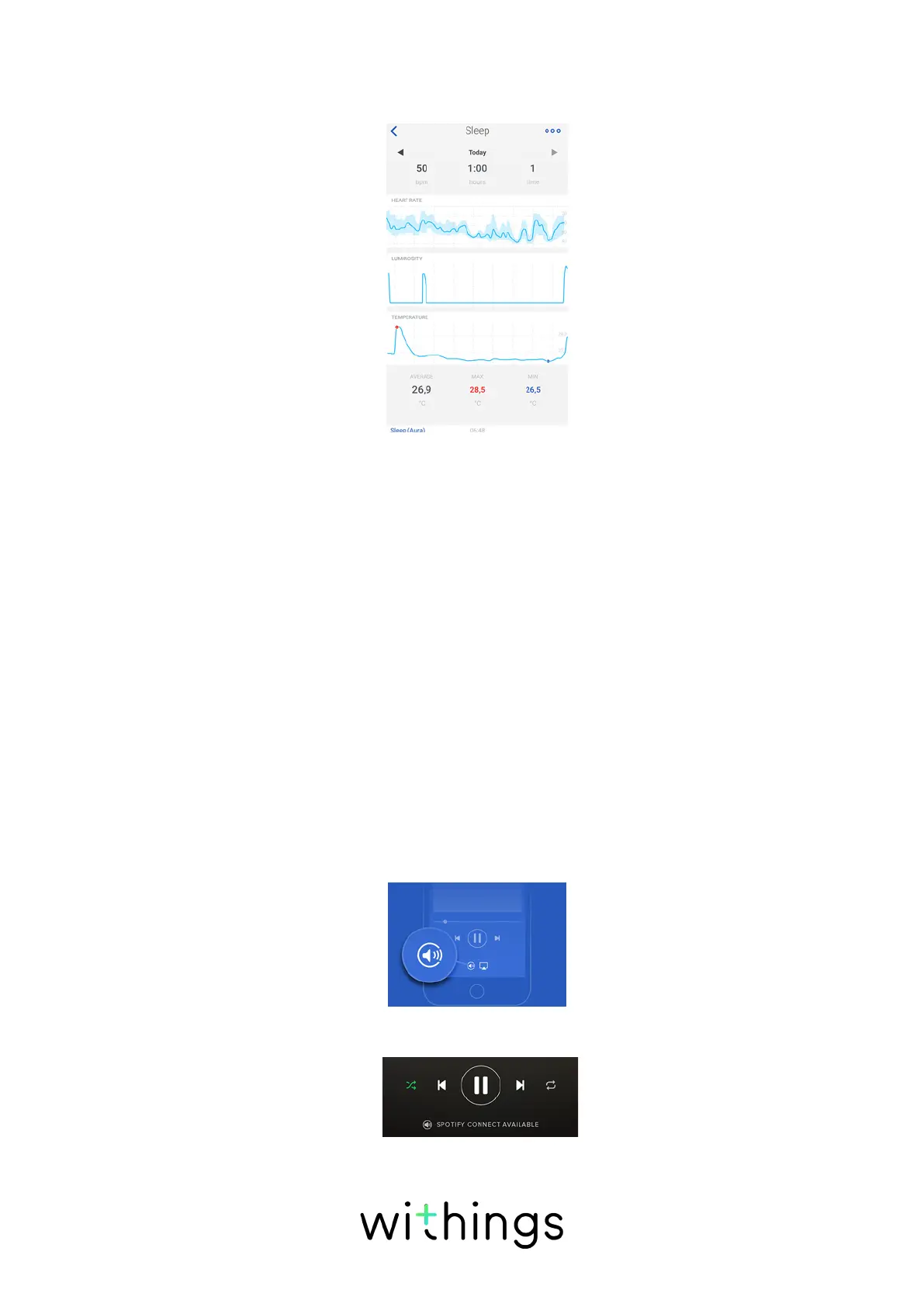
The temperature of your room while you’re sleeping is also displayed below your
sleep data.
Using Spotify Connect
Spotify Connect allows you to play your music directly on your
Connected Alarm Clock.
Before trying to use the Spotify Connect feature, keep in mind that:
• You need a Spotify Premium account.
• Your Connected Alarm Clock and your Spotify account must use the same Wi-
Fi network.
• Your Spotify account cannot be in Oine mode.
• You can only play playlists on your Connected Alarm Clock. If you want to play
an album, you have to add the album to a playlist before.
To use Spotify Connect, perform the following steps:
1. Start playing the playlist you want.
2. Tap the song currently playing.
3. Tap the speaker icon and select your Connected Alarm Clock.
4. Tap Spotify Connect Available and select your Connected Alarm Clock.


 To Next Page