EN-41
Withings Aura
v2.0 | July, 2015
Retrieving the temperature of your room
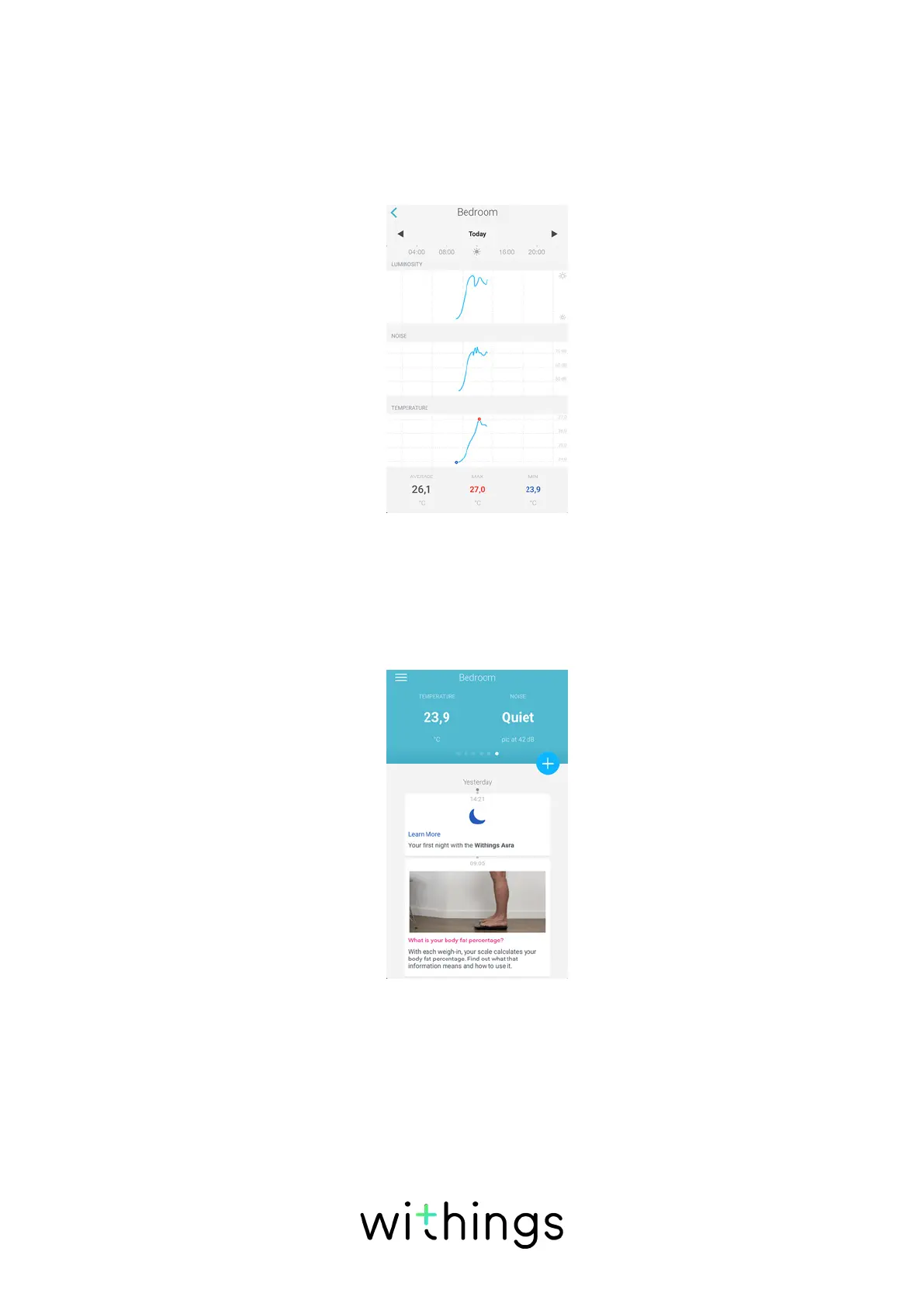
You can retrieve the temperature of your room from the Bedroom widget. It
is displayed in a graph that is updated every three hours with the latest data.
You can also see the average temperature, the maximum temperature and the
minimum temperature for the day.
To view the temperature of your room, perform the following steps:
1. Open the Withings Health Mate app.
2. Swipe the top part of the Timeline right or left until the Bedroom widget is
displayed.
3. Tap the Bedroom widget.


 To Next Page