EN-30
Withings Aura
v2.0 | July, 2015
Snoozing the Alarm
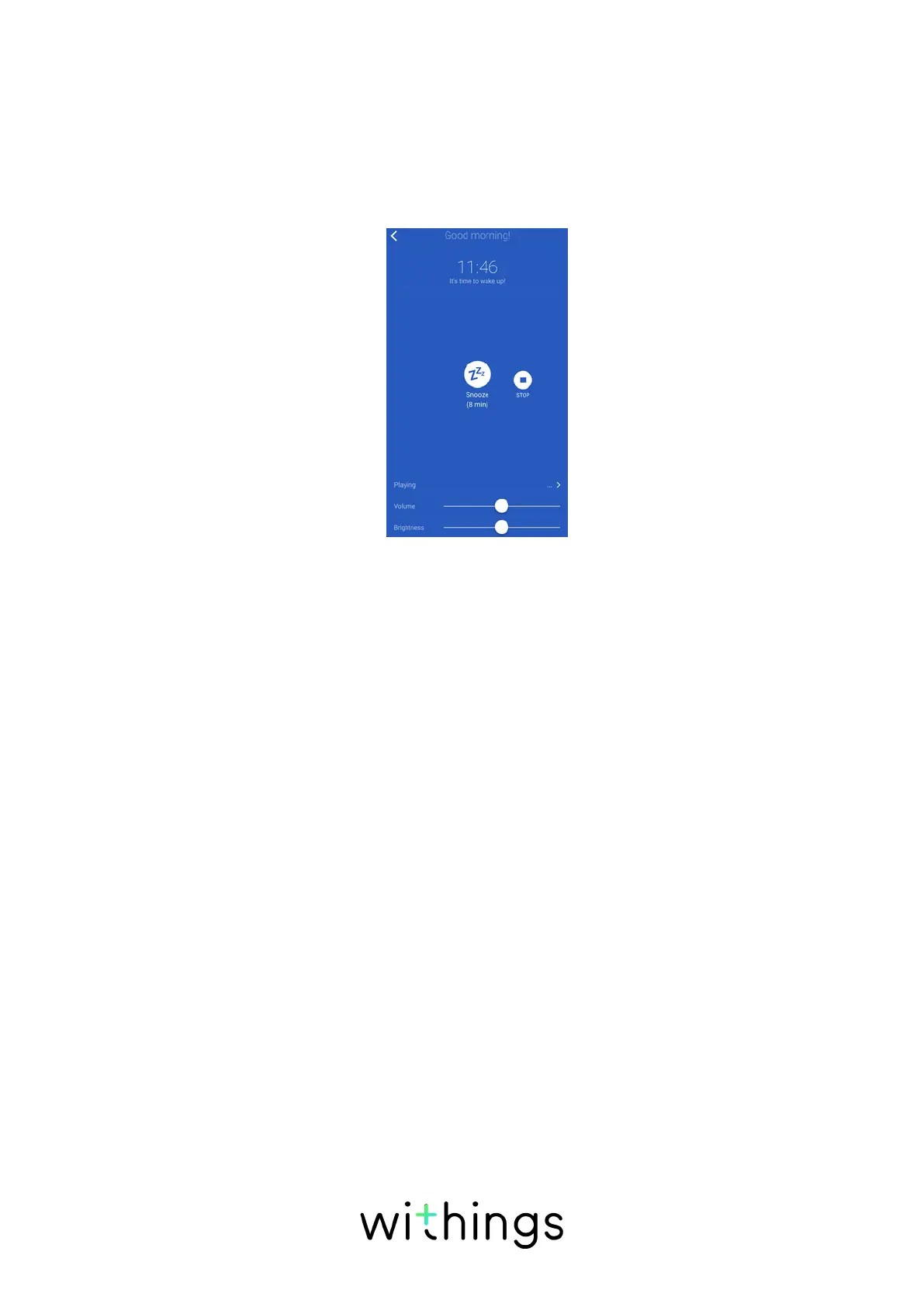
Snoozing the alarm from the app
You can easily snooze the alarm from the app by opening the
Withings Health Mate app and tapping Snooze. The alarm will be delayed by 8
minutes.
Snoozing the alarm from the Connected Alarm Clock
You can snooze the alarm directly from the Connected Alarm Clock. To do so, tap
the top of your Connected Alarm Clock once during a program. The alarm will be
delayed by eight minutes.
Starting a Sleep Program
Sleep programs help you fall asleep with the help of a red light and the music
program you choose.
Running a sleep program from the app
You can set up and run a sleep program from the Withings Health Mate app.
To do so, perform the following steps:
1. Open the Withings Health Mate app.
2. Go to Devices.
3. Look for your Aura.
4. Tap Start a sleep program.
5. Tap Playing to select your program.
a. To use a Spotify playlist (for Spotify Premium account owners):


 To Next Page