EN-21
Withings Aura
v2.0 | July, 2015
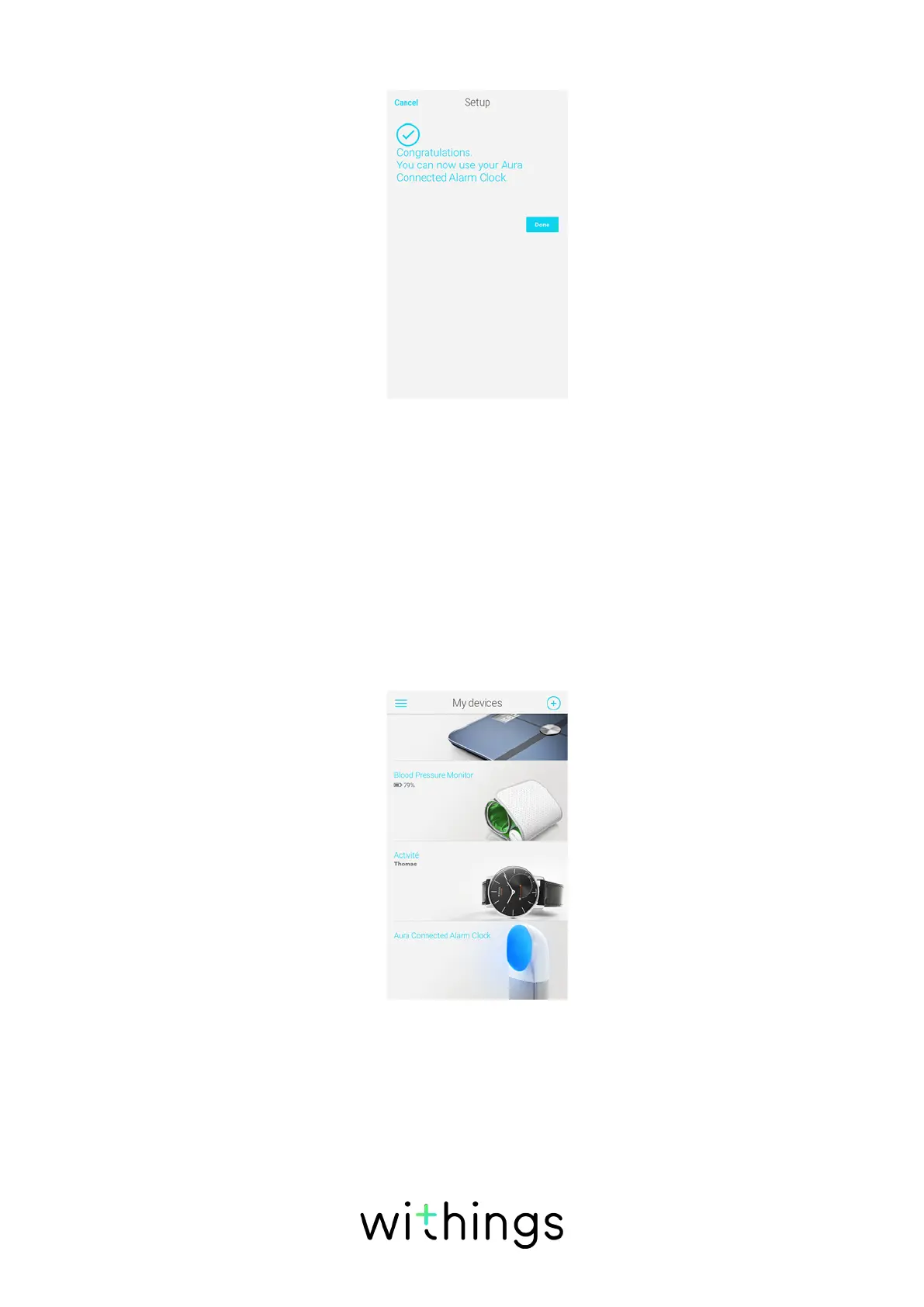
17. Tap Done.
A tutorial on how to use your Connected Alarm Clock. is displayed.
Adjusting the Brightness of the Display of the
Connected Alarm Clock
If necessary, you can adjust the brightness of the clock display, or even deactivate
it in the dark. To do so, perform the following steps:
1. Open the Withings Health Mate app.
2. Go to My devices.
3. Tap Aura Connected Alarm Clock.


 To Next Page