EN-61
Withings Aura
v2.0 | July, 2015
Performing a Factory Reset of Your
Withings Aura
All data that wasn’t synced before factory resetting your Withings Aura
will be lost permanently.
Factory resetting your Withings Aura allows you to delete all of the data stored
on it. Factory resetting completes the dissociation process.
Factory resetting your Withings Aura will not remove any of your data
from the Withings Health Mate app.
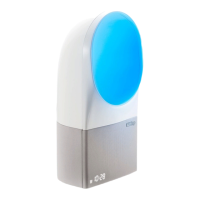
1. Keep your hand on the right side of your Connected Alarm Clock for three
seconds.
The display starts blinking.
2. Tap the top of your Connected Alarm Clock ten times before the display stops
blinking.
The Connected Alarm Clock changes color and reboots.
Do not remove the power supply until your Connected Alarm Clock has
rebooted.
3. Go to the Bluetooth settings of your device and “forget” your
Connected Alarm Clock from the list of Bluetooth devices.
At this time, you can start the installation process for the Withings Aura.
Refer to “Installing your Connected Alarm Clock with no existing account” on
page12 or “Installing your Connected Alarm Clock with an existing account”
on page17 for more information.


 To Next Page