EN-53
Withings Aura
v2.0 | July, 2015
Deactivating sleep tracking
If you ever want to stop tracking your sleep for any reason, you can deactivate
sleep tracking directly from your Connected Alarm Clock. To do so, triple-tap the
right side of your Connected Alarm Clock. The word “OFF” appears on the clock
display.
Deactivating sleep tracking will also deactivate resting heart rate and noise
tracking.
You can reactivate sleep tracking the exact same way. When you do, the word
“ON” appears on the clock display.
Tracking Your Resting Heart Rate
Overview
This product is not a medical device and should not be used to diagnose, treat,
cure, or prevent any medical conditions.
Once you’ve set up your Sleep Sensor, it lets you track your resting heart rate
without requiring any action on your part. All you have to do is lay in bed: it will
do the rest on its own.
If you want to stop tracking your resting heart rate at any point, refer to
“Deactivating sleep tracking” on page53.
Retrieving your resting heart rate measurements
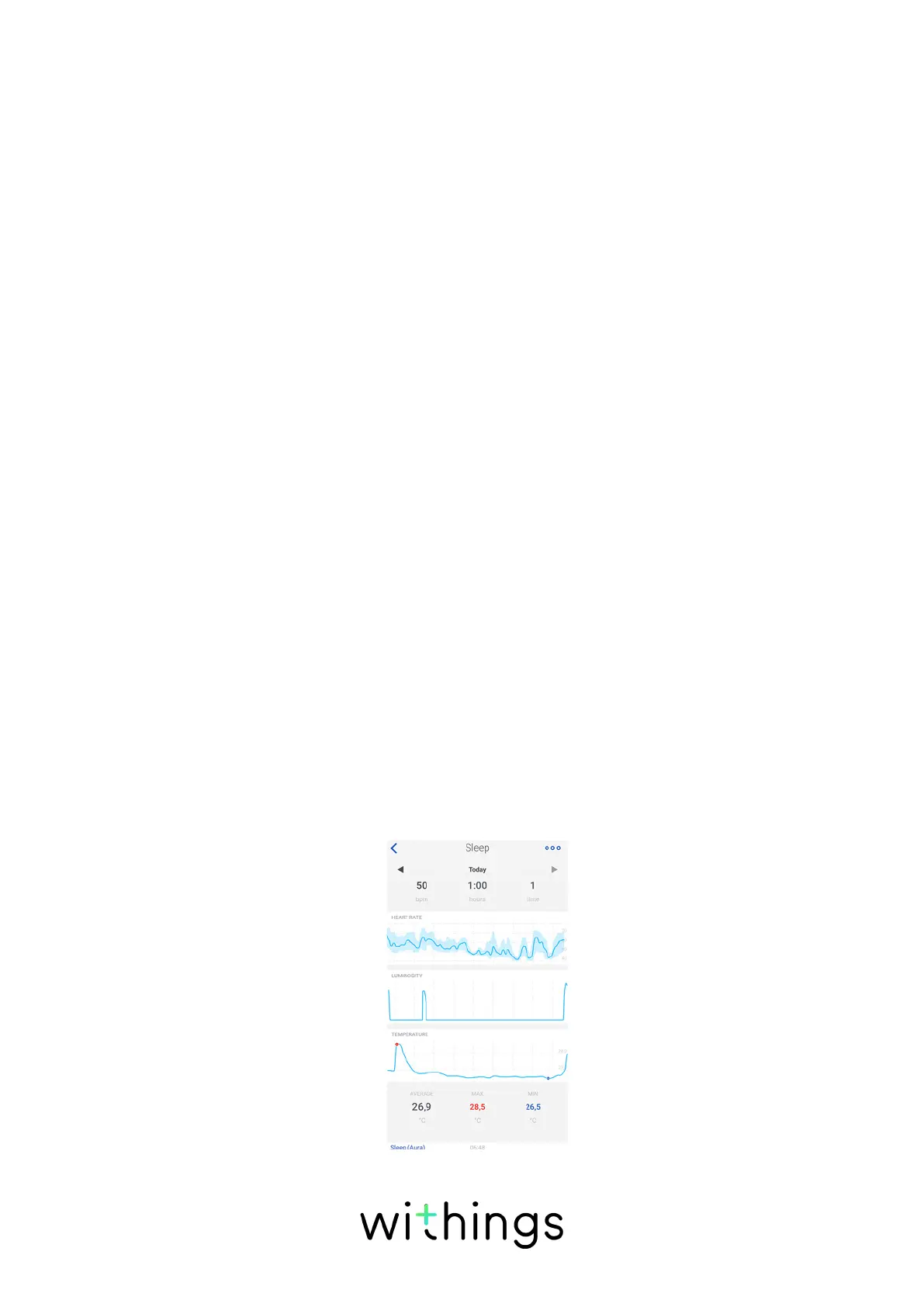
You can retrieve your resting heart rate measurements through your sleep data in
your Timeline or on your Dashboard in the Withings Health Mate app.
The mean value of your resting heart rate is displayed at the bottom of your sleep
graph.
Your resting heart rate graph is displayed below the details of your night.


 To Next Page