EN-29
Withings Aura
v2.0 | July, 2015
Disabling the Alarm from the Withings Health Mate
You can disable your alarm by tapping the Withings Aura widget and tapping the
slider of your alarm. Tap OK.
Disabling the Alarm from the Connected Alarm Clock
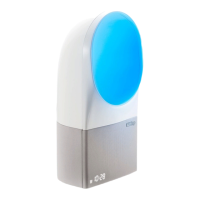
You can disable all alarms from the Connected Alarm Clock by touching the right
side of your Connected Alarm Clock for two to three seconds. The word “OFF” is
displayed on your Connected Alarm Clock.
Progressive Wake-Up Feature
The Progressive Wake-Up feature allows you to wake up progressively by playing
the wake-up music and radiating the wake-up light gradually, up to 20 minutes
before your wake-up time. This makes waking up easier and more pleasant.
Smart Wake-Up Feature
The Smart Wake-Up feature only works if you have a Sleep Sensor. It helps bring
you from a deeper sleep stage to a light sleep stage to make for a smoother
wake-up experience. Based on the smart wake-up time you set up, your
Connected Alarm Clock will start playing the program selected using progressive
light and sound. To enjoy this feature, you have to select a smart wake-up time
of 20 minutes to an hour. If you set it to less than 20 minutes, it will act as the
Progressive Wake-Up feature.


 To Next Page