EN-47
Withings Aura
v2.0 | July, 2015
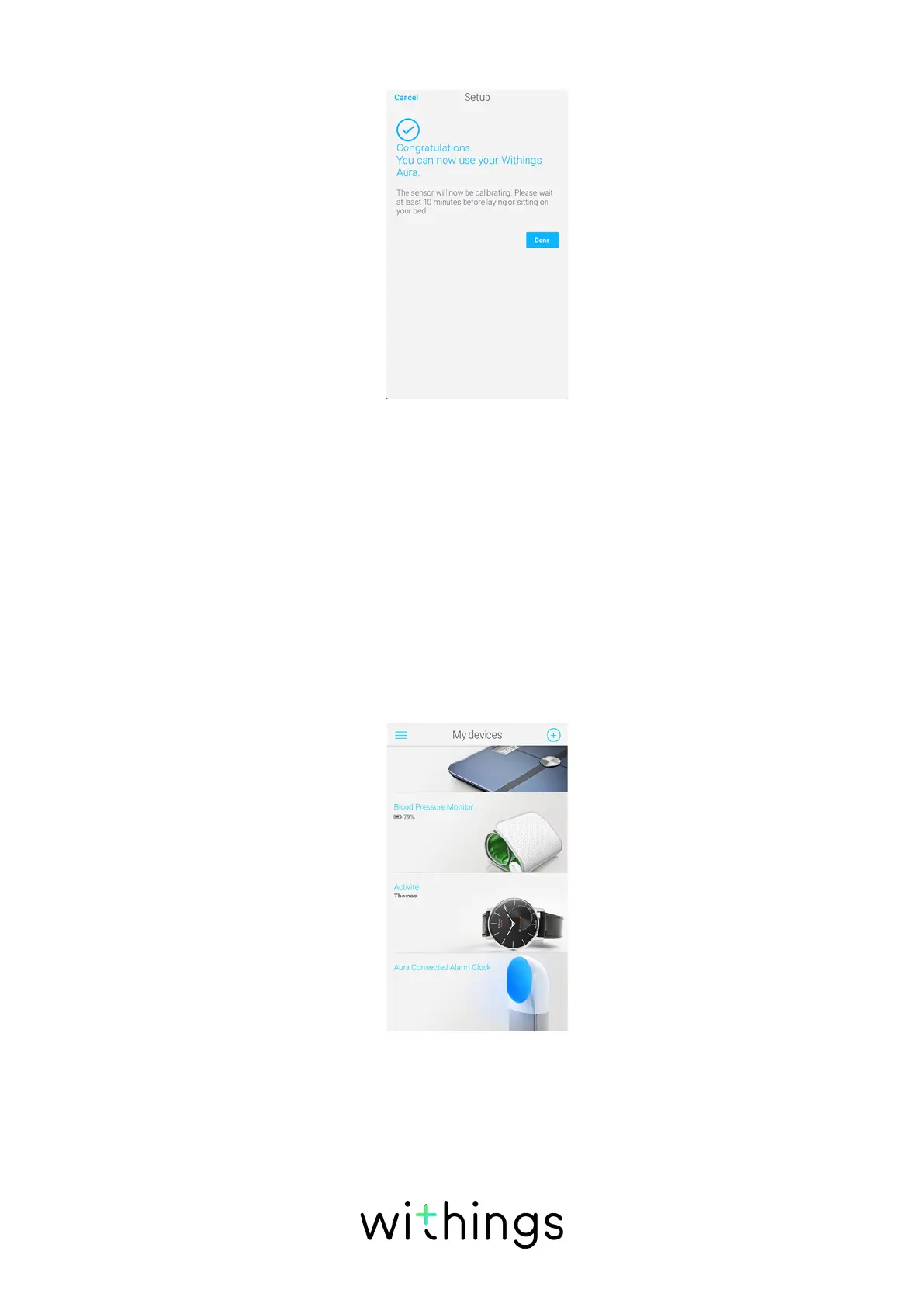
8. Tap Done.
The calibration of your sensor starts. This step can last up to 10 minutes during
which a LED is lit up and a buzzing sound can be heard. Do not sit on the bed
while the LED is on. It will automatically switch o when you can start using the
sensor.
Installing your Sleep Sensor later on
You can also install your Sleep Sensor at a later stage, for example if you don’t
purchase it at the same time as your Connected Alarm Clock. To do so, perform
the following steps:
1. Go to My devices.
2. Tap Aura Connected Alarm Clock.


 To Next Page