EN-40
Pulse HR
v1.0 | November, 2018
Tracking my heart rate
Overview
Pulse HR can help you track your heart rate. By default, it takes a heart rate
measurement every ten minutes, allowing you to see how your heart rate
fluctuates during the day.
You also have the option of using the continuous heart rate mode to get your
continuous heart rate, which is especially interesting during a workout session. In
this case, a measurement is taken every second. Note that the continuous heart
rate mode also enables a timer so that you know exactly how long you’ve been
working out.
Wearing my Pulse HR
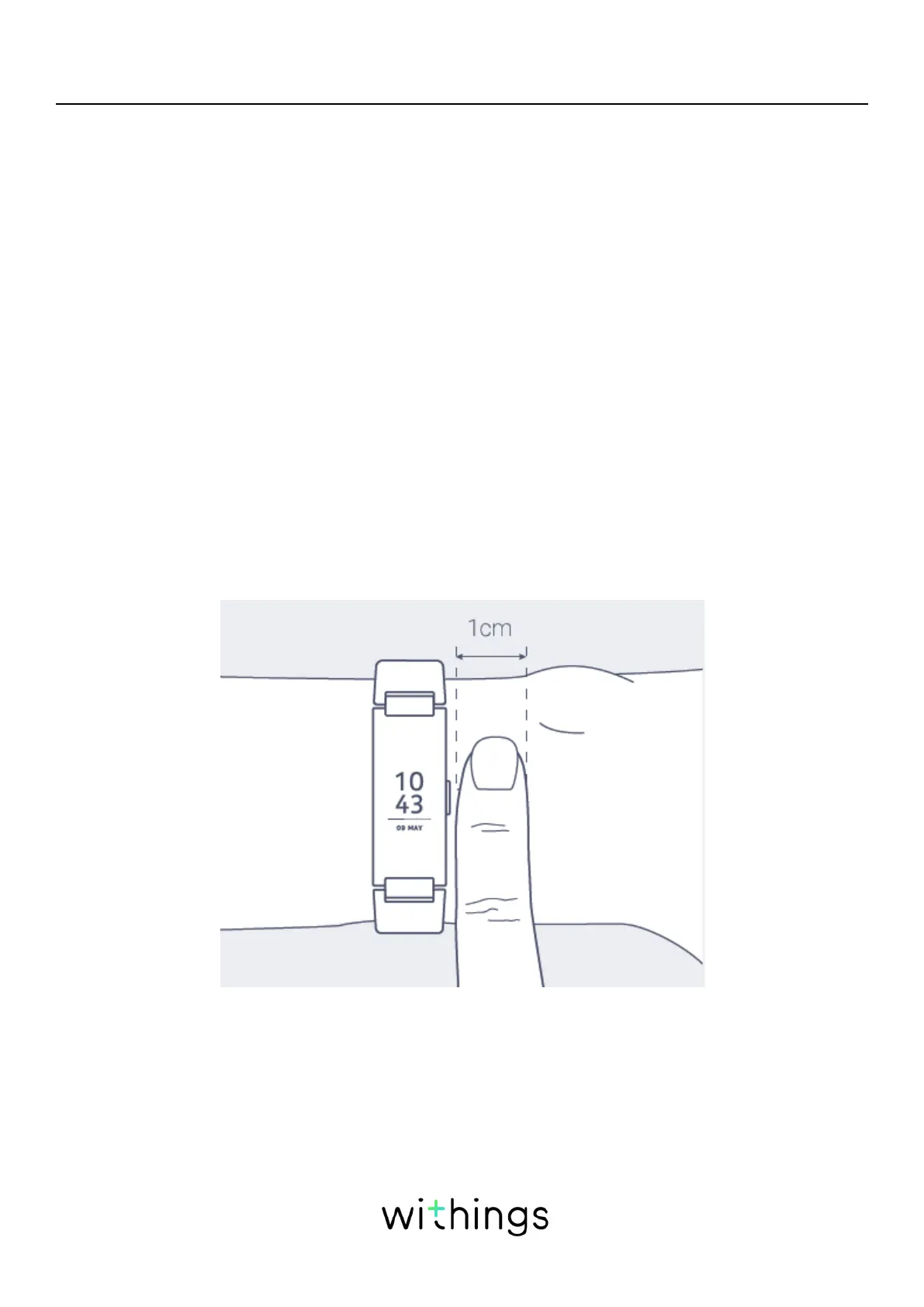
To make sure your heart rate can be eectively tracked by your Pulse HR
make sure the wristband of your tracker is tight enough while still remaining
comfortable. It should also be worn about a centimeter (or half an inch) away
from your wrist bone.
Retrieving my heart rate data
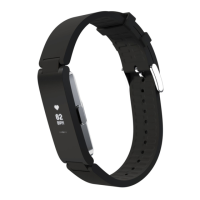
You can see your latest heart rate measurement directly from your Pulse HR.
To do so, simply press the button to go through the screens until the heart rate
screen is displayed.


 To Next Page