EN-49
Pulse HR
v1.0 | November, 2018
Dissociating my Pulse HR
Dissociating Pulse HR allows you to remove it from your account. Once it is no
longer linked to your account, it can be installed on another account or on the
profile of another user of your account.
Dissociating Pulse HR will not remove any of your data from the
Health Mate app.
To dissociate Pulse HR, perform the following steps:
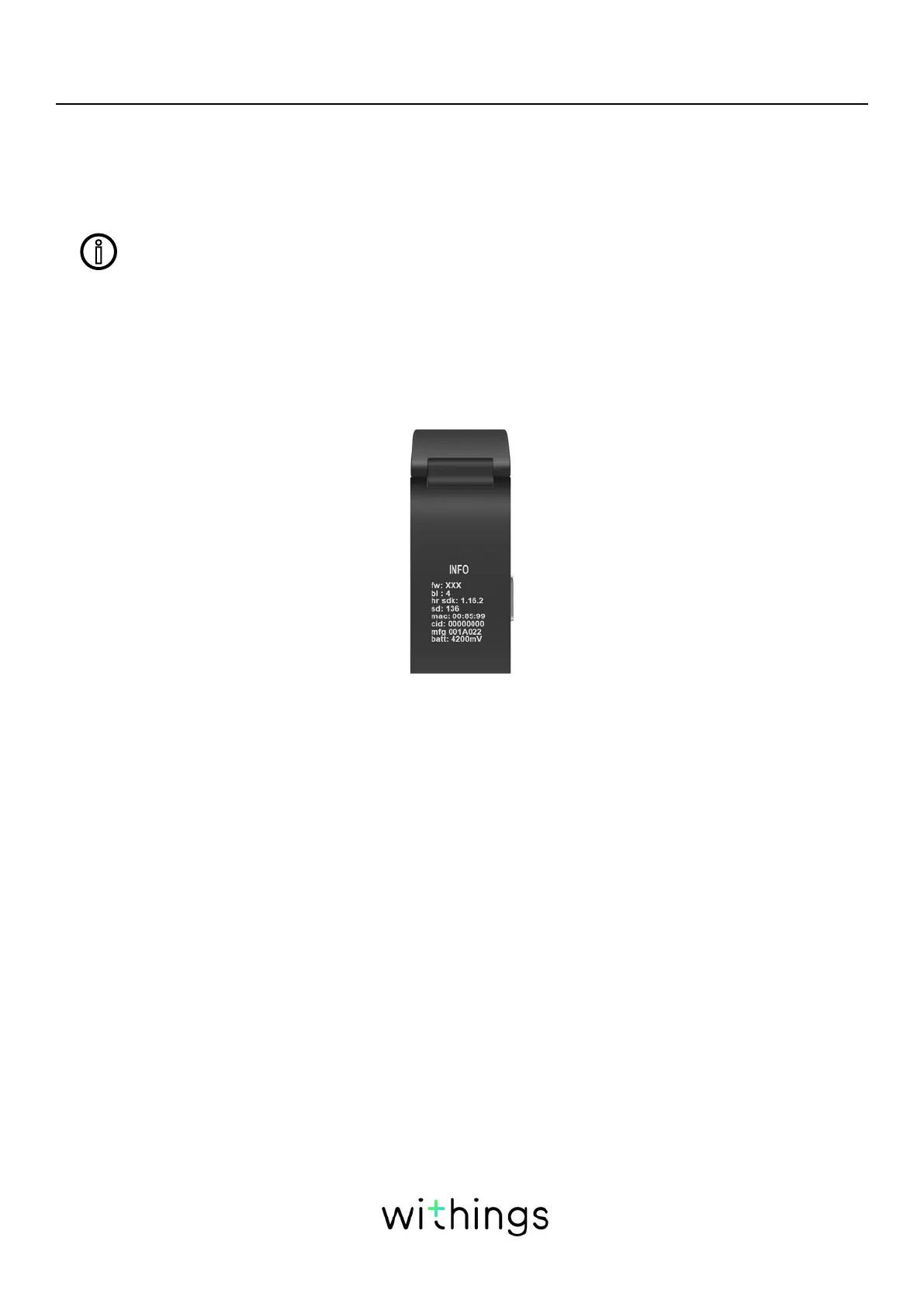
1. Press the button of your Pulse HR for 5 to 6 seconds. Workout mode will start
after pressing the button for about one second, but continue pressing until a
menu appears on the tracker’s display.
2. Press the button until “Factory reset” is displayed.
3. Press the button for one second until “Reset in 5 clicks” is displayed.
4. Press the button five times to eectively reset your tracker.
5. Go to the Bluetooth settings of your mobile device and “forget” your Pulse HR
(for iOS users only).
6. Open the Health Mate app.


 To Next Page