EN-41
Pulse HR
v1.0 | November, 2018
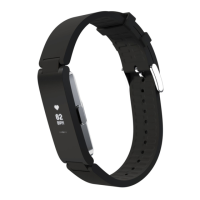
Note that going to the heart rate screen will trigger a new heart rate
measurement.
If you want to see the full history of your heart rate measurement, you can log in
to the Health Mate app.
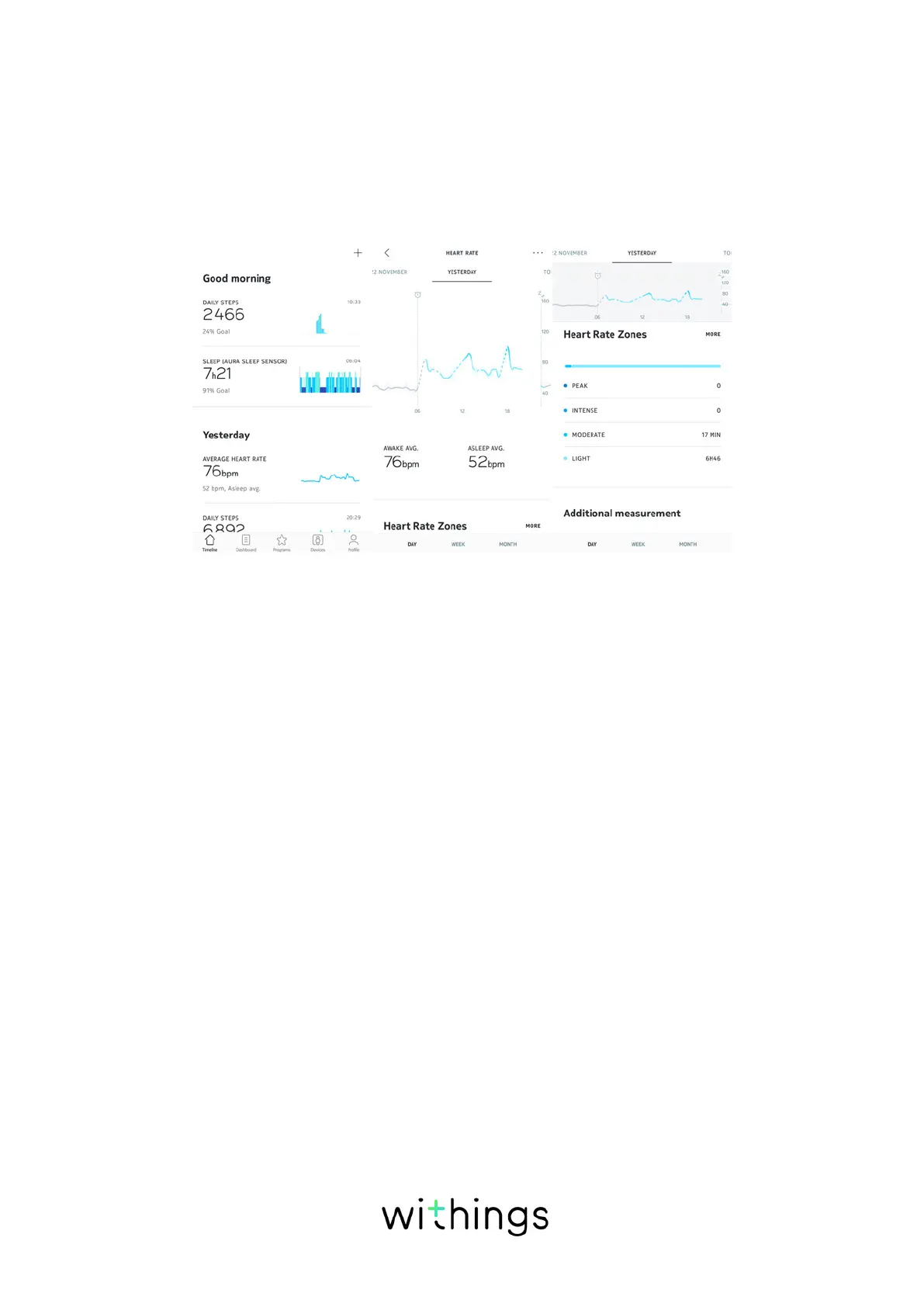
If you wear your Pulse HR every day, you will receive an average heart rate item
in your Timeline. This heart rate item shows your heart rate average and your
dierent heart rate zones during the day.
Launching the continuous heart rate mode
You can easily launch the continuous heart rate mode before a workout session.
To do so, perform the following steps:
1. Press and hold the button of your Pulse HR for about a second until it vibrates.
2. Press the button on the tracker or tap on the screen to cycle through
activities.
3. Press and hold the button on the tracker to launch the mode with the selected
activity.
4. Press the button until it vibrates again when you want to stop your workout
session and the continuous heart rate mode.
Note that the chronometer, heart rate, calories, and distance screens appear on
the display of your Pulse HR when the continuous heart rate mode is on. If you
launched a workout session, you will see additional screens depending on your
activity, such as pace for running or speed for cycling.


 To Next Page