EN-52
Pulse HR
v1.0 | November, 2018
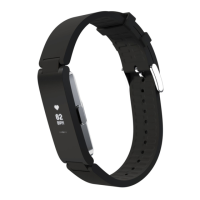
Replacing the wristband
You can easily replace the wristband of your Pulse HR thanks to the quick release
spring bars with which it is attached.
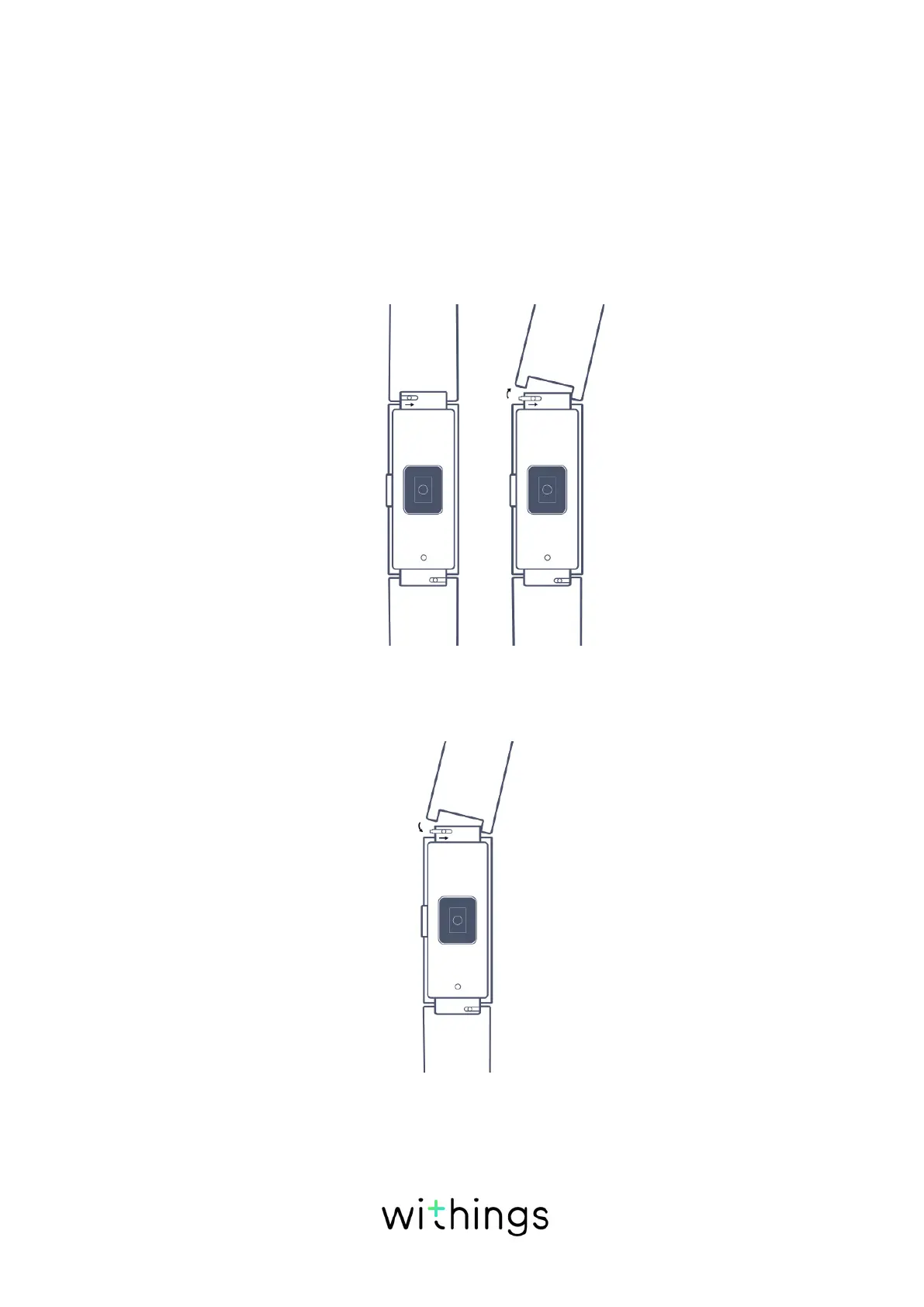
To change the wristband, perform the following steps:
1. Turn your Pulse HR over.
2. Locate the knob of each spring bar.
3. Pull the knob of the first spring bar to the right side and remove the wristband.
4. Insert one side of the spring bar of the new wristband.
5. Put the wristband in place while pulling the knob to the right side.
6. Release the knob.
The wristband is now properly attached to your Pulse HR.


 To Next Page