EN-7
Pulse HR
v1.0 | November, 2018
Fitness tracker screens description
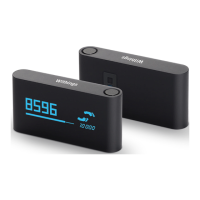
The OLED display of Pulse HR allows you to display a number of screens showing
various information. Following are the screens available:
• Date and time: Displays the date and time. This screen cannot be disabled.
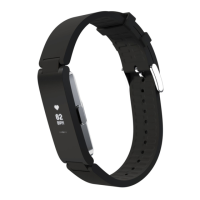
• Heart rate: Displays your latest heart rate measurement.
• Steps: Displays your current number of steps for the day.
• Distance: Displays your current distance for the day.
• Total calories: Displays the number of calories you’ve burned for the day.
Note: Pulse HR shows calories from your BMR (Basal Metabolic Rate - an
estimate of the amount of calories needed at rest so that the body can
function) in addition to calories burned from exercise. This is why the tracker
will show calories before any exercise is done.
• Do not disturb: Displays ‘ON’ if notifications are activated or ‘OFF’ if they are
deactivated.
• Battery level: Displays the level of the battery.
• Alarm: Displays the time of your next alarm.
• Workout: Displays up to 5 exercises for quick access when you start a workout
on your watch.


 To Next Page