EN-44
Pulse HR
v1.0 | November, 2018
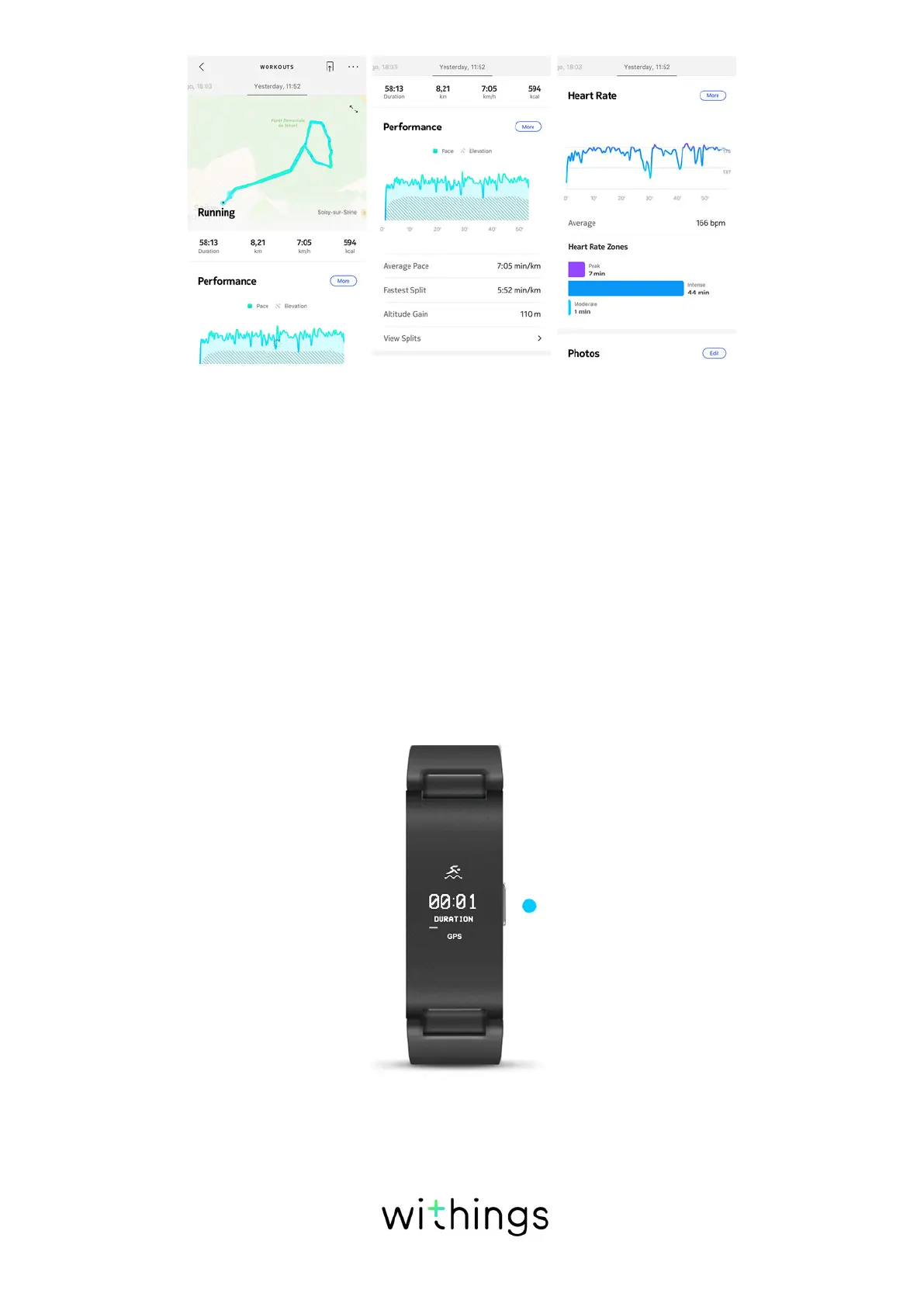
To use connected GPS, you need to launch a distance-based outdoor activity
workout session. To do so, perform the following steps:
1. Press and hold the button of your Pulse HR for about a second until it vibrates.
2. Press the button to select your activity, and then give the button a long press
to start your workout.
3. Press the button until it vibrates again when you want to stop your workout
session.
Note that your Pulse HR needs to be connected via Bluetooth. Connected GPS
requires you to enable your location settings of your smartphone. If “GPS”
appears on the screen of your Pulse HR after launching a workout session,
it means that GPS is working and that your device is connected with your
smartphone.
Pulse HR oers Connected GPS for all distance-based outdoor activities such as
walking, running, biking, and canoeing.


 To Next Page