3.3 Installing the software
The “Chronoscope Service” display software can be found on
the USB flash drive included (
Ä
Chapter 1.2 “Scope of
delivery” on page 9).
Notes on installation
– The “Chronoscope Service” display software
must be installed on the PC or tablet com-
puter before the device is connected.
– To install the “Chronoscope Service” display
software, administrator rights are required
for the PC or tablet computer.
– Further information on the software is to be
found in the corresponding software manual.
Personnel:
n
Operator
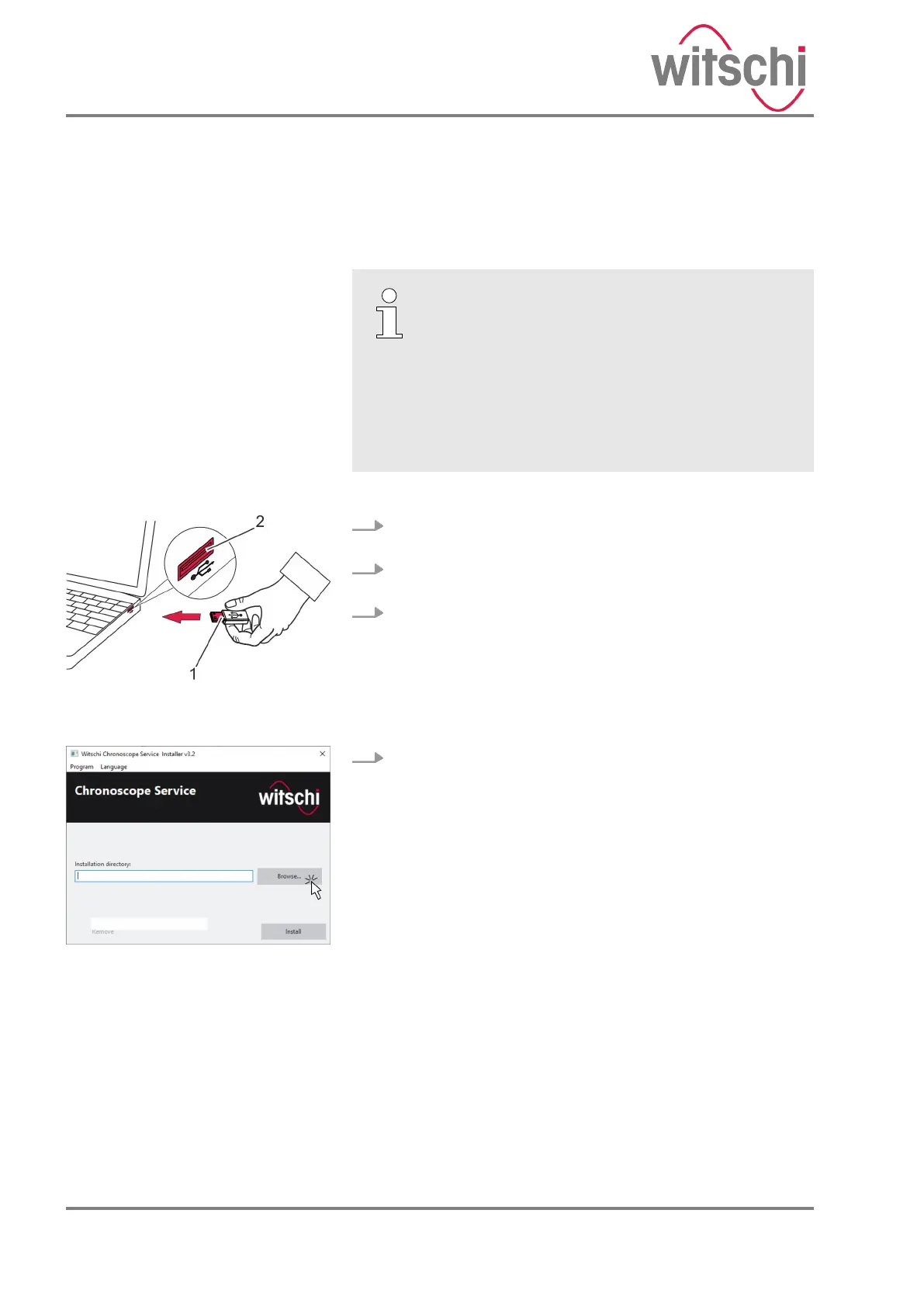
1. Connect the USB flash drive to the USB port of the PC or
tablet computer.
2. Open the directory of the USB flash drive on the PC or
tablet computer.
3. Run the installation file cs_setup.exe as the administrator.
4. Select the installation directory for the software on the
PC or tablet computer (Fig. 3).
Fig. 2: Connecting the USB flash
drive
Fig. 3: Selecting the file location
24.03.2021Precision measuring device ChronoMaster / ChronoMaster Air22



 To Next Page