EasyManua.ls Logo

Witschi Watch Expert - User Manual

Witschi Watch Expert
77 pages
Print Icon
To Next Page IconTo Next Page
Loading...
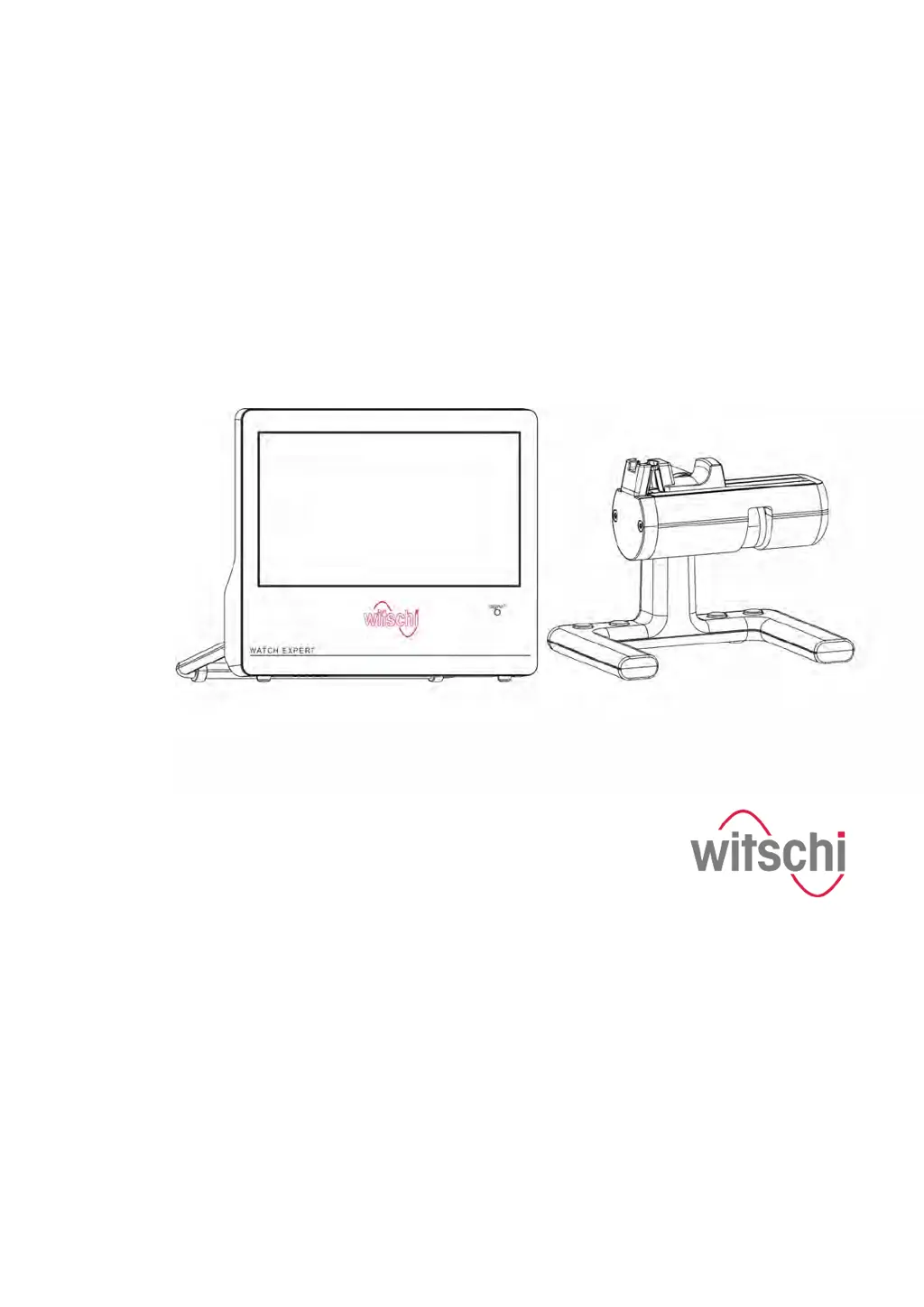
Precision measuring device
Watch Expert
Operating instructions
Read the instructions prior to performing any task!

Table of Contents

Questions and Answers

  • W
    wallacejulieJul 27, 2025
    What to do if Witschi Measuring Instruments show 'No signal' error?
    • C
      Christopher AdamsJul 28, 2025
      If you're getting a 'No signal' error on your Witschi Measuring Instruments, here's what to check: * First, make sure the watch or clockwork is correctly positioned with its crown against the signal sensor. * Next, ensure the watch is wound. * Finally, verify that the microphone cable is securely connected.
  • A
    alyssahornAug 2, 2025
    Why Witschi Watch Expert display 'Out of range' error?
    • M
      Maria CooperAug 3, 2025
      If you receive an 'Out of range' error on your Witschi Measuring Instruments, it could be due to: 1. Incorrect beat number setting. Ensure the beat number is set according to the watch specifications. 2. The mode not being set to 'Automatic'. In this case, set the mode to 'Automatic'.
  • B
    bakerashleyAug 8, 2025
    How to fix unclean diagram on Witschi Watch Expert Measuring Instruments?
    • A
      Amy ButlerAug 8, 2025
      If you're seeing an unclear diagram on your Witschi Measuring Instruments, it might be because the signal is either too strong or too weak. Try adjusting the signal strength using the 'Signal amplifier' touch button.
  • G
    Grant TurnerAug 15, 2025
    What to do if Witschi Measuring Instruments give implausible test result?
    • V
      Vincent GibsonAug 15, 2025
      If you are getting implausible test results from your Witschi Measuring Instruments, it might be due to incorrect positioning of the watch. Try repositioning the watch.
  • J
    Jessica ThomasAug 20, 2025
    Why are test results not printing on Witschi Watch Expert Measuring Instruments?
    • A
      Adrian WilliamsAug 20, 2025
      If the test results are not printing from your Witschi Measuring Instruments, the printer might be out of paper. Insert a new roll of paper. Refer to the printer manufacturer’s documentation for specific instructions.

Summary

Product Description

Watch Expert Overview

Overview of the Watch Expert device.

Device Description

Detailed description of the Watch Expert's capabilities and features.

Connections and Interfaces

Details the various ports and connections on the device.

Microphone Details

Describes the pivoting microphone and its components.

User Interface Guide

Quick guide to the symbols and touch buttons on the interface.

Test Modes

Explains the different test modes available.

Test Mode Specifications

Details the 4 test modes and their applications.

Scope of Delivery and Accessories

Lists items included in the delivery.

Included Items

Details the items in the standard delivery package.

Power Supply Unit Details

Describes the power supply unit and its specifications.

Technical Data

Details device configuration and power supply specs.

Safety

Safety Symbols and Warnings

Explains safety indications and warning symbols used.

Intended Use

Defines the sole purpose and scope of the Watch Expert.

Risk of Material Damage

Warnings about short-circuits and opening the housing.

Owner Responsibilities

Outlines the owner's obligations for safe operation.

Personnel Qualifications

Specifies qualifications for operators and customer service.

Storing the Watch Expert

Transport Safety

Cautionary notes regarding risks during transport.

Commissioning the Watch Expert

Setting Measuring Parameters

Performing a Measurement

Configuring the User Interface

Servicing the Watch Expert

Performing Firmware Update

Troubleshooting

Shutting Down and Disposing of the Watch Expert

Witschi Watch Expert Specifications

General IconGeneral
TypeWatch Timing Machine
Amplitude Range80° to 360°
Beat Error Range0 to 9.9 ms
Operating Temperature10°C to 40°C
Supported Watch TypesMechanical watches
Microphone TypePiezoelectric
Measurement FunctionsRate, amplitude, beat error
Measurement Range (Rate)-999 to +999 s/d
DisplayLCD
Power SupplyAC adapter
Battery LifeNot applicable
Storage Temperature-10°C to +50°C
InterfaceUSB

Related product manuals