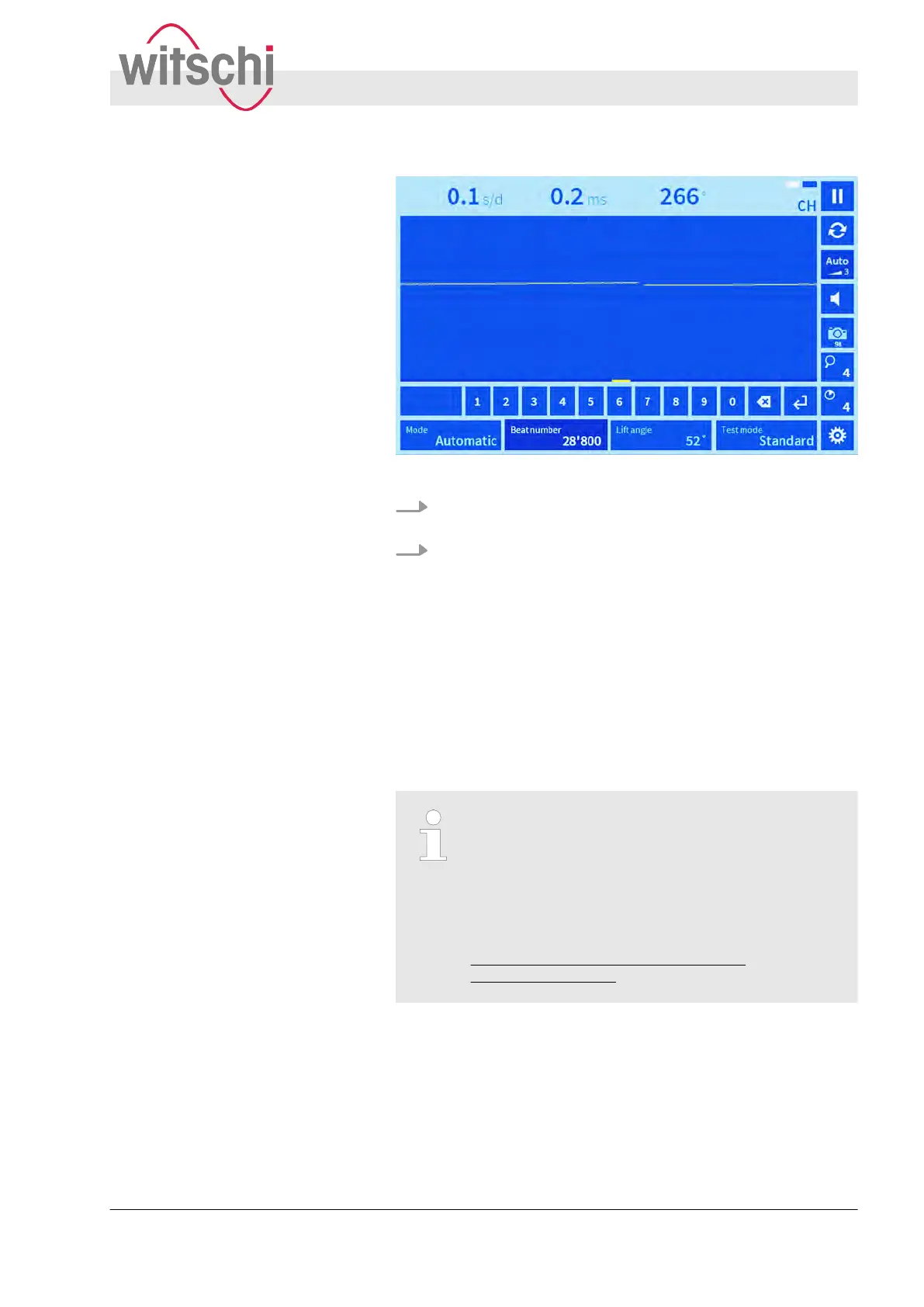
Fig. 16: Entering a beat number manually
2. Enter the desired beat number in accordance with the watch
manufacturer
’s specifications.
3. Confirm by pressing the “Enter” touch button.
ð
Measurements will then be carried out using the set beat
number
.
5.2 Setting the lift angle
The “Lift angle” touch button provides a list of options for setting
the lift angle for escapement. The amplitude is calculated with the
aid of the lift angle and can be set in accordance with the watch
caliber
.
Selecting the lift angle in accordance with the
clockwork manufacturer
’s specifications
Incorrect setting of the lift angle leads to an incor-
rect amplitude value. To find out which lift angle
should be entered for the watch that is to be
tested, contact the clockwork manufacturer. Other-
wise, a manufacturer list with parameter data can
be downloaded from the Witschi website at:
www.witschi.com/de/service/downloads/
technische-infos.html.
Setting the lift angle
Setting measuring parameters
Setting the lift angle
27.02.2018 Precision measuring device Watch ... 39



 To Next Page