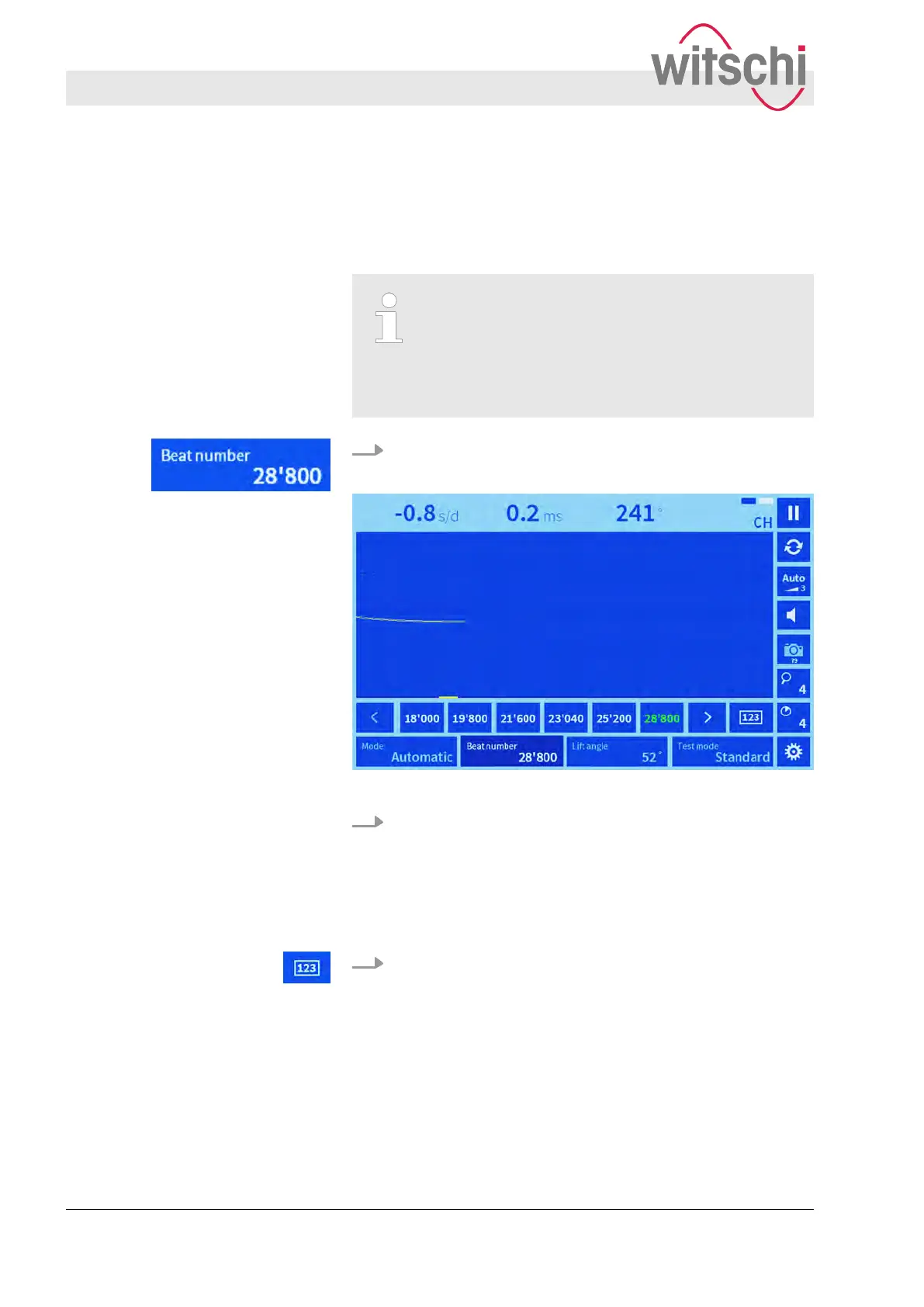
As an alternative to automatic recognition, the beat number can
also be selected manually from the touch button selection list.
Requirement:
n The “Manual” mode is set.
Adding a beat number to the selection list
Under “Settings > Parameters > Beat number”, it is
possible to set the beat numbers that are shown in
the main display under the “Beat number” touch
button. Beat numbers between 3,600 b/h and
86,400 b/h) can be selected.
1. Press the “Beat number” touch button.
ð
A selection list of the available beat numbers is shown.
Fig. 15: Selecting a beat number manually
2. Select the desired beat number from the list in accordance
with the watch manufacturer
’s specifications.
ð
The selected beat number is highlighted green. The
selection window is closed.
1. Press the “123” touch button.
ð
A keypad appears.
Selecting a beat number manually
Entering a beat number manually
Setting measuring parameters
Setting the beat number
27.02.2018Precision measuring device Watch ...38



 To Next Page