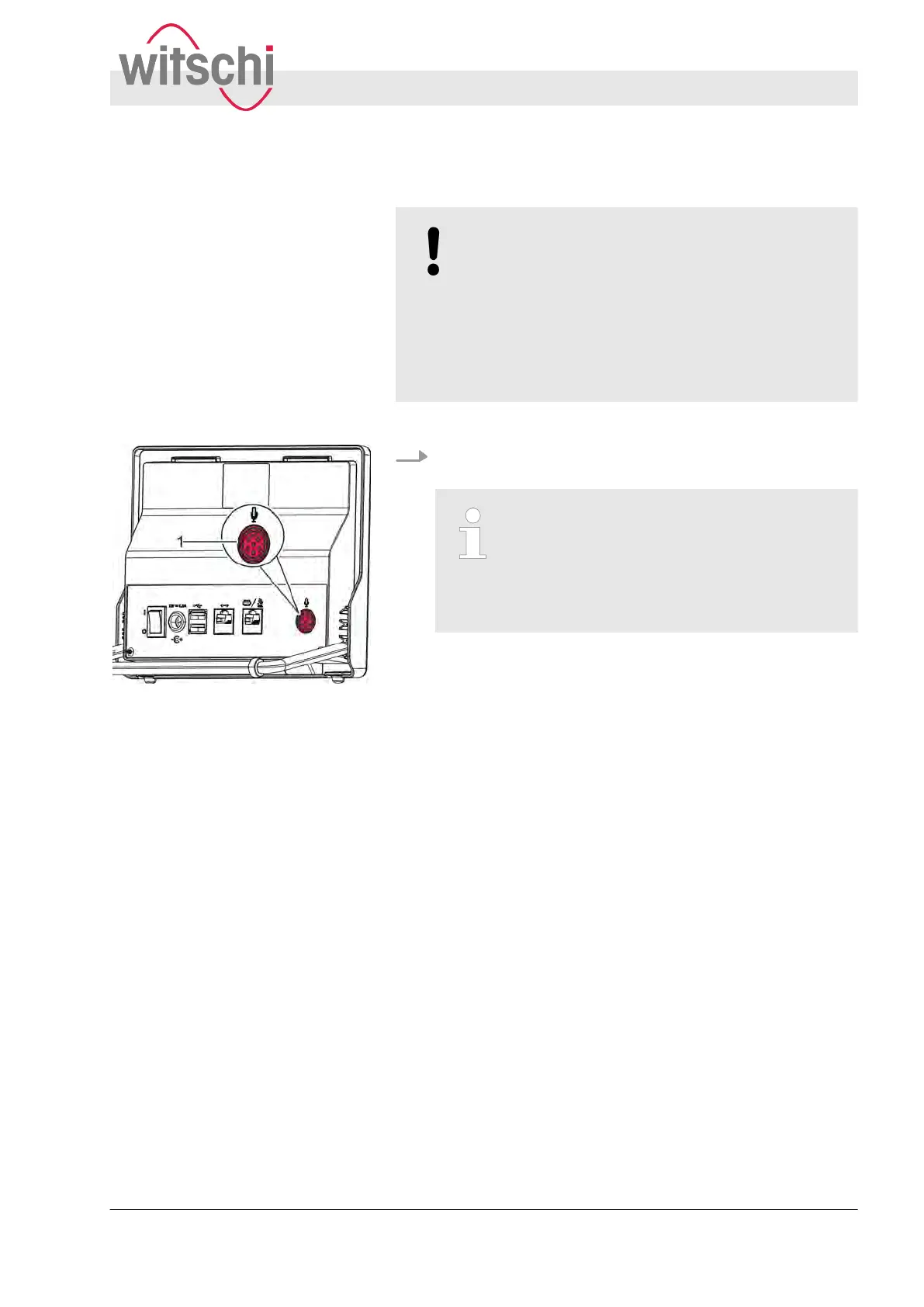
4.4 Connecting the microphone
NOTICE!
Risk of material damage if an unsuitable micro-
phone is used!
Using an unsuitable or damaged microphone can
result in a short-circuit. This can damage the
device.
– Only use the supplied microphone.
–
Place the microphone on an even surface.
Personnel:
n
Operator
Insert the microphone cable into the microphone socket
(Fig. 1
1/1).
Observe the correct alignment of the
microphone cable
When connecting the microphone cable,
observe the notch on the socket and align
the cable accordingly
. Connect the cable
carefully and do not use force!
ð
The microphone is connected to the W
atch Expert.
4.5 Connecting the printer
The thermal printer is used to print out test results. The thermal
printer is connected to the W
atch Expert via the printer port
(
Ä
page 34).
The test results can be printed out in the following ways:
n Connect the Witschi thermal printer directly to the Watch
Expert and begin using it.
Use of a suitable microphone
Fig. 11: Microphone socket
Thermal printer
Commissioning the Watch Expert
Connecting the printer
27.02.2018 Precision measuring device Watch ... 33



 To Next Page