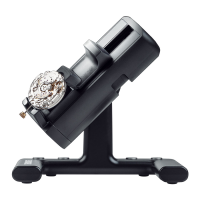
1.3 User interface
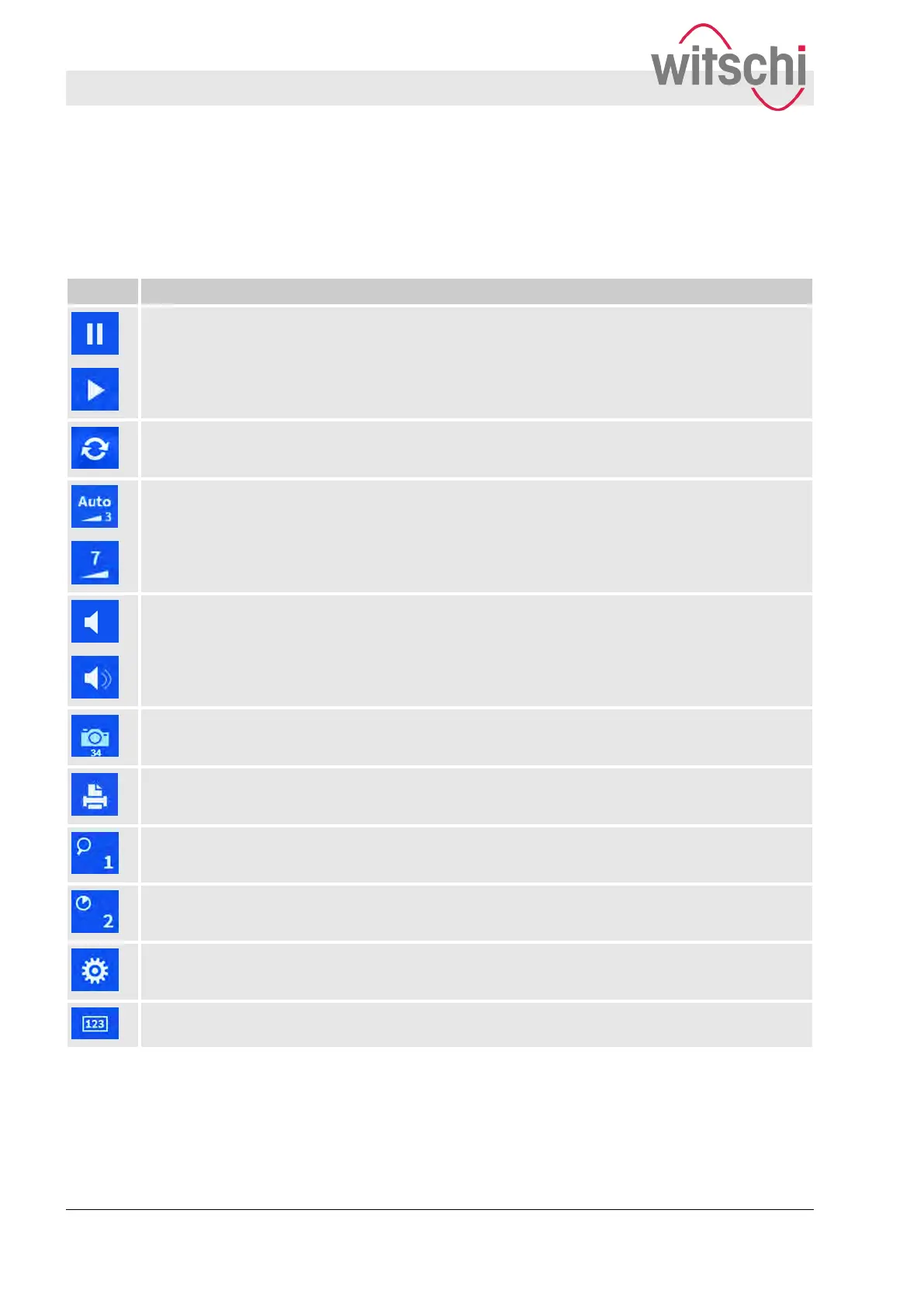
The symbols and touch buttons on the software user interface
have the following functions:
Symbol Function
Starting/pausing the measuring procedure.
Deleting the current measured values and restarting the measuring procedure.
Automatic recognition/manual control of the signal strength.
Switching the integrated speaker on/off.
Generating screenshots of the current view, where a USB stick is connected.
Sending the measuring results to a connected printer and printing them out.
1x, 2x, 4x, 8x and 16x enlargement of the diagram.
Adjustment of the integration time.
Opening the settings menu.
Opening the keypad for manual parameter entry.
Quick guide to the user interface
Product description
User interface
27.02.2018Precision measuring device Watch ...10


 To Next Page