7.1 Configuring touch buttons
Using the “Parameters” tab, it is possible to set which parameters
are to be displayed in the selection lists of the touch buttons in the
main display
.
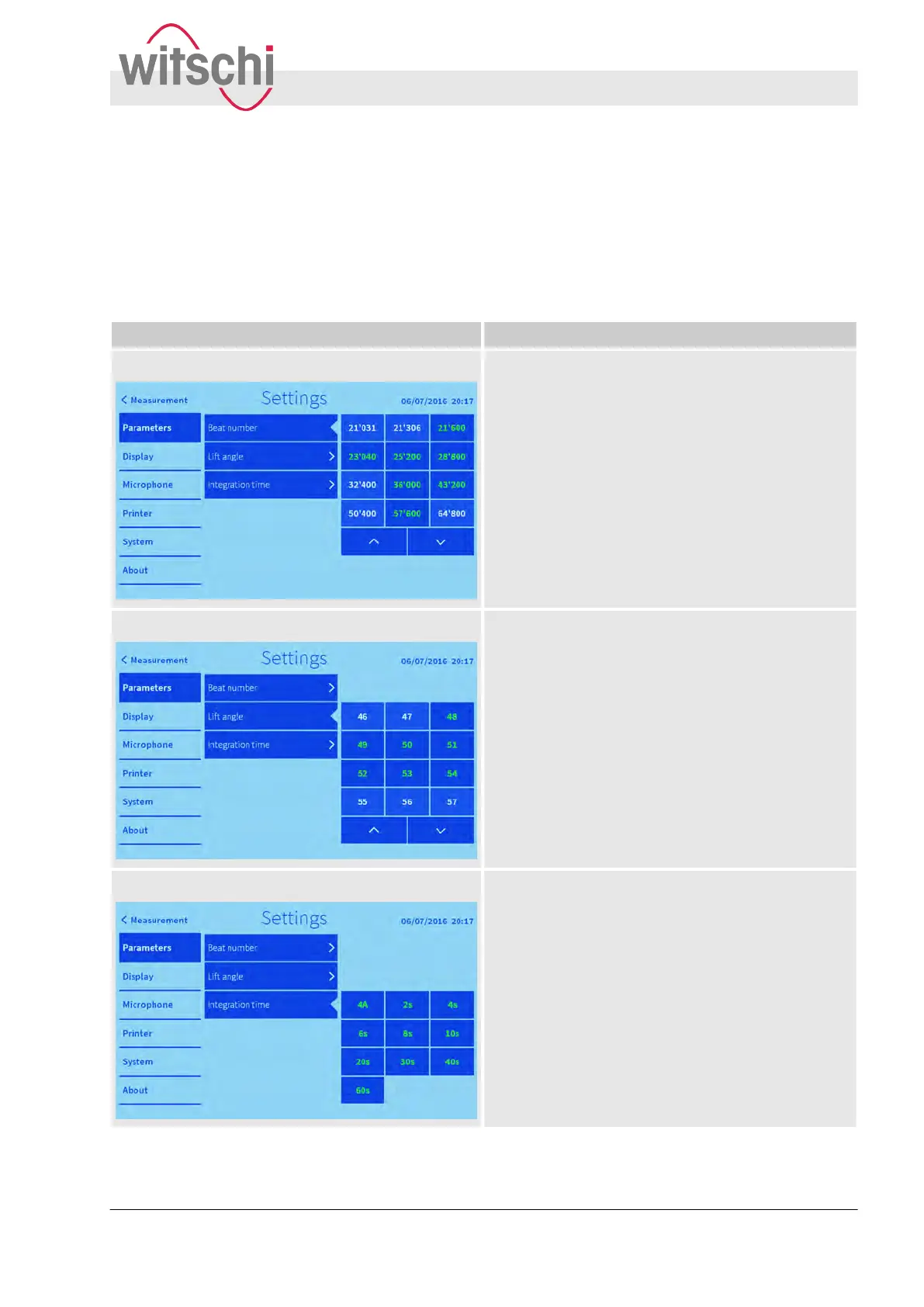
The following touch buttons can be configured:
Appearance Additional information
Beat number Beat numbers between 3,600 b/h and 86,400 b/h
can be added to the touch button selection list.
Lift angle Lifting angles between 10° and 90° can be added to
the touch button selection list.
Integration time The following integration times can be added to the
touch button selection list:
n 4 A
n 2 s
n 4 s
n 6 s
n 8 s
n 10 s
n 20 s
n 30 s
n 40 s
n 60 s
Adding parameters to the selection
list
Configuring the user interface
Configuring touch buttons
27.02.2018 Precision measuring device Watch ... 55



 To Next Page