EasyManua.ls Logo

Witschi ChronoMaster - User Manual

Witschi ChronoMaster
50 pages
Print Icon
To Next Page IconTo Next Page
Loading...
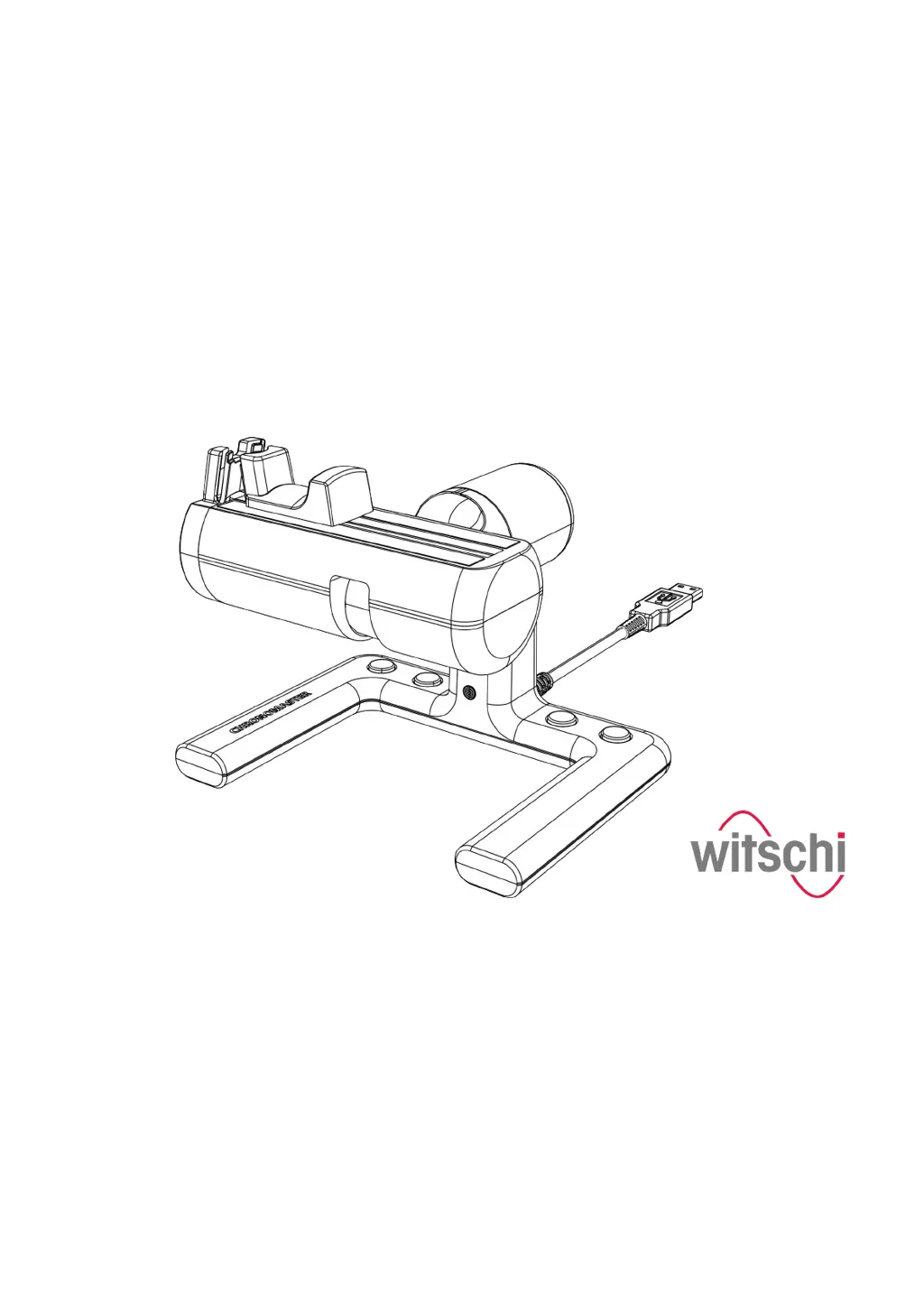
Precision measuring device
ChronoMaster / ChronoMaster Air
Read the instructions prior to performing any task!

Other manuals for Witschi ChronoMaster

Questions and Answers

  • R
    Rachel JohnsonAug 17, 2025
    What to do if there is interference in the diagram with Witschi Measuring Instruments?
    • A
      Ashley WalkerAug 17, 2025
      If you observe interference in the diagram on your Witschi Measuring Instruments, it might be due to a signal setting that's either too strong or too weak. To resolve this, adjust the signal strength. Consult the software manual for detailed instructions on how to do this.
  • A
    Adam BarrAug 20, 2025
    Why are the measurement results implausible with Witschi Measuring Instruments?
    • C
      Claudia KellyAug 20, 2025
      If you're getting implausible measurement results with your Witschi Measuring Instruments, it could be because the watch or watch movement isn't positioned correctly. Try re-positioning the watch or watch movement as described in Chapter 4.2, “Positioning the watch and starting a measurement automatically” on page 29.
  • J
    Jill SanchezAug 22, 2025
    What to do if Witschi Measuring Instruments device is not listed in the selection list for channel assignment?
    • S
      Sharon PattonAug 23, 2025
      If your Witschi Measuring Instruments device isn't showing up in the channel assignment selection list, it might not be connected to the PC or tablet correctly. Here’s what you can do: * Move the slide switch from “ON” to “OFF” and back to “ON”. * Close the selection window for channel assignment, and open it again. * Ensure that the device is connected to the right PC or tablet computer.
  • C
    Christopher WrightAug 26, 2025
    How to fix interrupted Bluetooth connection on Witschi ChronoMaster Air?
    • L
      lopezpeterAug 26, 2025
      If the Bluetooth connection is being interrupted when using your Witschi ChronoMaster Air, it could be due to an unstable Bluetooth connection. To solve this: * Place the ChronoMaster Air closer to the PC or tablet computer. * Use the external Bluetooth dongle “Laird” (item no. JB15-BT851) for a more stable connection.
  • N
    Natasha JonesAug 28, 2025
    Why the LED in the base of Witschi ChronoMaster Air does not light up?
    • A
      Austin ShepherdAug 28, 2025
      If the LED in the base of your Witschi ChronoMaster Air isn't lighting up or flashing, there are a couple of potential causes. First, check if the slide switch is in the “ON” position and move it to the “ON” position. Also, the rechargeable batteries might not be charged. Ensure that the rechargeable batteries have been charged, connect the device to a power supply using the USB cable, and move the slide switch from “ON” to “OFF” and back to “ON.”
  • C
    Christopher RobertsAug 30, 2025
    Why is the battery capacity not displayed correctly on Witschi ChronoMaster Air?
    • R
      Ryan ThomasAug 31, 2025
      If the rechargeable batteries capacity isn't being displayed correctly on your Witschi ChronoMaster Air, it's possible that the charge status display wasn't calibrated after the rechargeable batteries were replaced. You may need to recalibrate the charge status display as described in “Recalibrating the charge status display” on page 38.
  • D
    Dennis SmithSep 2, 2025
    What to do if the LED does not light up on Witschi ChronoMaster Air?
    • J
      Jackie CastroSep 3, 2025
      If the LED in the base of your Witschi ChronoMaster Air isn't lighting up or flashing, it might be because the slide switch is not in the “ON” position. To fix this, simply move the slide switch to the “ON” position.
  • S
    Shelly MyersSep 5, 2025
    What to do if Witschi Measuring Instruments diagram shows interference?
    • B
      bphillipsSep 5, 2025
      If your Witschi Measuring Instruments diagram displays interference, the signal strength might be too strong or too weak. Adjust the signal strength; refer to the software manual for instructions on how to do this.
  • E
    ejohnsonSep 8, 2025
    Why Witschi ChronoMaster shows implausible measurement result?
    • P
      Paula ReedSep 8, 2025
      An implausible measurement result from your Witschi Measuring Instruments may occur if the watch or clockwork is not positioned correctly. Ensure correct positioning of the watch or clockwork.
  • K
    kriveraSep 12, 2025
    What to do if Witschi Measuring Instruments diagram has interference?
    • S
      scott28Sep 12, 2025
      If your Witschi Measuring Instruments diagram shows interference, the signal strength might be too strong or too weak. Adjust the signal strength according to the instructions in the software manual.

Summary

About this Document

Customer Service Information

Provides contact details, address, phone, fax, email, and website for customer support.

1 Product Description

1.1 Overview

Provides a general introduction to the ChronoMaster and ChronoMaster Air devices.

1.2 Scope of Delivery

Lists all items included in the product package for the ChronoMaster.

1.7 Technical Data

Presents detailed specifications, ranges, and resolutions of the device's capabilities.

Measuring Options

Describes the different measurement modes available for testing watches with various escapements.

2 Safety

2.1 Symbols and Warnings

Explains the meaning of symbols and signal words used to indicate hazards and information.

2.2 Risk of Material Damage

Details potential hazards that could cause damage to the device, cables, or housing.

2.3 Rechargeable Batteries

Provides warnings and instructions regarding the use and replacement of rechargeable batteries.

3 Commissioning the Device

3.1 Unpacking the Device

Guides users through the process of unpacking the device and inspecting for transport damage.

3.2 Requirements for the Location

Outlines environmental and positioning requirements for accurate measurement results.

3.3 Installing the Software

Explains how to install the 'Chronoscope Service' display software on a PC or tablet.

3.4 Connecting the Device

Details the steps for connecting the ChronoMaster device to a PC or tablet via USB.

4 Performing a Measurement

4.1 Configuring Measurement Settings

Explains how to set parameters like beat number, lift angle, and measuring mode.

4.2 Positioning the Watch and Starting a Measurement Automatically

Guides on properly clamping the watch and initiating an automatic measurement process.

4.3 Controlling the Measurement Using Control Keys

Describes the function of the device's control keys for managing measurements.

5 Device Transport and Storage

5.1 Device Shutdown

Details the correct procedure for powering down the ChronoMaster device.

5.2 Device Transport and Storage

Covers safe handling practices during transit and storage to prevent damage.

6 Device Maintenance and Cleaning

6.1 Safety During Maintenance

Highlights safety precautions, especially regarding electronics, during maintenance.

6.2 Replacing the Rechargeable Batteries

Explains the process for replacing the device's rechargeable batteries.

6.3 Maintenance Schedule

Lists recommended intervals for device cleaning and professional calibration.

7 Troubleshooting

7.1 Error Messages in the Display Software

Provides guidance on interpreting and resolving error messages from the software.

7.2 Damage to the Device

Advises on actions to take in case of visible external damage or improper repair.

7.3 Troubleshooting

Offers solutions for common operational faults and issues with the device.

8 Disposal

8.1 Device Disposal

Details environmentally sound practices for disposing of the device and its components.

8.2 Rechargeable Battery Disposal

Provides instructions for the proper disposal of rechargeable batteries.

Declaration of Conformity

CE Declaration for ChronoMaster

Official statement of compliance with relevant EU directives for the ChronoMaster.

CE Declaration for ChronoMaster Air

Official statement of compliance with relevant EU directives for the ChronoMaster Air.

Witschi ChronoMaster Specifications

General IconGeneral
Functionsbeat error measurement
DisplayDigital LCD
Power SourceAC adapter
Resolution0.1 Hz
Dimensions100 mm
Operating Temperature+10°C to +40°C
InterfaceRS-232
Accuracy±0.1 seconds/day

Related product manuals