5 Setting measuring parameters
5.1
Setting the beat number
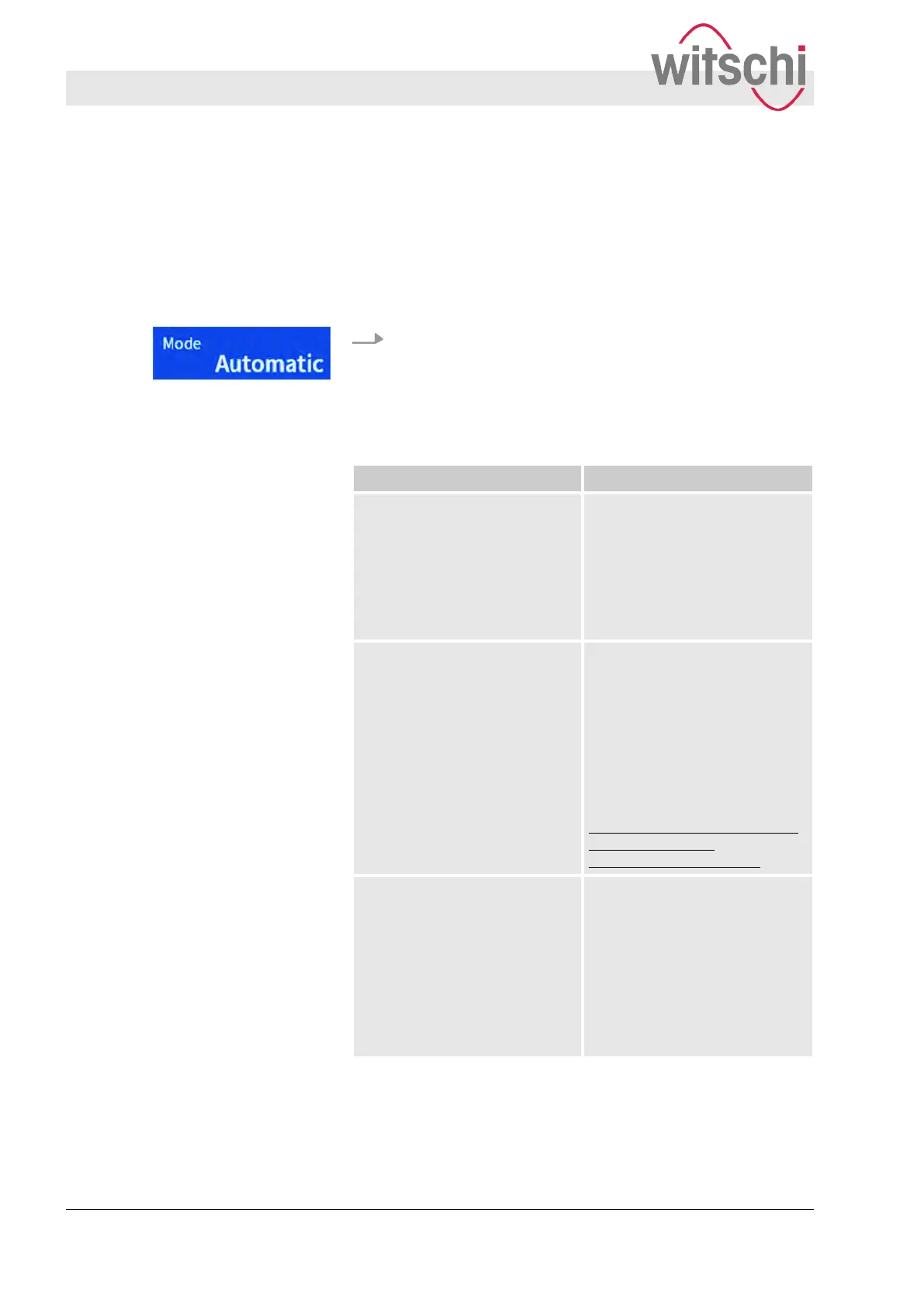
In the main display, using the “Mode” touch button, it is possible to
determine whether the beat number is to be recognised automati-
cally or entered manually
. In “Frequency” mode, the beat number
of a watch is determined for a rate deviation of 0 s/d.
Press the “Mode” touch button.
ð
A submenu with 3 options is opened.
The following modes are available:
Modus (Mode) Function
Automatic The most common beat num-
bers are pre-programmed into
the W
atch Expert (between
12,000 b/h and 72,000 b/h),
allowing for the beat number to
be recognised automatically as
soon as the watch is placed
against the microphone.
Manually If the “Manual” mode is
selected for the beat number
,
the beat numbers in the range
from 3,600 b/h to 86,400 b/h
can be selected or entered
manually. Information on the
beat number to be entered for
the test watch can be obtained
from the watch manufacturer or
downloaded from
http://www.witschi.com/assets/
files/sheets/Scope
Schlagzahlen def 2-3.pdf.
Frequency The Watch Expert determines
the beat number to obtain a
rate deviation of 0 s/d. Using
this function, reference values
for measurements and, with
that, a reference clock, can be
created. The determined beat
number can be entered as a
manual value for further meas-
urements.
“Mode” touch button
Setting measuring parameters
Setting the beat number
27.02.2018Precision measuring device Watch ...36



 To Next Page