7 Configuring the user interface
In the settings menu, you can configure the main display, touch
buttons, microphone buttons and printer
.
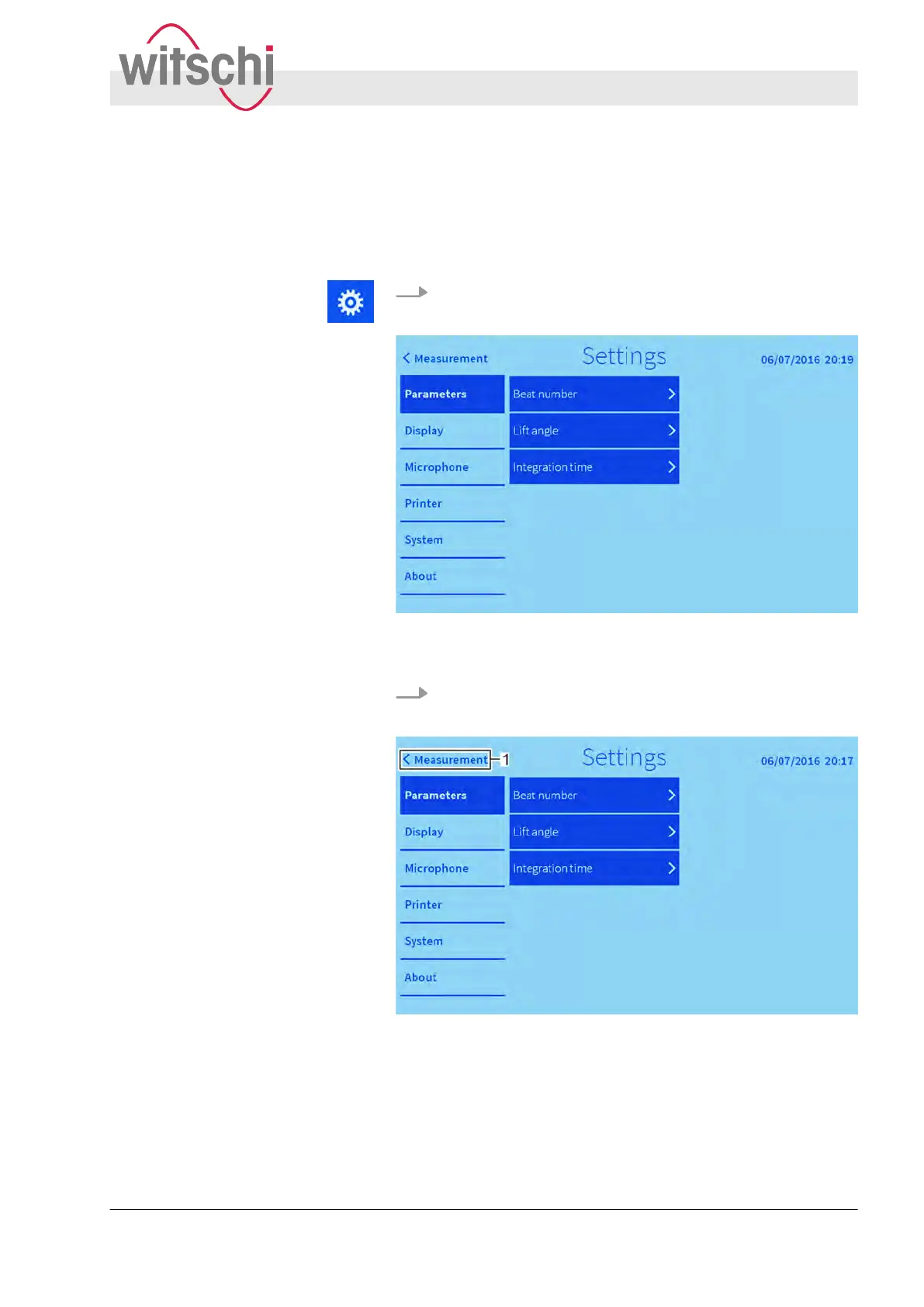
Press the “Settings” touch button.
ð
The settings menu is shown.
Fig. 28: Settings menu
Press the “Measurement” (Fig. 29/1) touch button.
ð
The settings are saved. The main display is shown.
Fig. 29: Exiting the settings menu
Opening the settings menu
Exiting the settings menu
Configuring the user interface
27.02.2018 Precision measuring device Watch ... 53



 To Next Page