Highlighting parameters
The selected parameters are highlighted green
and displayed in the touch button selection lists in
the main display
.
7.2 Configuring the main display
The main display can be configured using the “Screen” tab.
The following settings can be adjusted:
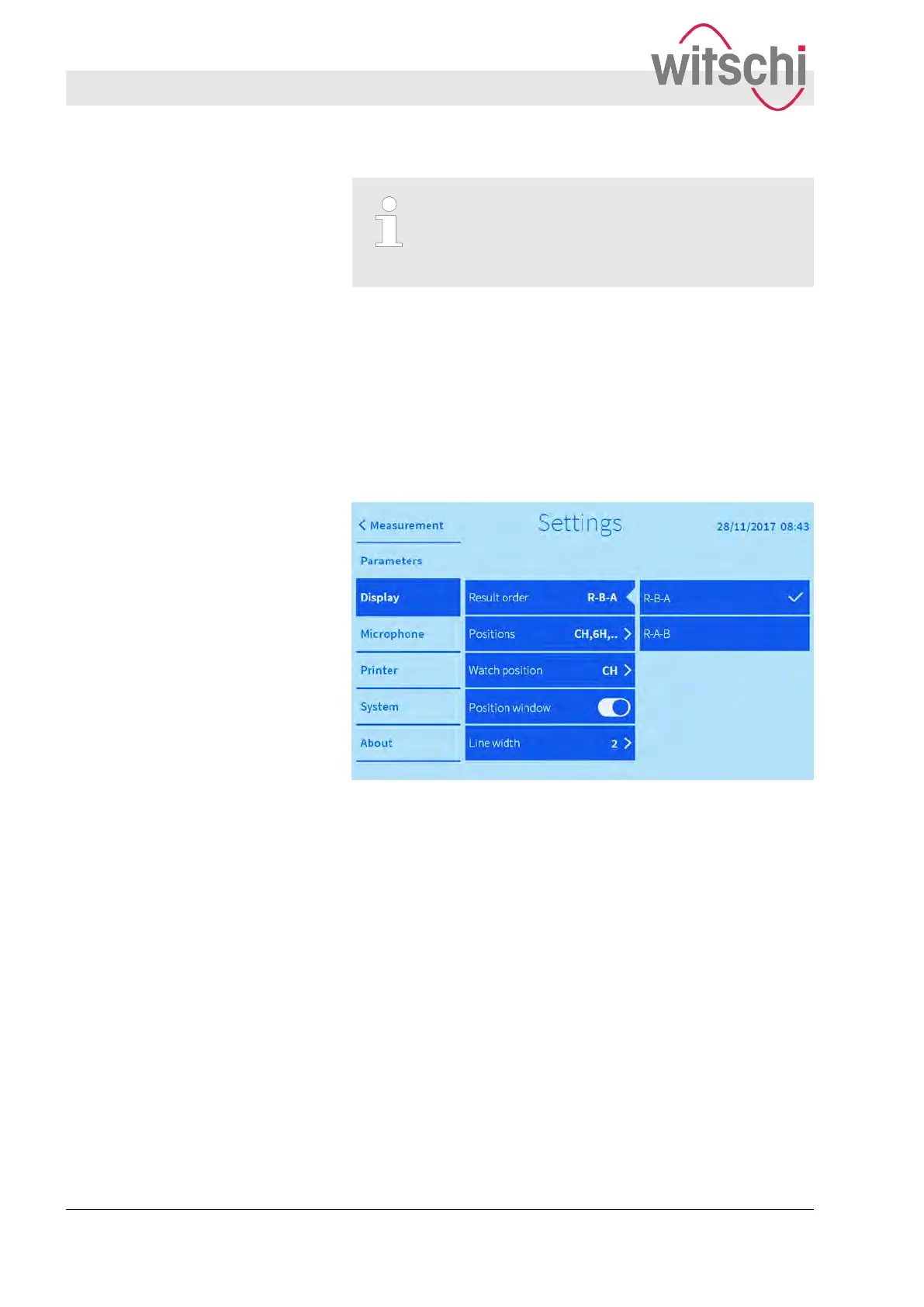
Fig. 30: Setting the display sequence of the current measured
values
Two orders are available:
n Rate deviation/beat error (repère)/amplitude
n Rate deviation/amplitude/beat error (repère)
Customising the appearance of the
main display
Result order
Configuring the user interface
Configuring the main display
27.02.2018Precision measuring device Watch ...56



 To Next Page