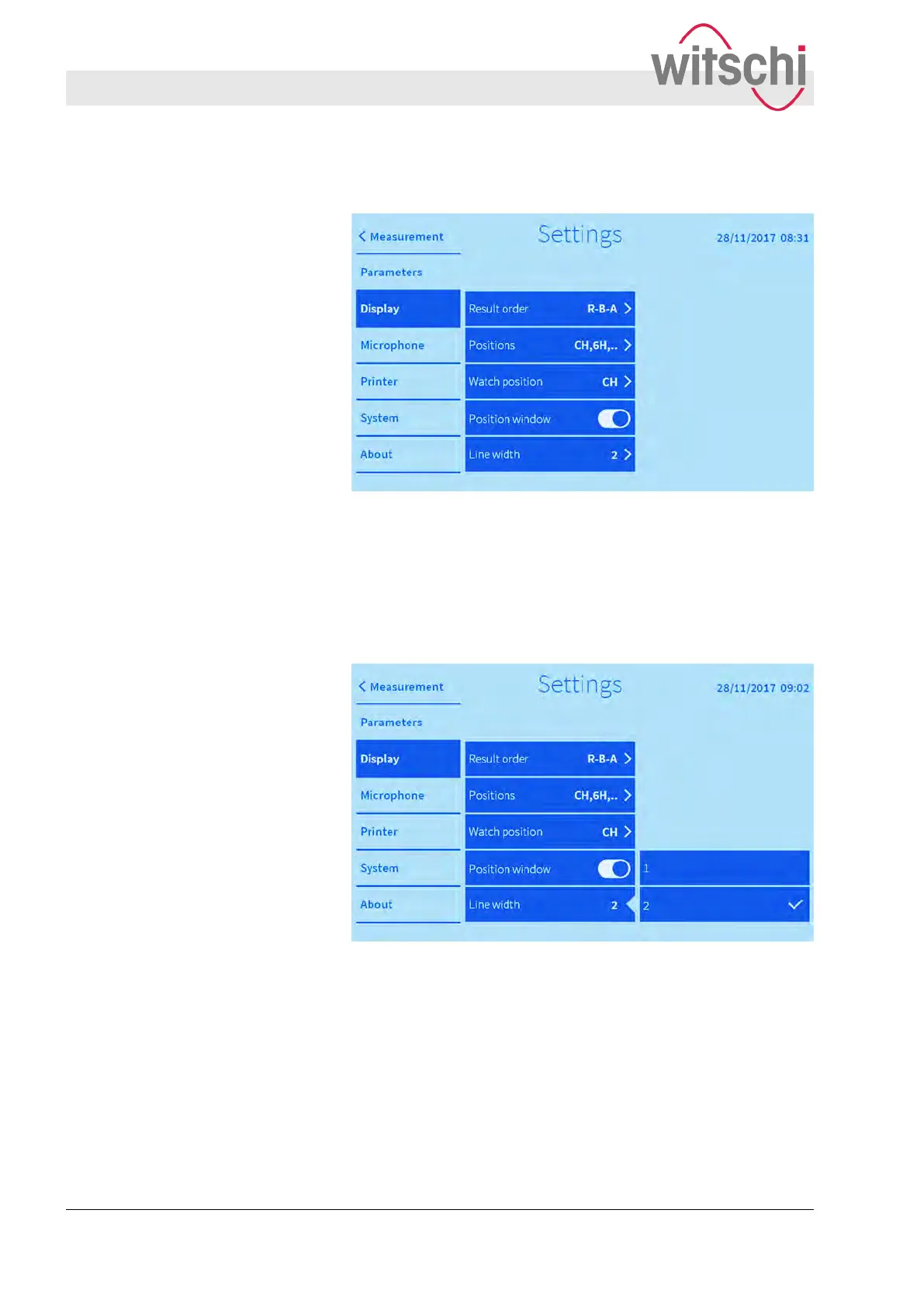
Fig. 33: Hiding/displaying the position windows of the measured
test positions in the main display (only in the diagram display
mode)
The position windows of the measured test positions can be dis-
played/hidden in the main display
. If the position windows are
hidden, the test positions do not appear on the printout.
Fig. 34: Determination of line thickness (only in Diagram display
mode)
The diagram line is shown with different thicknesses.
7.3
Configuring microphone buttons
The following settings are available using the “Microphone” tab:
Position windows
Line width
Configuring microphone buttons
Configuring the user interface
Configuring microphone buttons
27.02.2018Precision measuring device Watch ...58



 To Next Page