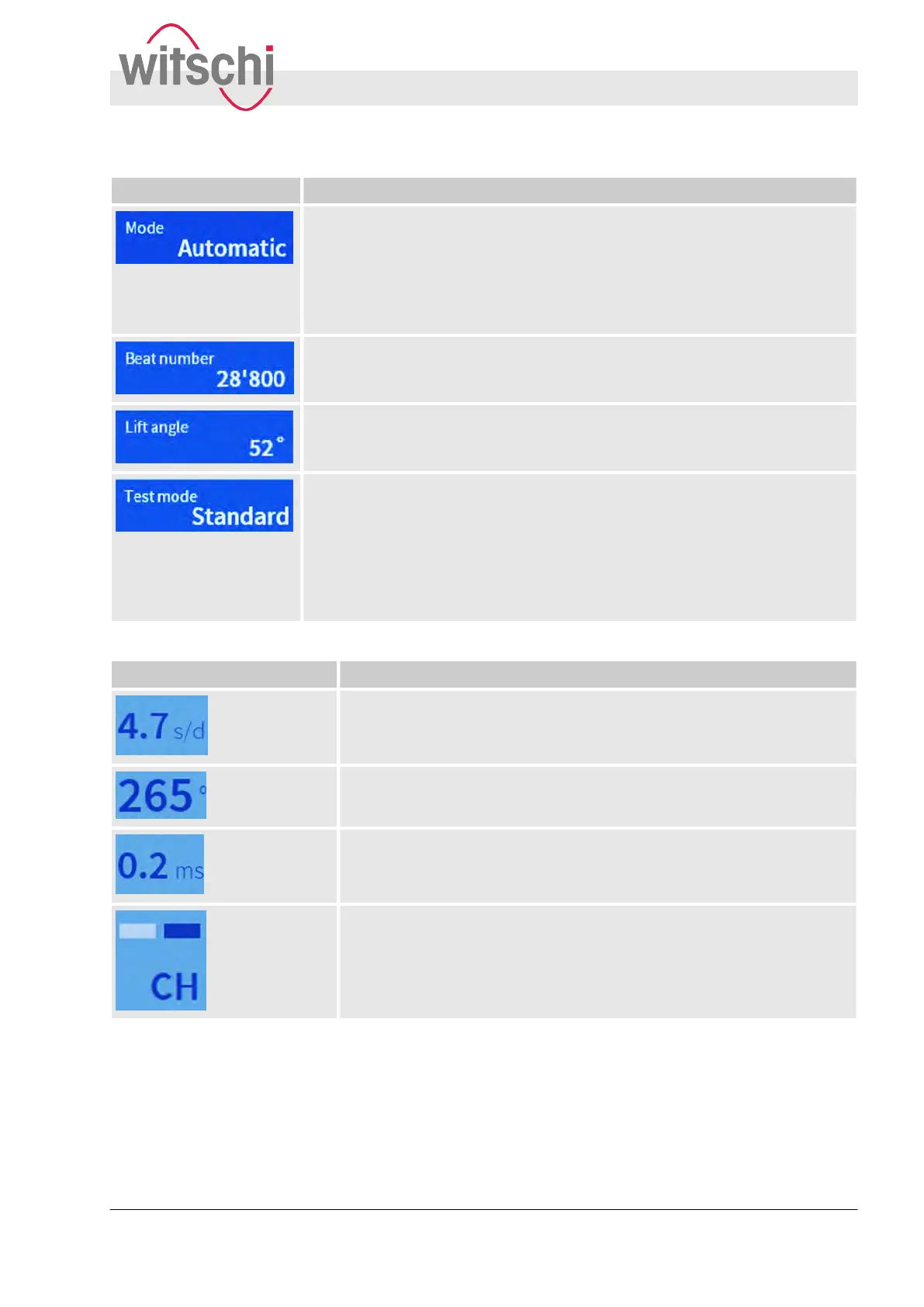
Touch button Function
Provides 3 different options for setting the beat number:
n Automatic: The beat number is recognised automatically
.
n Manual: The beat number (value between 3,600 b/h and 86,400 b/h) can
be entered manually.
n Frequency: The beat number is calculated automatically to obtain a rate
deviation of 0 s/d.
Provides the option of entering the beat time (value between 3,600 b/h and
86,400 b/h) manually
.
Provides the option of manually selecting/entering the lift angle (value between
10° and 90°).
Provides 4 different option for setting the test mode:
n Standard: Mode for watches with Swiss anchor escapement. T
o determine
the amplitude of the watch, the lift angle must be specified.
n Rate: Mode for rate measurement of watches with cylinder, duplex or chro-
nometer escapement, in addition to watches with unusual beat noise.
n Special 1 (co-axial):: Mode for watches with co-axial escapement.
n Special 2 (AP): Mode for watches with AP escapement.
Display element Function
Shows the rate deviation in s/d.
Shows the amplitude in °.
Shows the beat error (repère) in ms. If the zero-crossing is reached
during calibration (fine-tuning) the
Δ symbol appears in addition to the
beat error, e.g. Δ 0.9 ms.
Shows the currently-set test position of the watch. The flashing bars indi-
cate that measured results are being received.
Product description
User interface
27.02.2018 Precision measuring device Watch ... 11


 To Next Page