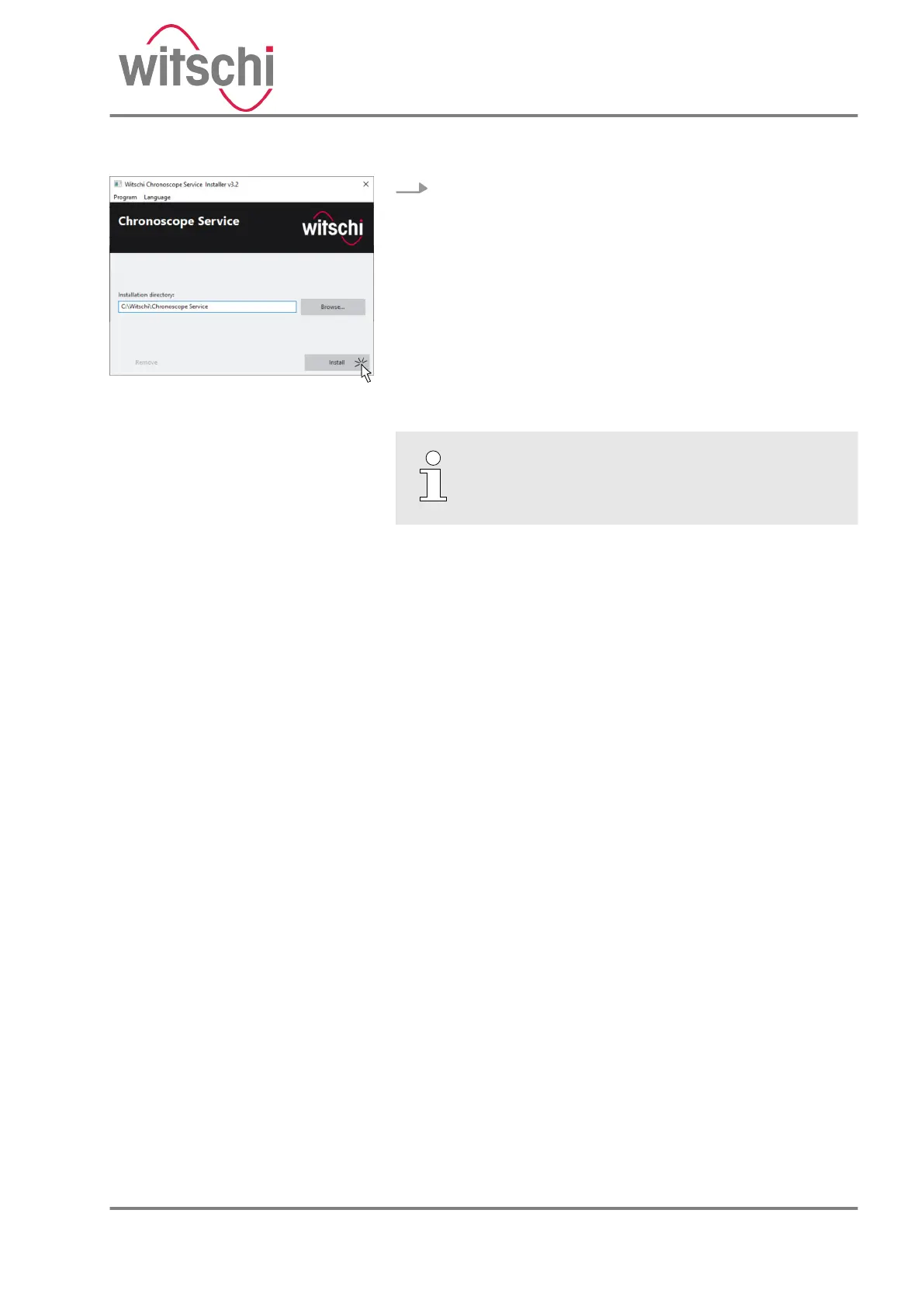
5. Start the installation (Fig. 4).
ð
After successful installation, the software can be
started:
Software updates
Information on potential software updates is
provided on the manufacturer’s website.
Fig. 4: Installing the software
24.03.2021 Precision measuring device ChronoMaster / ChronoMaster Air 23



 To Next Page