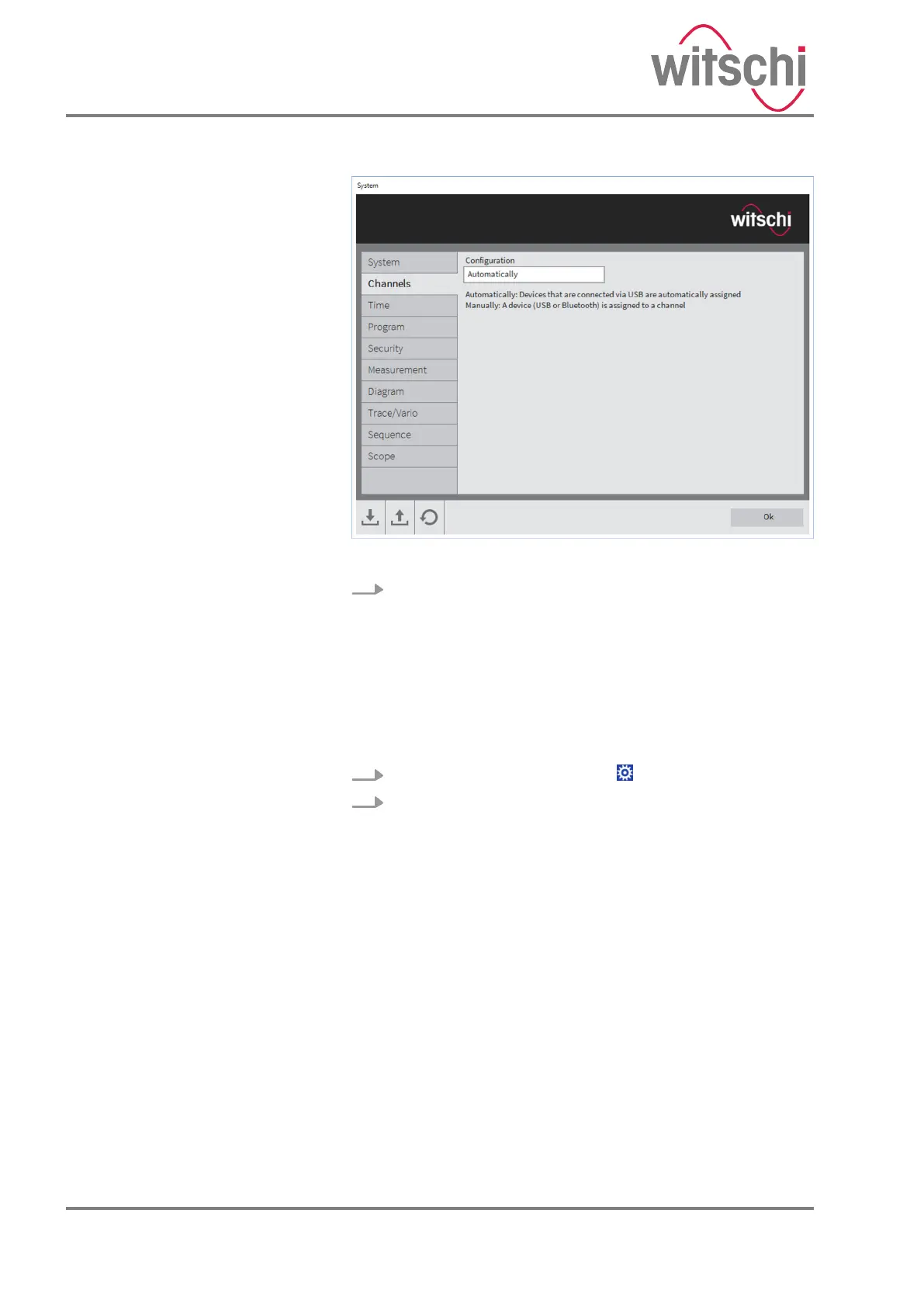
Fig. 8: Automatic channel assignment
3. Click on the “Channels” tab and select “Automatic” .
ð
Die Software identifies the device connected by USB.
Personnel:
n
Operator
Prerequisite:
• The “Chronoscope Service” display software is installed on
the PC or tablet computer.
1. Click the configuration symbol .
2. Click the [Yes] button in the “Configuration” dialog
window.
Configuring the device in “manual”
mode
24.03.2021Precision measuring device ChronoMaster / ChronoMaster Air26



 To Next Page