WLKATA Mirobot Manipulator User Manual
Document version 1.0 User Manual Copyright© Beijing Tsinew Technologies Co., Ltd.
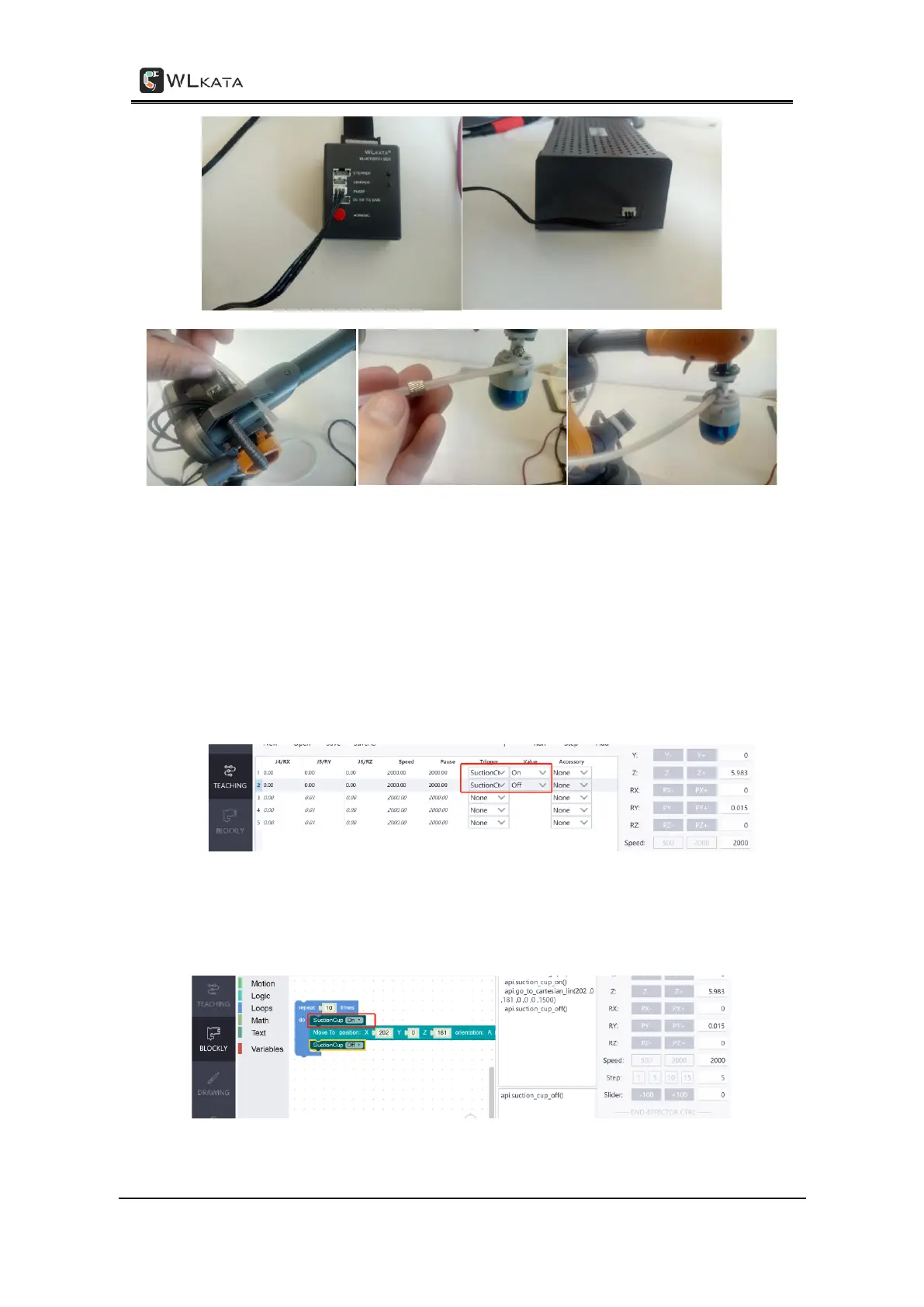
The method of connecting the Pneumatic Set with the manipulator
(8) Control the pneumatic tool status (suction cup on and off): The pneumatic tool can be
controlled under the COMMAND, TEACHING and BLOCKLY functions in the WLKATA Studio:
• In the COMMAND page, control the pneumatic tool by click the End-effect on and
End-effector off buttons on the right panel.
• In the TEACHING page, control the pneumatic tool by editing the Trigger cell and
Value cell of the teaching point line.
Controlling the pneumatic tool in the TEACHING function
• In the BLOCKLY page, control the pneumatic tool by drag and edit the Suction Cup
module which can be found in the Motion panel.
Controlling the pneumatic tool in the BLOCKLY function



 To Next Page