WLKATA Mirobot Manipulator User Manual
Document version 1.0 User Manual Copyright© Beijing Tsinew Technologies Co., Ltd.
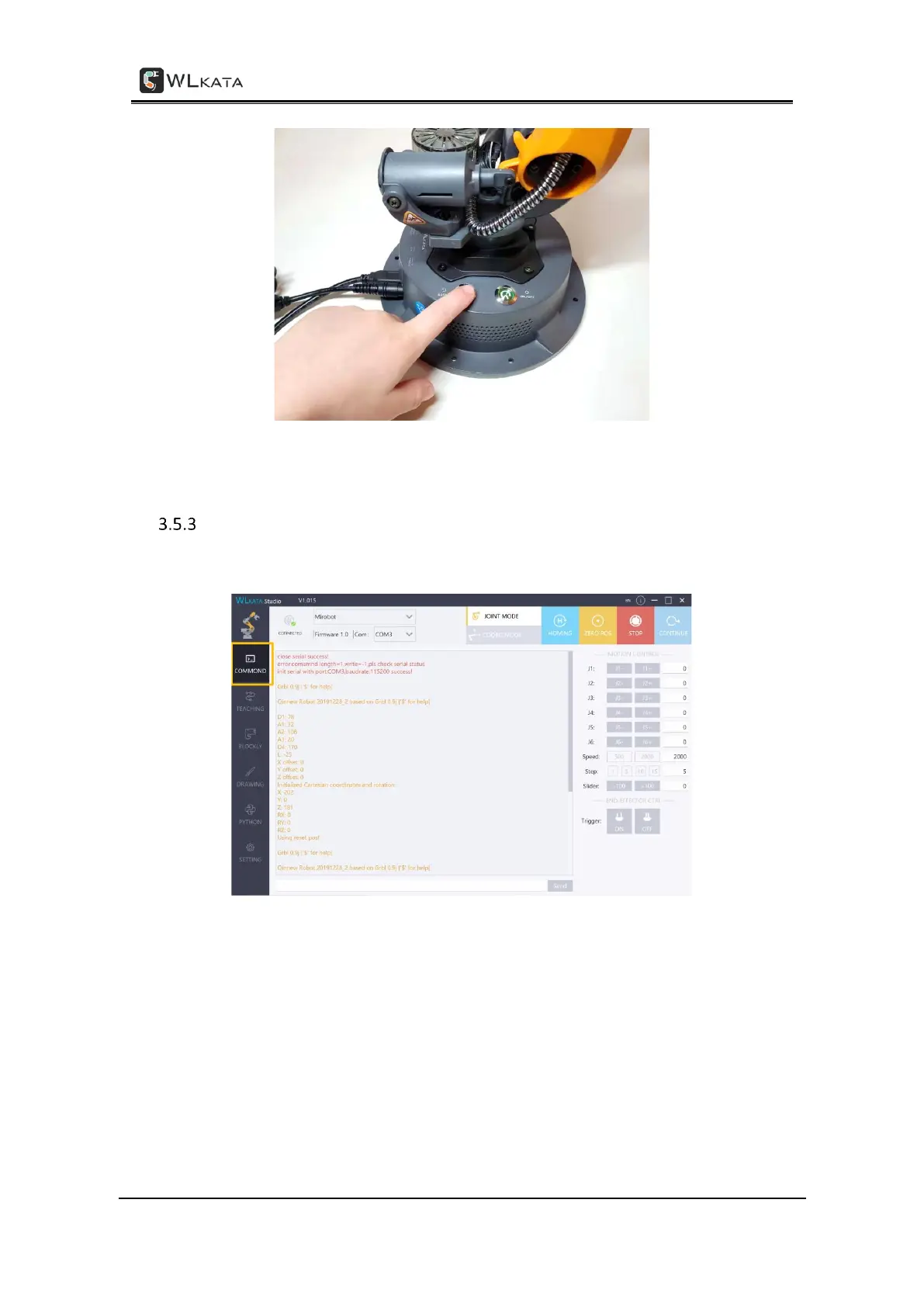
Pressing RESET button on the base of the manipulator after a software emergency stop
Using the ROBOT JOINT MODE control function
STEP (1) Click the COMMAND tab in the software interface.
STEP (2) Switch to the ROBOT JOINT MODE in the upper control modes selection panel.



 To Next Page