WLKATA Mirobot Manipulator User Manual
Document version 1.0 User Manual Copyright© Beijing Tsinew Technologies Co., Ltd.
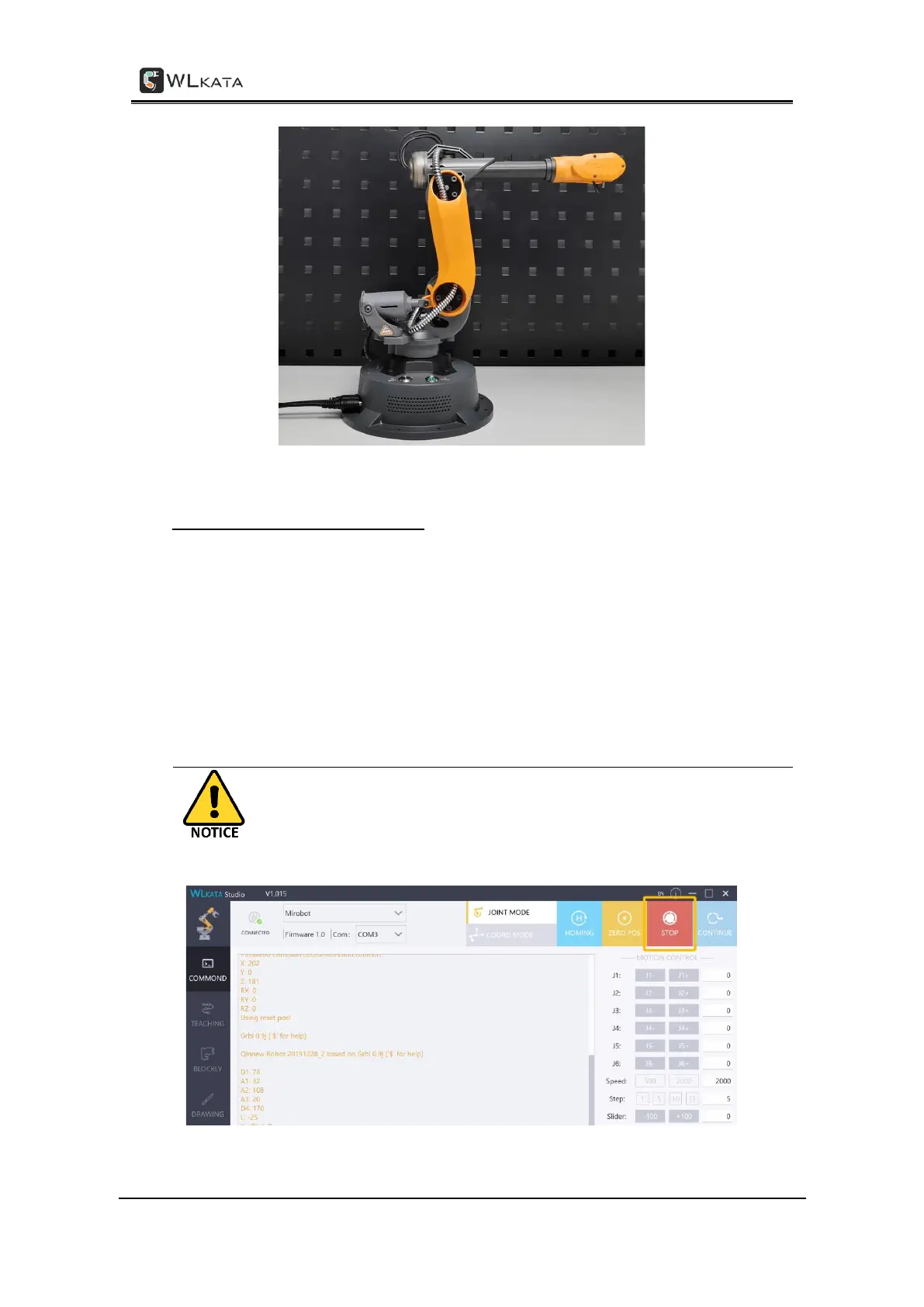
The correct manipulator position after a successful HOMING action
3. Software emergency stop and reset
In case of any illegal operation of the manipulator, click the STOP button immediately in the
Mirobot Studio to trigger a software emergency stop operation.
After the emergency stop operation, press the RESET button on the top of the manipulator
base to recover the device from the emergency status.
After press the RESET button, please HOMING the manipulator in the software again before
continuing using the manipulator.
After a software emergency stop, press RESET on top of the base,
and do the HOMING again before continuing using the
manipulator.



 To Next Page