EasyManua.ls Logo

WLKATA Mirobot - Appendix II: Firmware Upgrade Tutorial; Firmware Upgrade Process

WLKATA Mirobot
80 pages
Print Icon
To Next Page IconTo Next Page
To Previous Page IconTo Previous Page
Loading...
WLKATA Mirobot Manipulator User Manual
Document version 1.0 User Manual Copyright© Beijing Tsinew Technologies Co., Ltd.
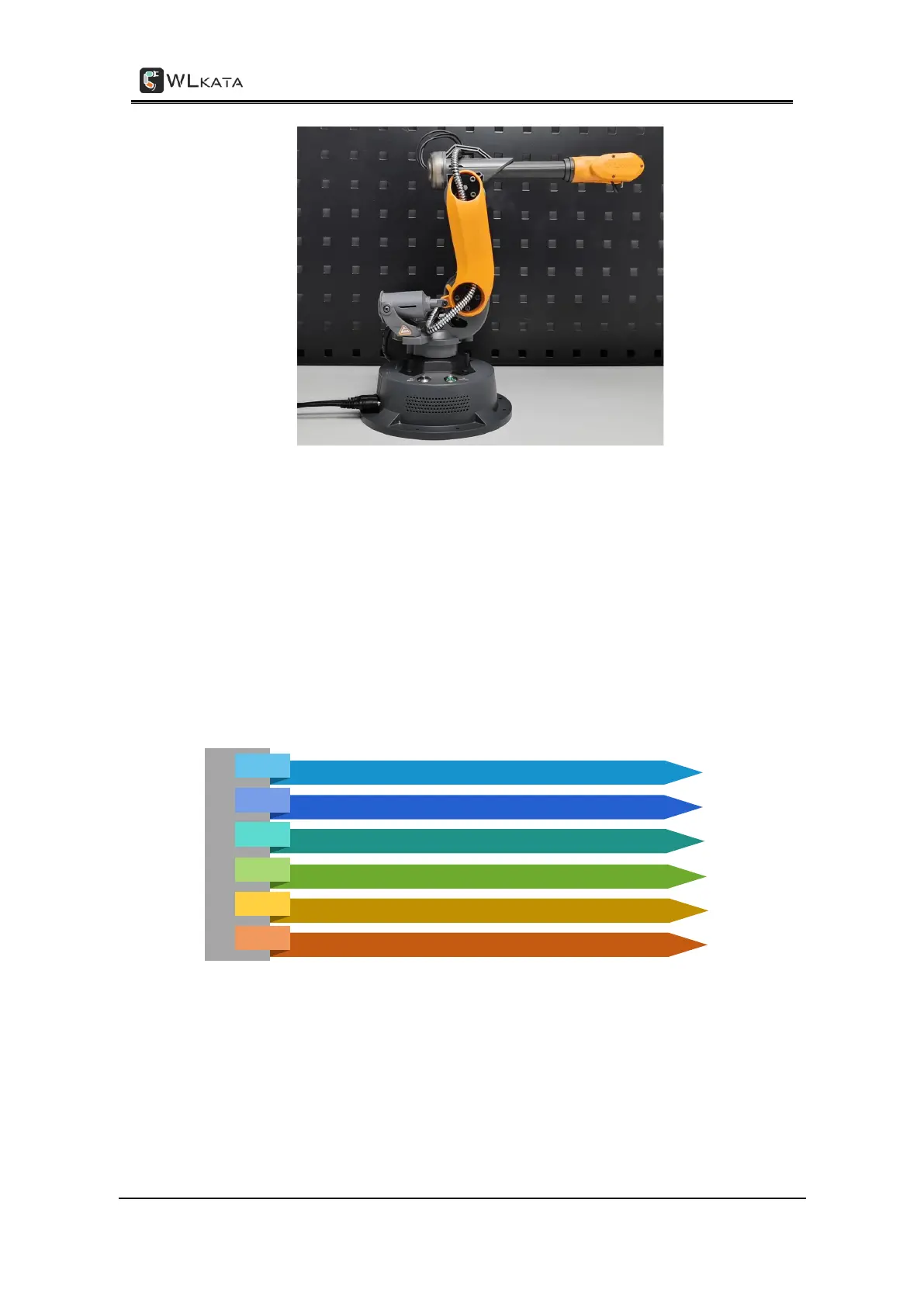
The correct manipulator position after a successful HOMING action
Appendix II
Mirobot Firmware Upgrade Tutorial
Note: Only WLKATA Studio v1.014 and above supports firmware upgrade of control software.
The process of firmware upgrade:
Step 1: Use USB cable to connect the robotic arm and computer. Turn on the power.

Connect Mirobot to Wlkata studio software
01
Open Wlkata studio "Settings" function
02
Enable the firmware update function of Wlkata studio
03
Click "Upload" in the pop-up window to download the firmware
04
Wait for the prompt of firmware refresh success
05
Mirobot homing
06

Table of Contents