WLKATA Mirobot Manipulator User Manual
Document version 1.0 User Manual Copyright© Beijing Tsinew Technologies Co., Ltd.
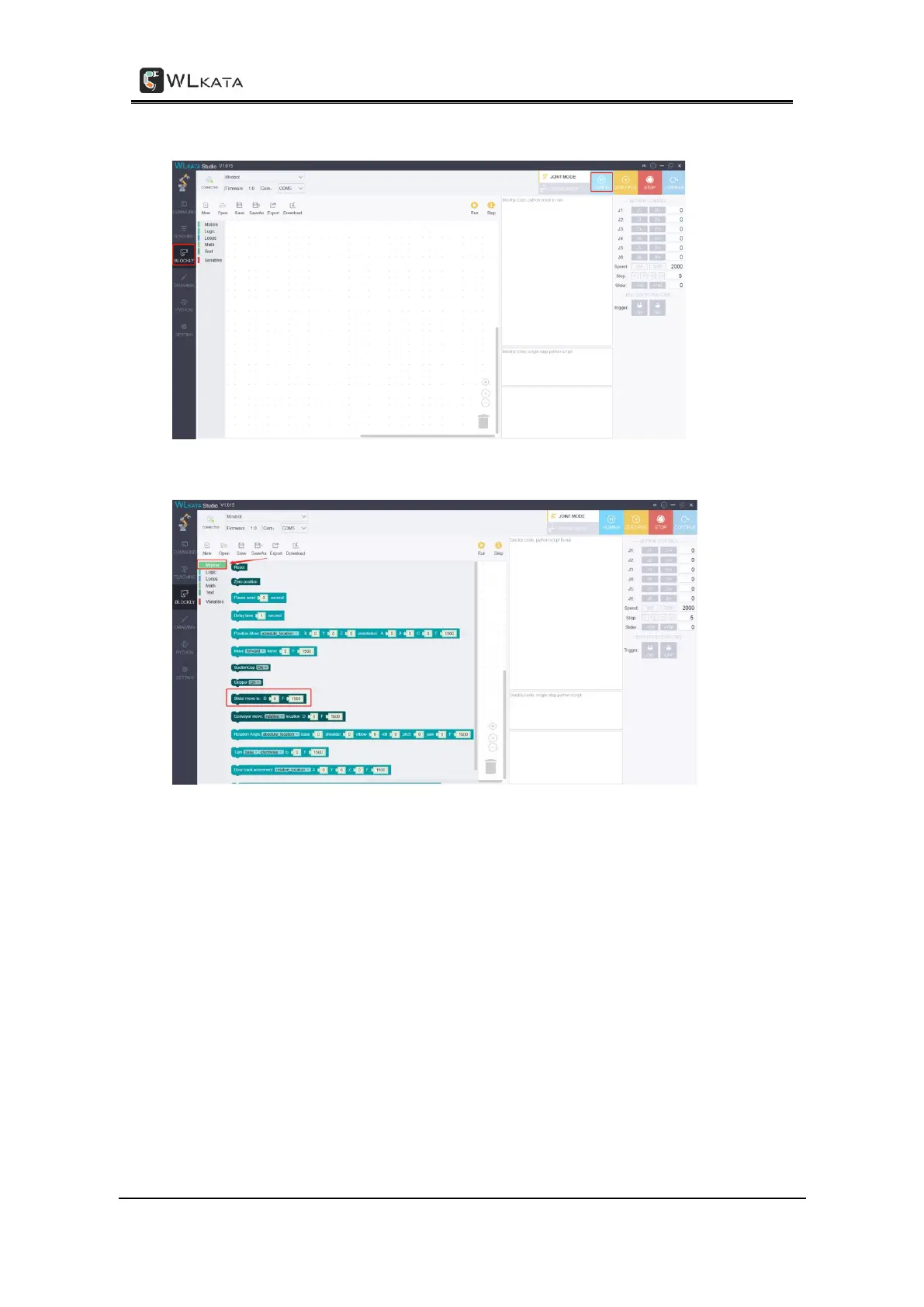
Step 4: Enter the "BLOCKLY" graphical programming interface, and homing the robotic arm.
Step 5: Select the slider option in "Motion", and drag it to the programming page.
Step 6: Click mouse to set the sliding rail moving position to "100" and the moving speed to
"1500". Then click "Run" to start performing.



 To Next Page