19
User Manual WMF1200 S
Start-up
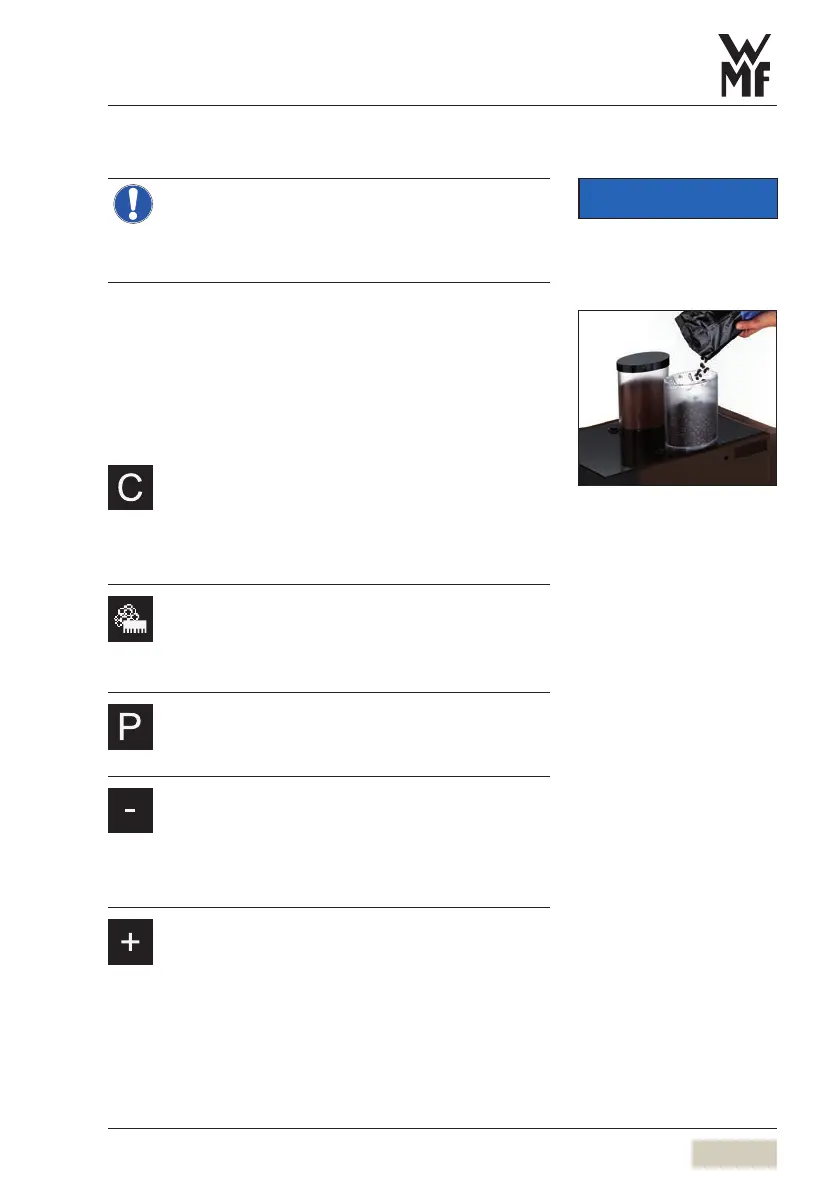
3.8 Fill the bean hopper
Foreign objects can damage the grinders.
Thisdamage is not covered under the warranty.
> Ensure that no foreign objects land in the
coffee bean hopper.
Remove the lid
Fill with coffee beans
Lock the lid
3.9 Functional pads
C pad
• Cancel operation/entry
• Cancel beverage dispensing
• Free flow milk foam dispensing
(by pressing and holding)
Care pad
• Start warm-up rinsing
(press and hold for > 2seconds)
• Access care and cleaning programs
P pad
• Access programs
• Confirm selection
Minus pad
• Step back
• Reduce value
• Reduce coffee strength (mild)
• Select cup size (-25 %)
Plus pad
• Step forward
• Increase value
• Increase coffee strength (strong)
• Select cup size (+25 %)
IMPORTANT
Observe the Warranty chapter
w starting on page 90


 To Next Page