32
User Manual WMF9000 F VB
Software | “Ready to operate” display
4.2 “Ready to operate” display
The display shown when “Ready to operate” depends
on the individual settings and options of the coffee
machine.
4.2.1 Beverage buttons
All beverage buttons that are ready to dispense are
illuminated.
All set beverages are shown on the display. The coffee
spout is in the center, underneath the operating panel.
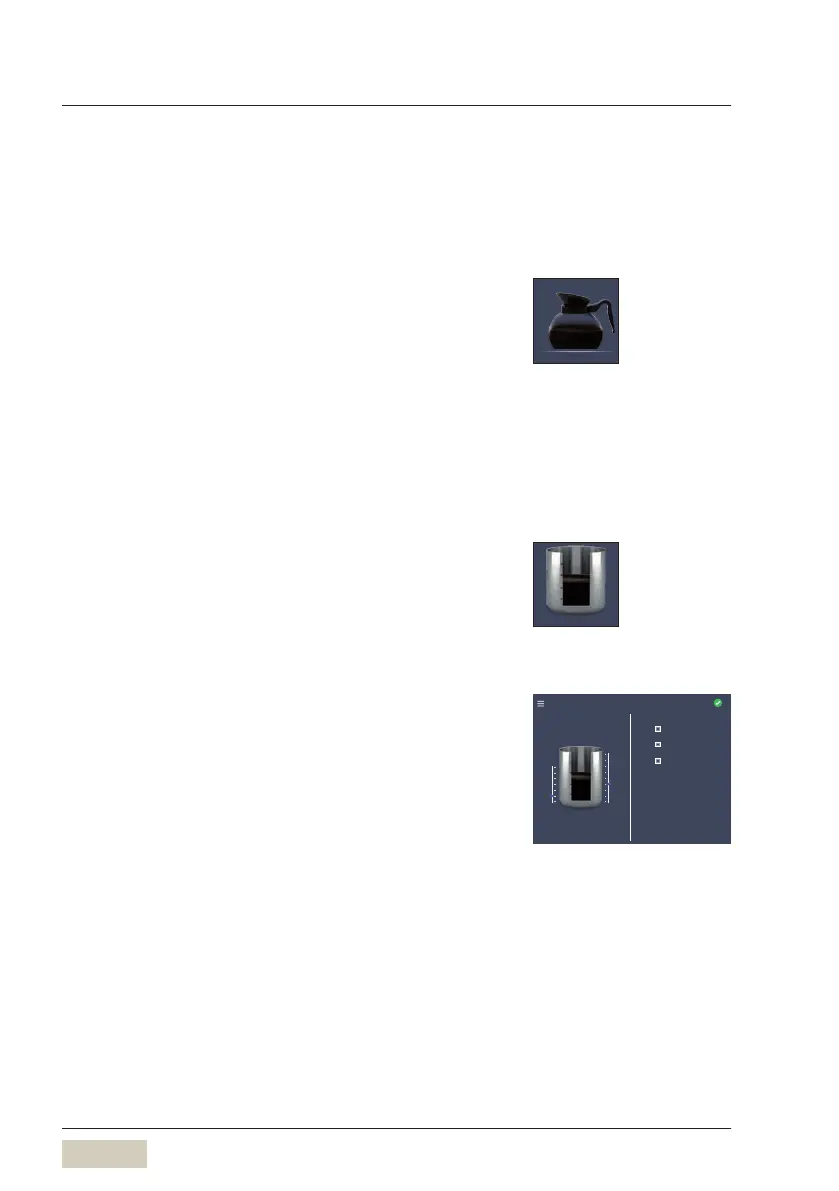
Storage urn offers cup, mug, small and large pot as
beverage sizes.
The hot water spout for cup, mug, small pot and large
pot is to the right.
4.2.2 Storage urn menu
Touch “Storage urn” button
The “Storage urn” menu opens.
Left side
The current storage urn content is displayed above
thesymbol.
Set post-brewing threshold (slider)
This sets the quantity remaining in the storage urn
required to start post-brewing.
The slider is used to set the target quantity
The target quantity is affected by the set brewing
batch size.
Standard: 1, 2, or 4litre
Right side
Immediate brewing can be started from here.
A defined brewing batch can be selected or the storage
urn can be filled to the maximum.
1litre brewing
Example:
1litre brewing, pot of coffee
Button layout
w Operating options
page 42
Storage urn
“Storage urn” button
System
Storage urn
Post-brewing threshold
0.5 l 1.5 l
Target quantity
Contents
1.3 Litres
Brewing quantity
max
+1.0 Litres
+2.0 Litres
Set “Storage urn brewing batches”
w Operating options
page 39



 To Next Page